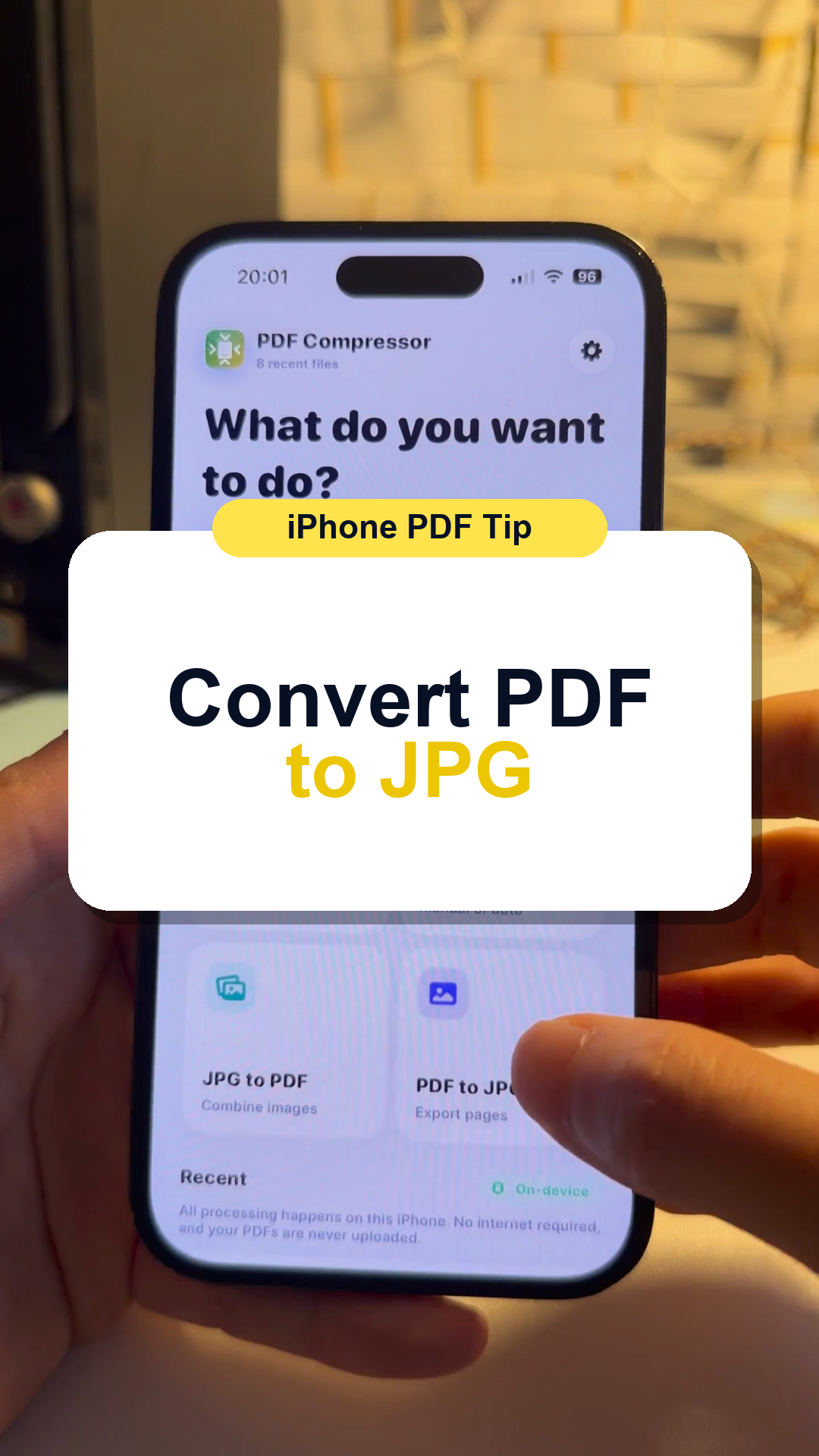
How to Convert PDF to JPG or JPEG on iPhone
Turn PDF pages into photo files when you need to upload, share, or save pages as images.
Short videos for real iPhone file tasks: compress a PDF, add a text watermark, sign a document, make audio smaller, convert M4A to MP3, and more.
Turn PDF pages into photo files when you need to upload, share, or save pages as images.
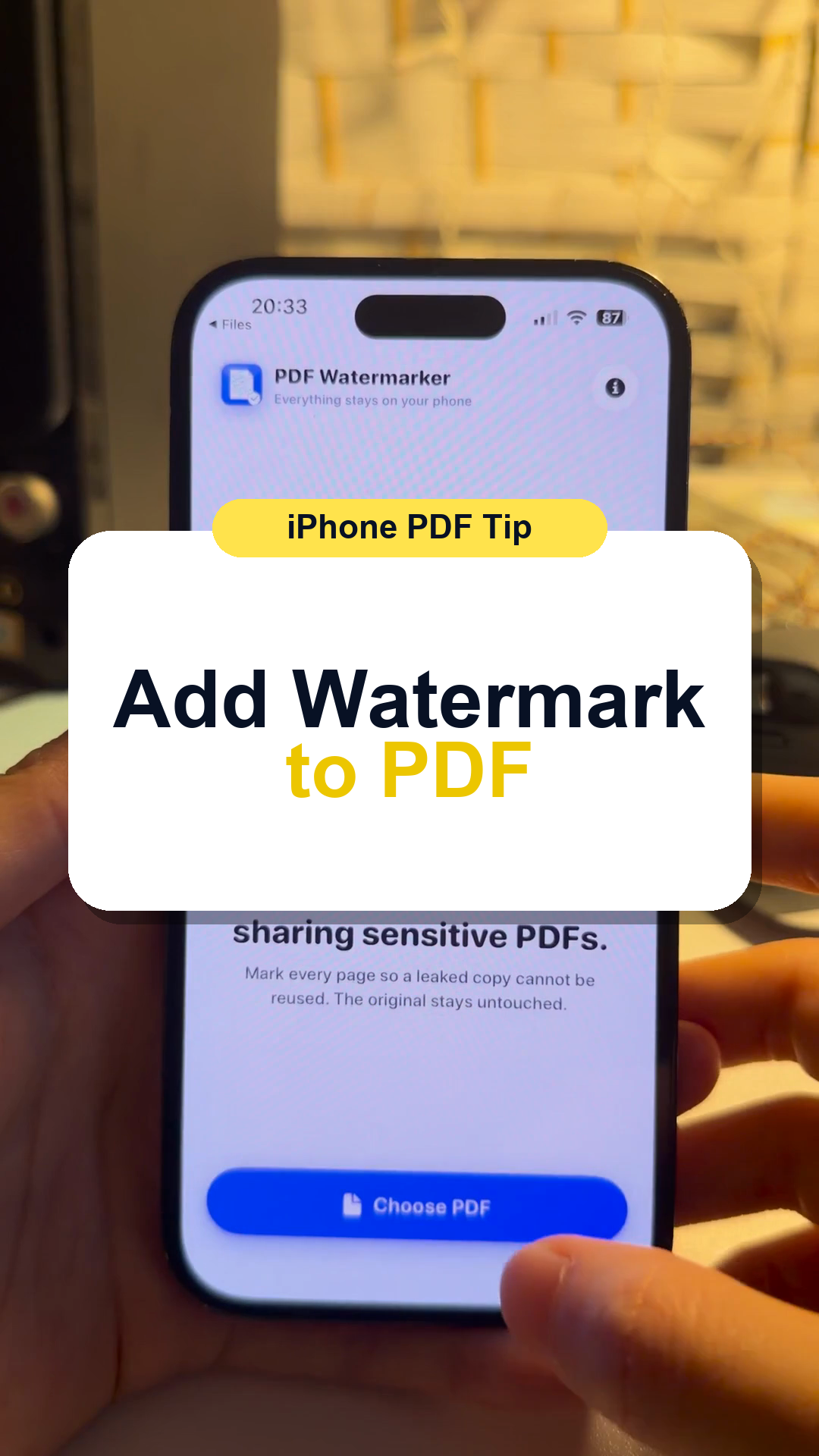
Add a visible purpose mark before sending sensitive documents for renting, visas, forms, banking, or ID copies.
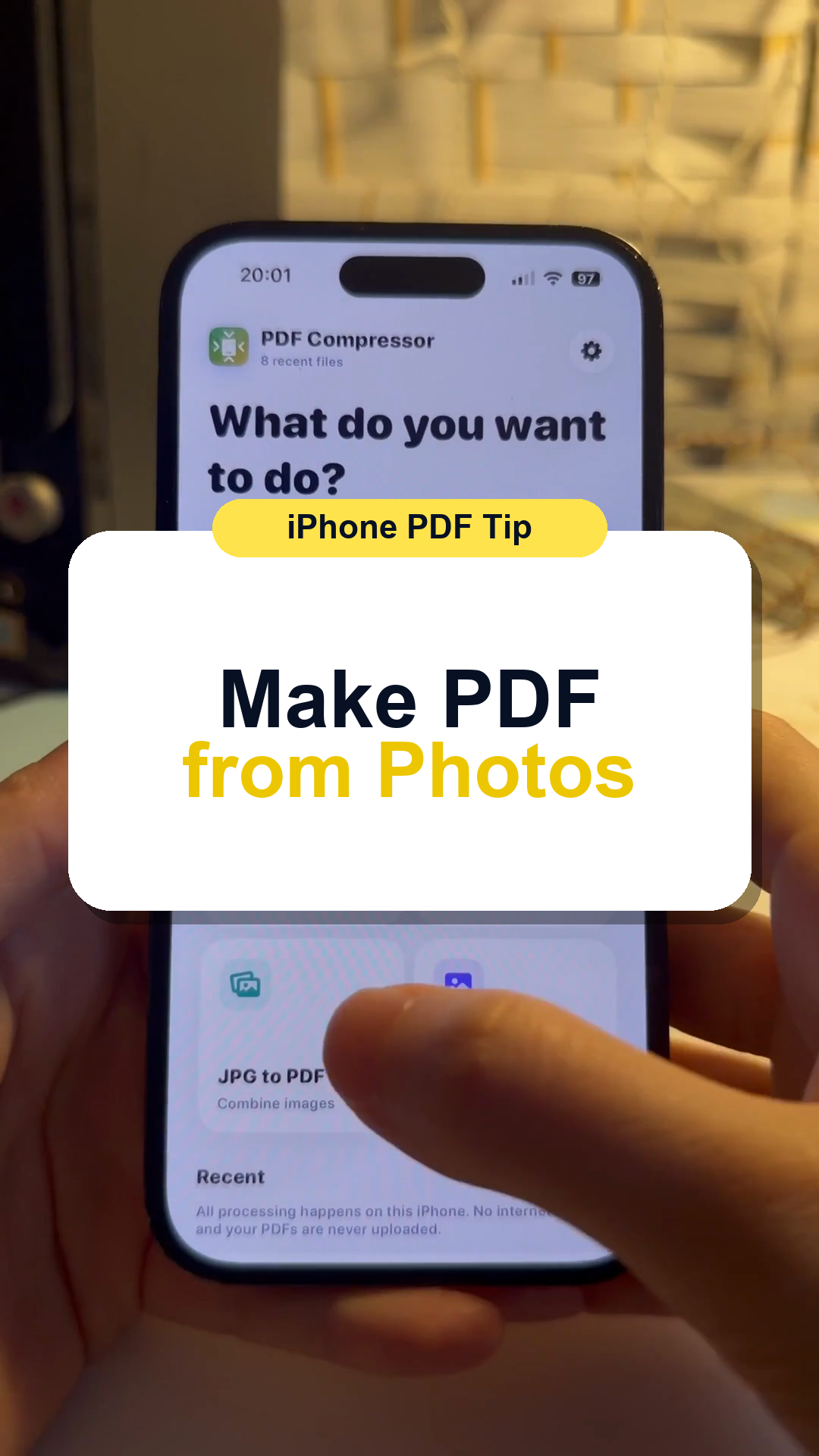
Combine several photos, receipts, scans, or screenshots into one PDF.
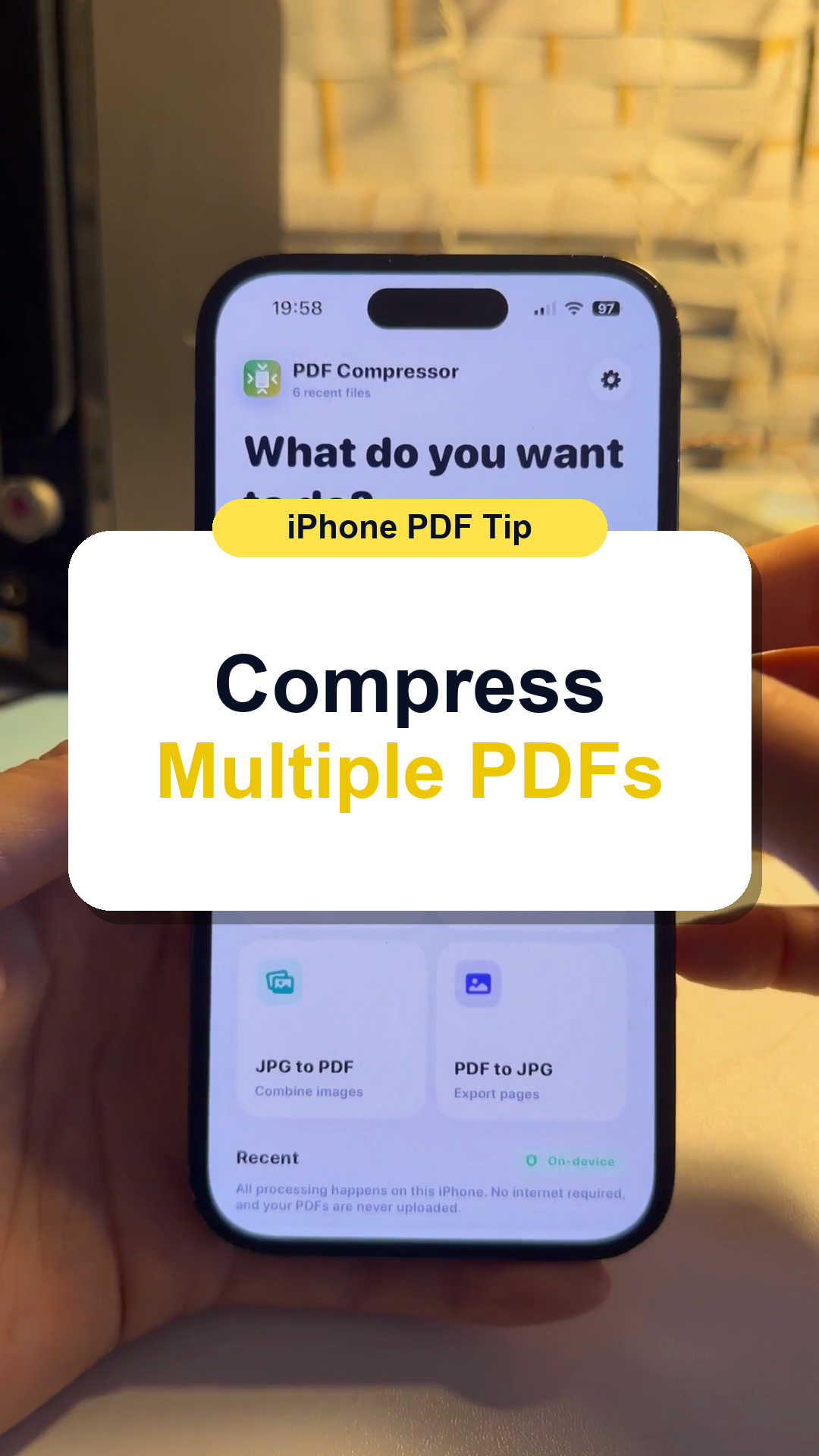
Reduce many PDF files at once before emailing, uploading, or saving storage.
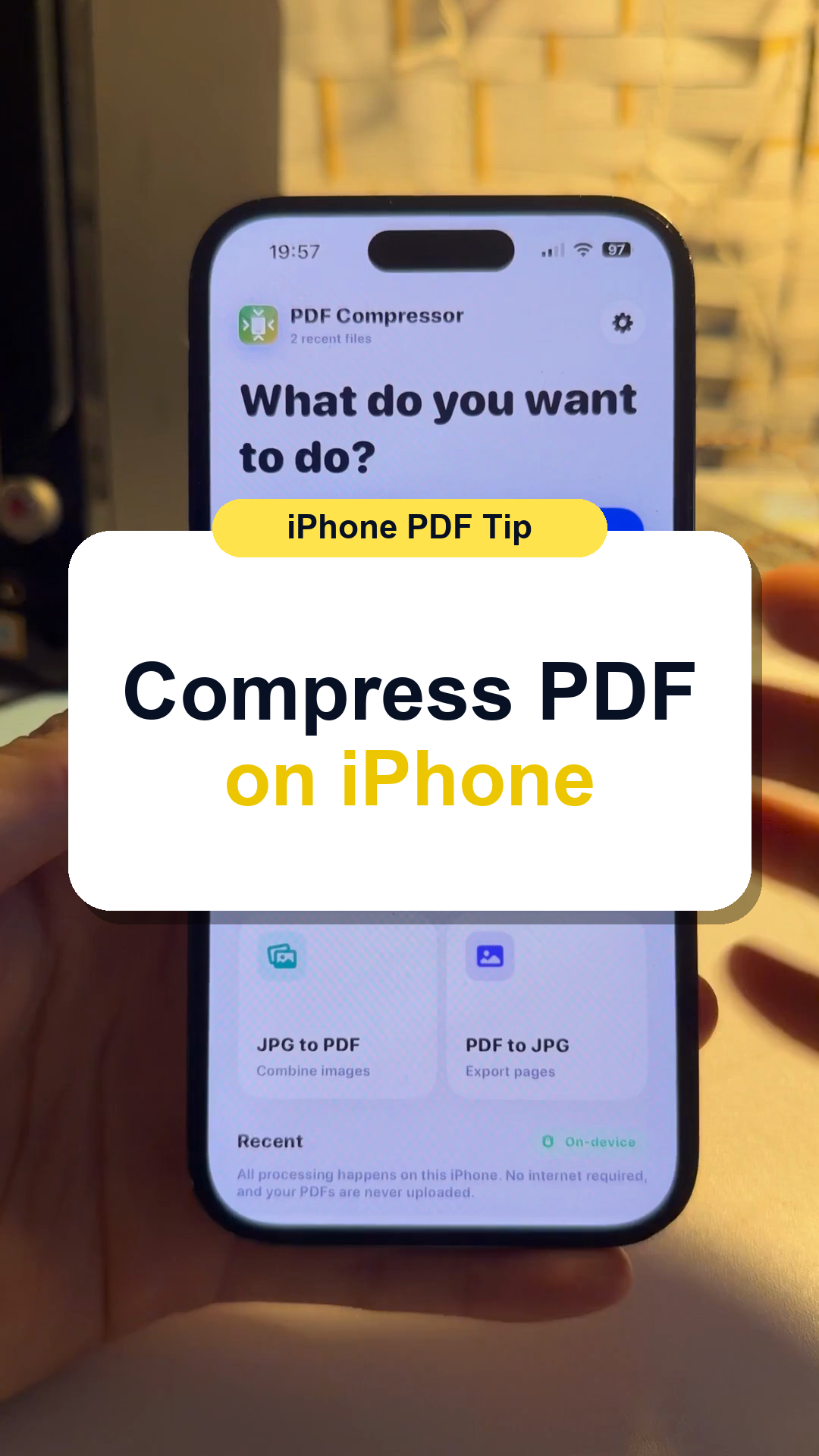
Make one PDF smaller so it is easier to upload, email, or store.
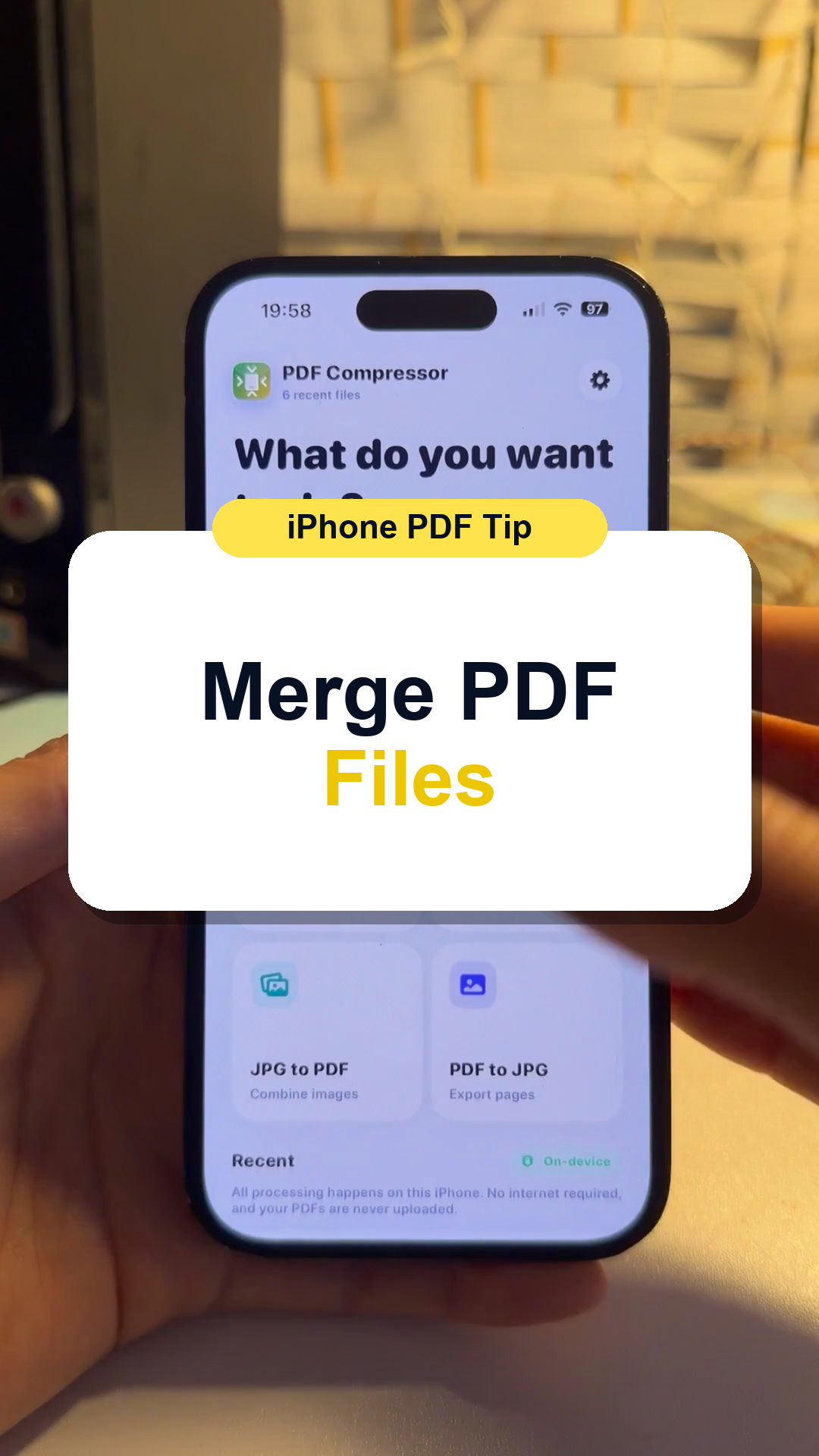
Combine several PDF documents into one file for applications, work, school, or records.
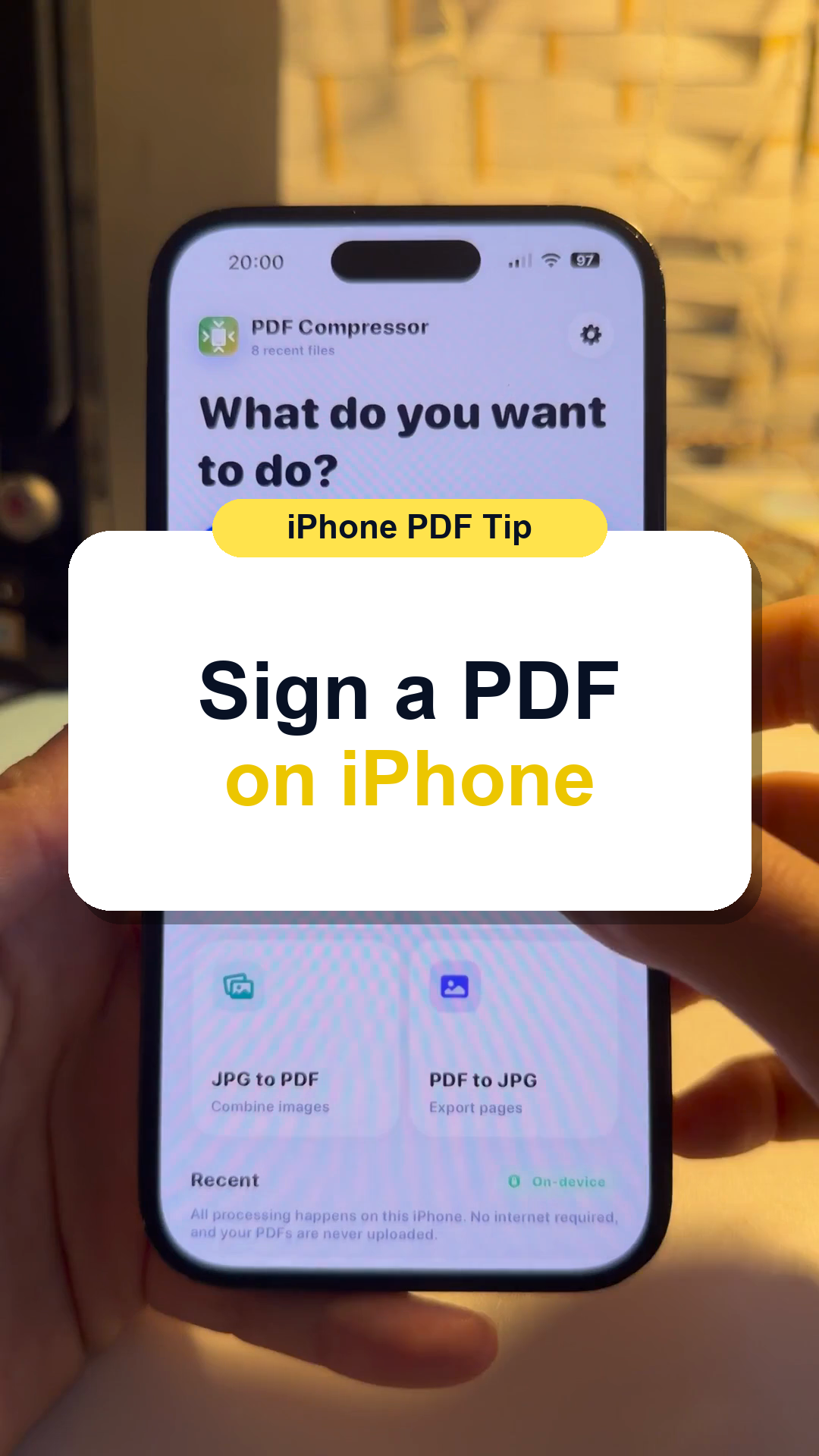
Add a signature to a document without printing, scanning, or sending it to a computer.
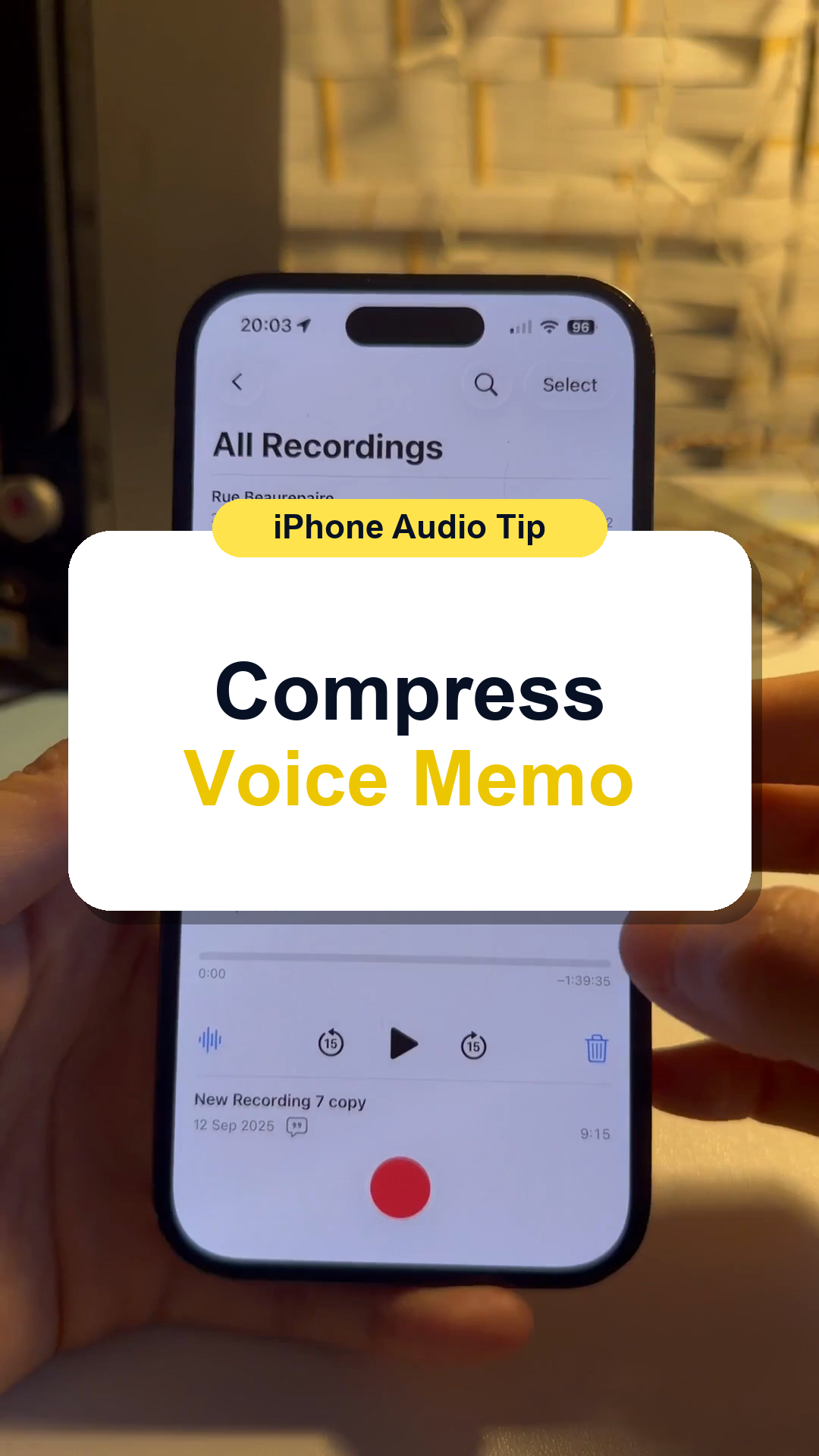
Make a large iPhone Voice Memo smaller so it is easier to send, upload, or keep.
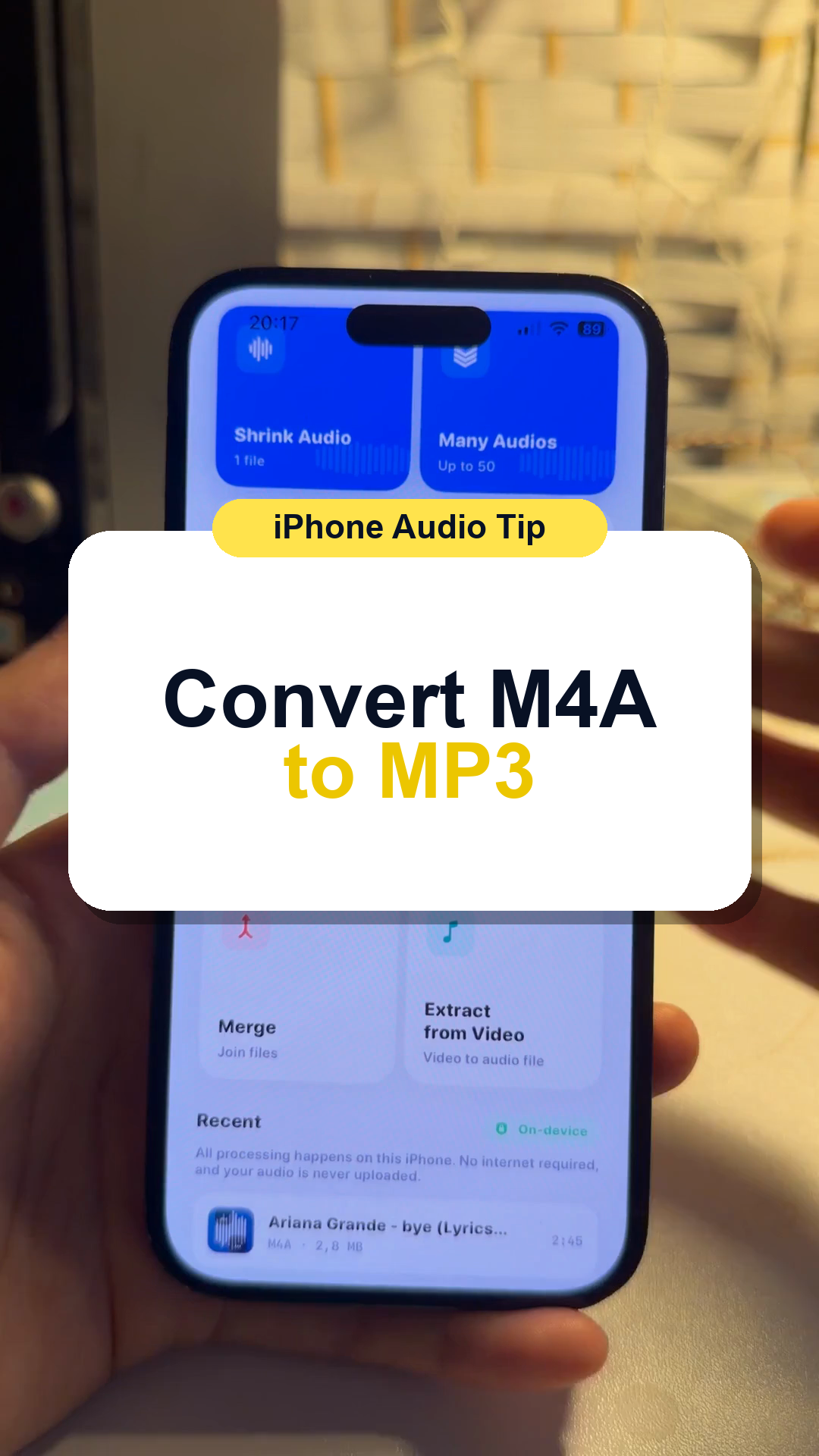
Convert an iPhone voice memo or M4A file into MP3 for easier sharing and compatibility.
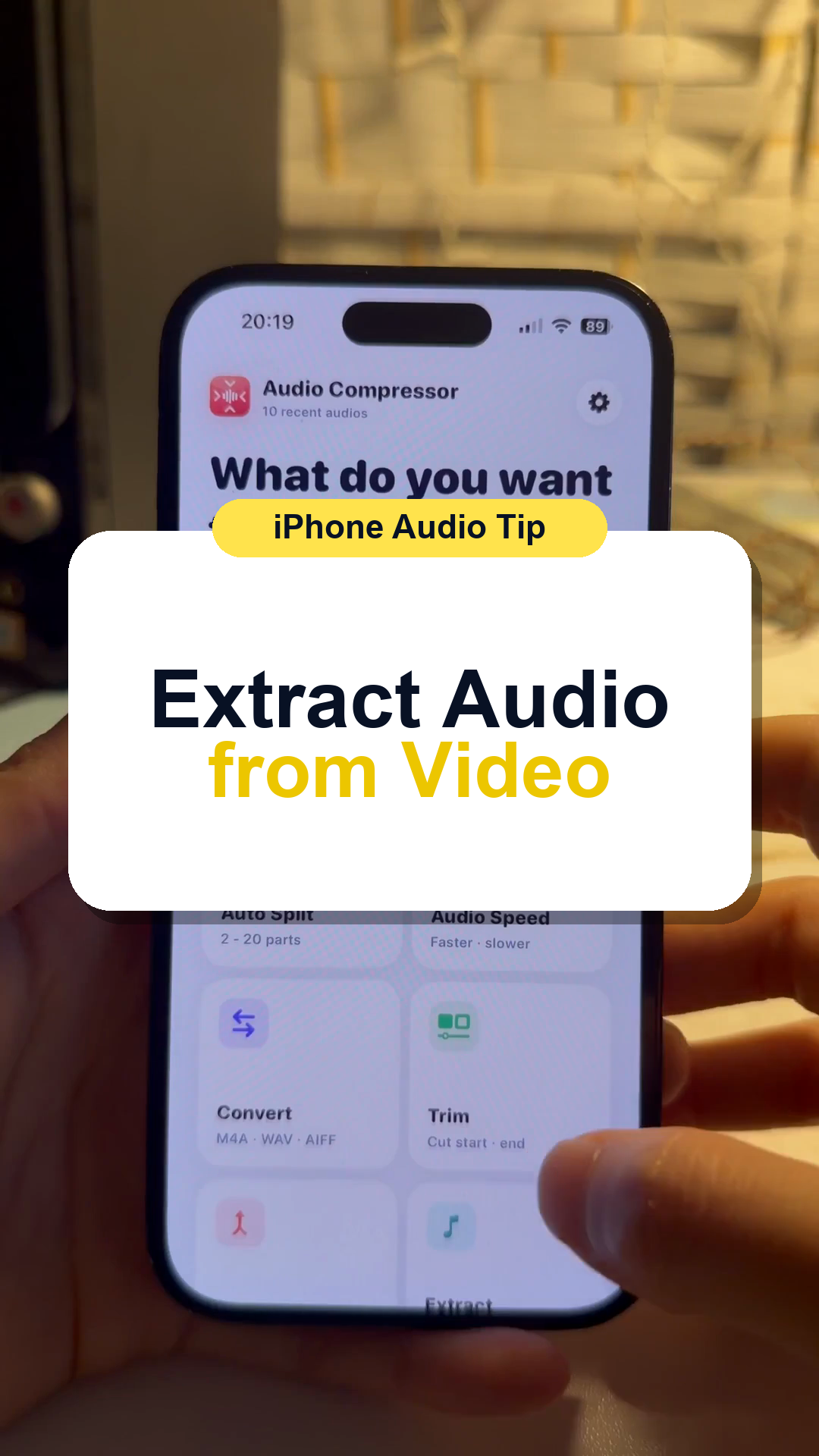
Save the audio track from a video when you only need the sound.
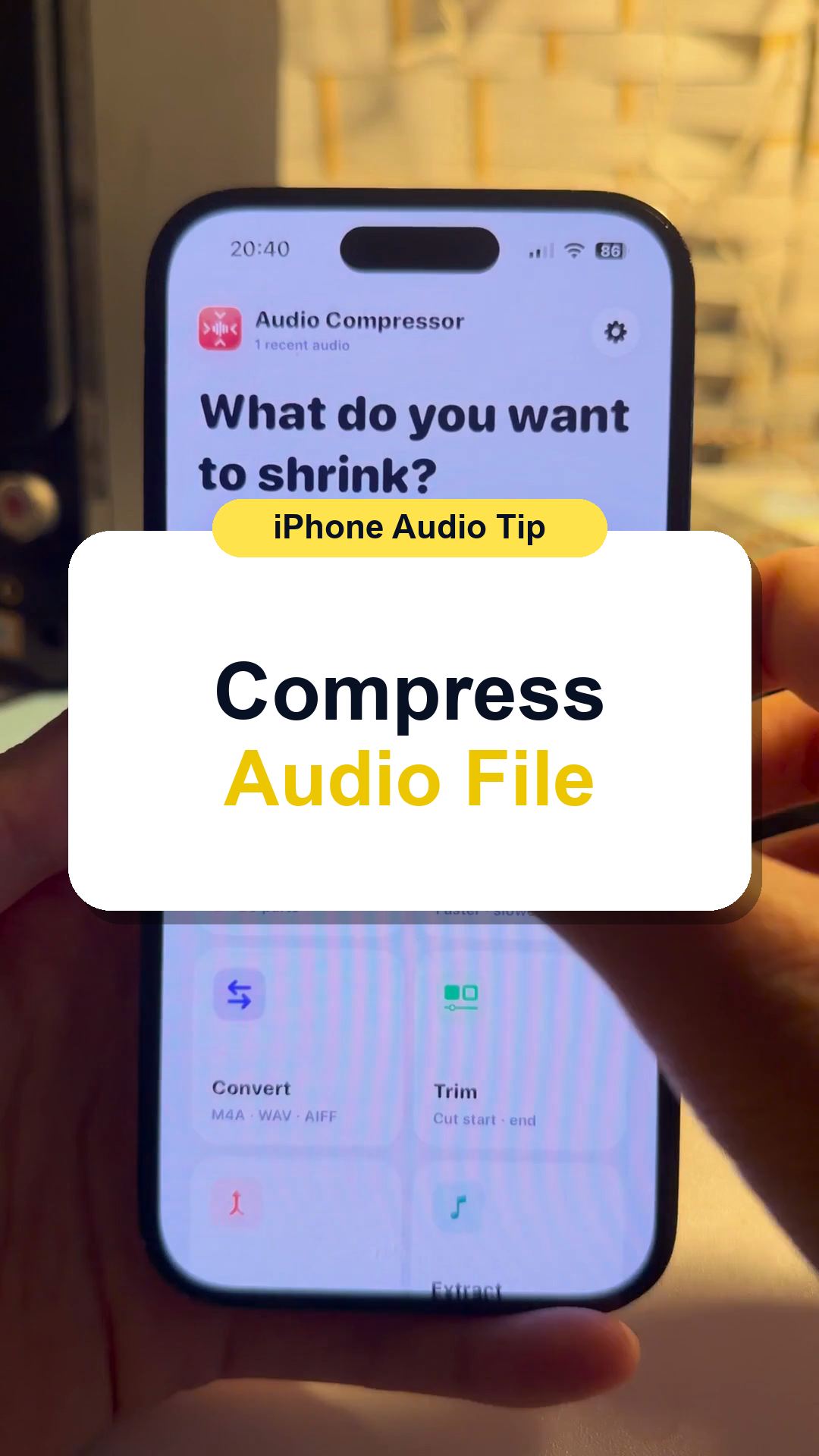
Reduce one audio file so it is easier to send or upload.
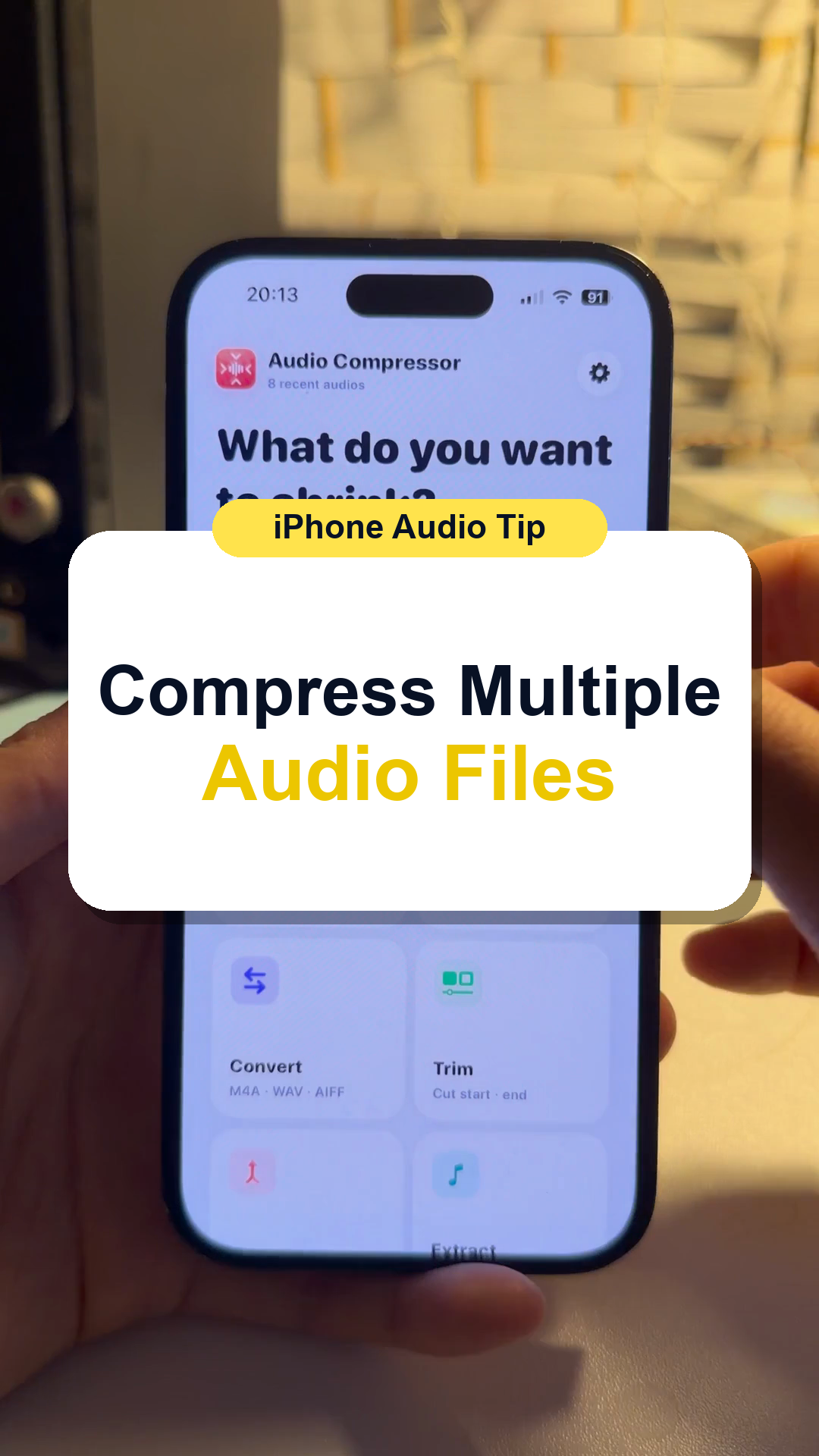
Reduce several audio files together when you have many recordings to send or store.
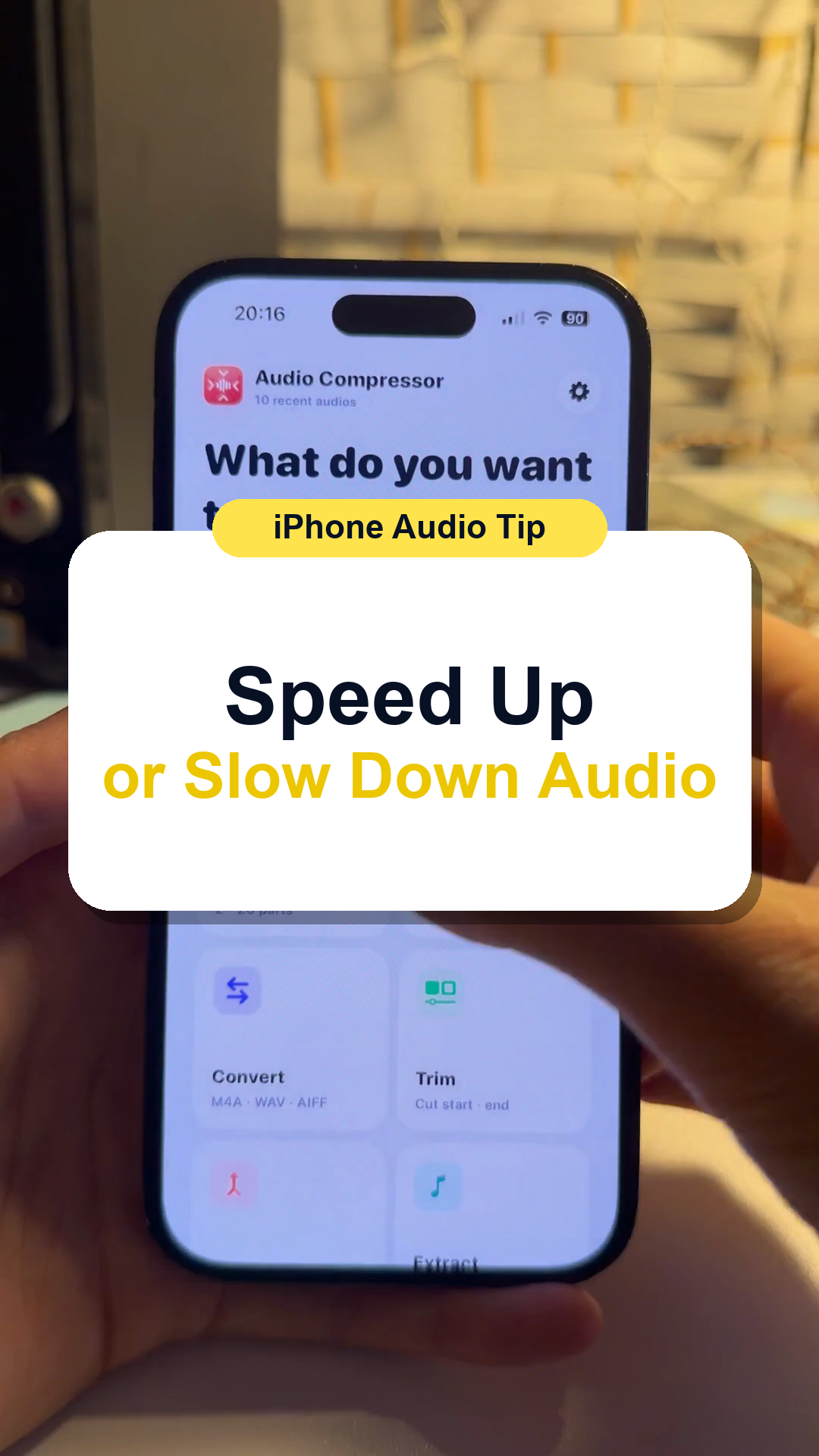
Change audio playback speed on iPhone when you need a recording faster or slower.
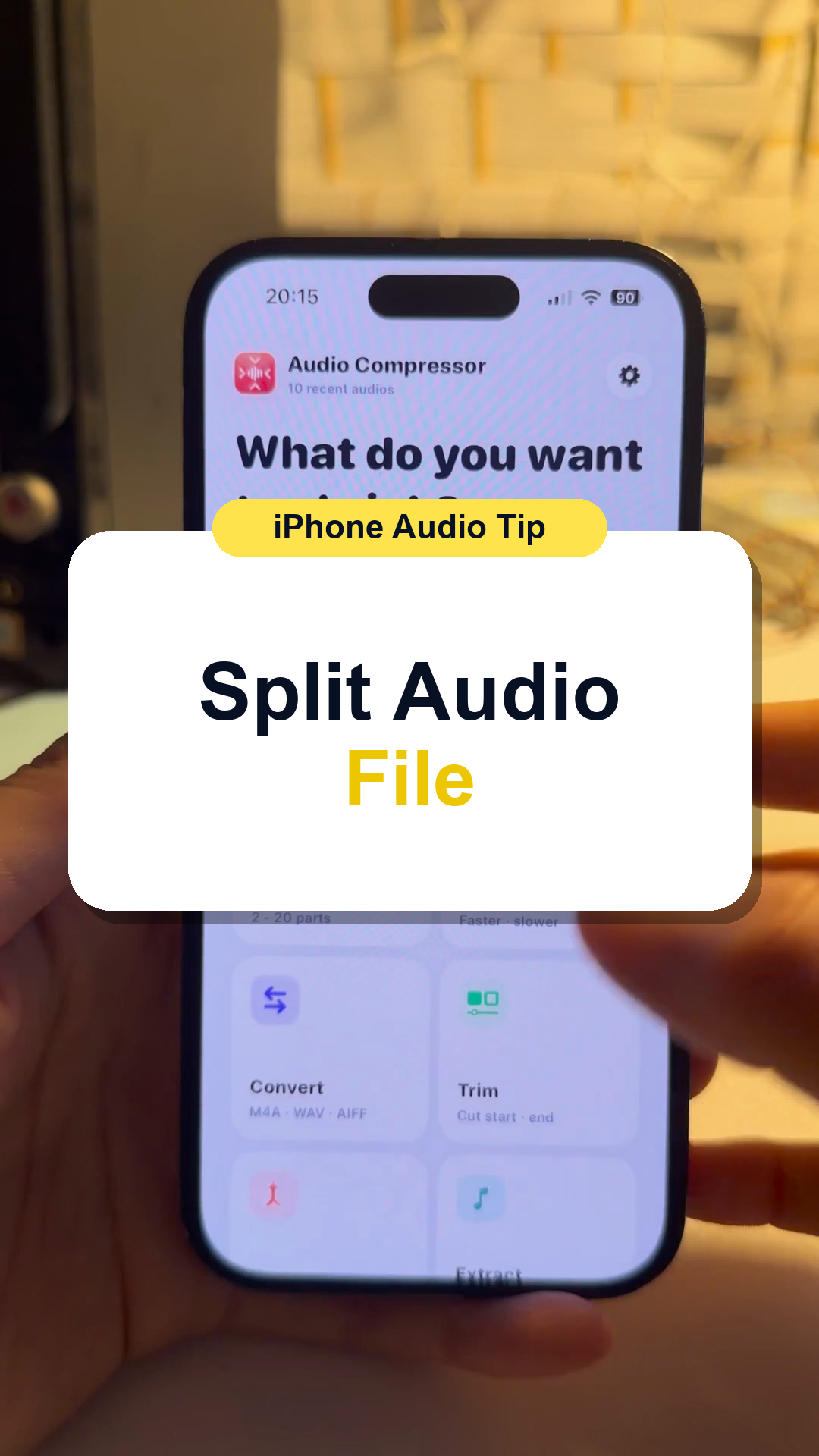
Split one long recording into shorter audio files that are easier to send, store, or use.
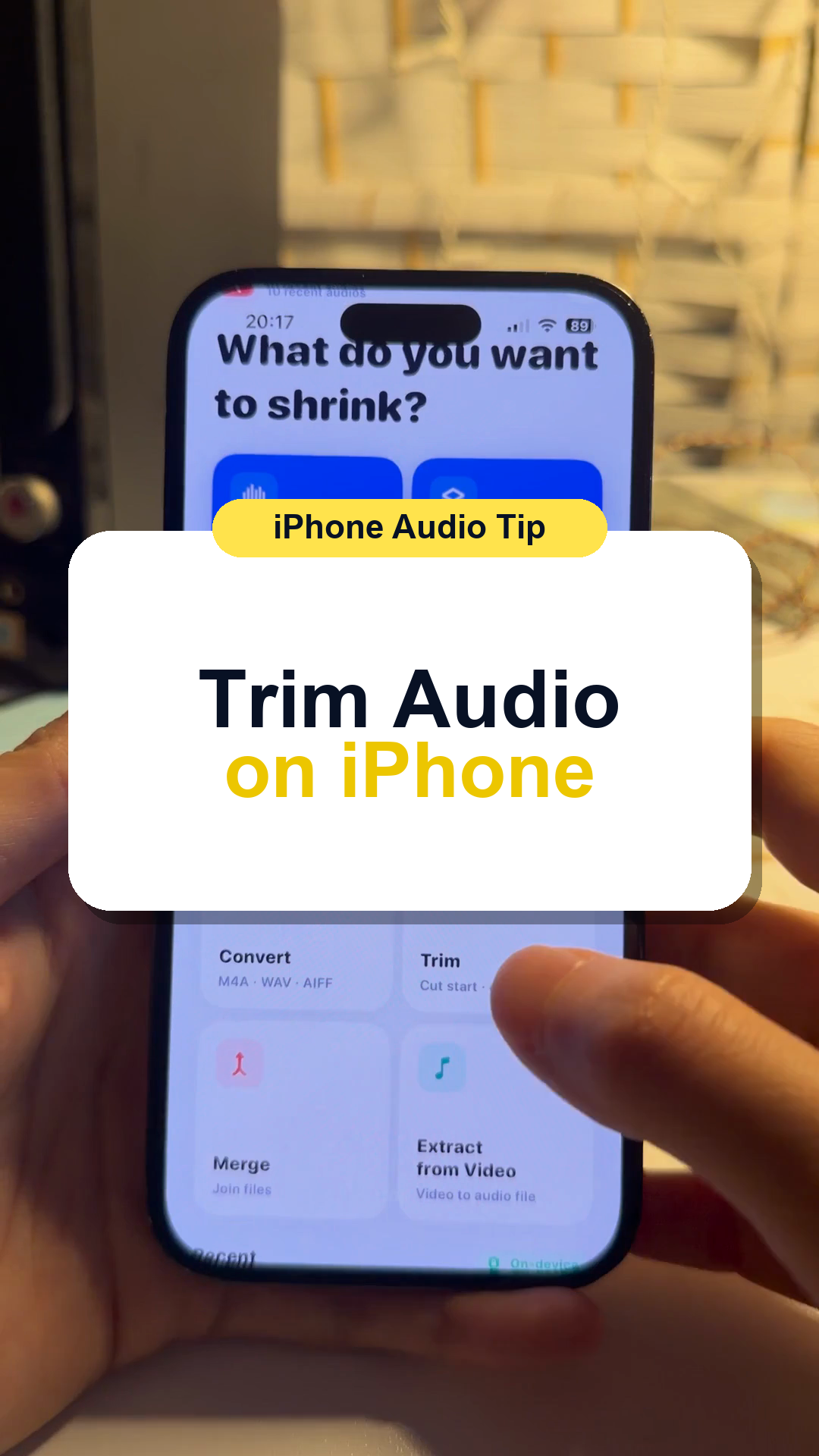
Cut the beginning or end of an audio recording so you only keep the part you need.
No tutorials match this filter yet.