01. Separate the box, the encoding and the color.
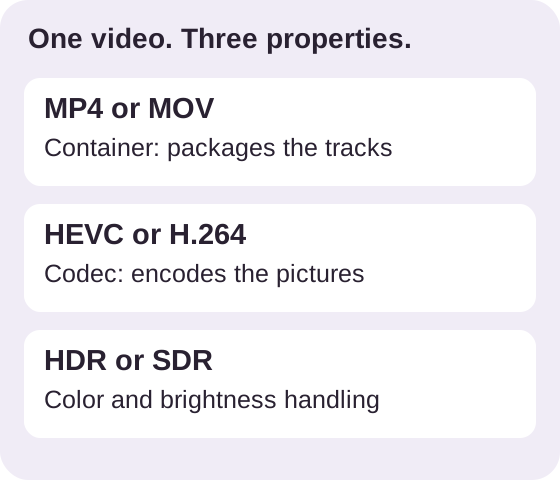
| Label | What it describes | What it cannot promise |
|---|---|---|
| MP4 | The container holding tracks | A specific codec or SDR color |
| HEVC / H.265 | The video compression codec | That the video is HDR |
| HDR | High dynamic range color handling | That every player displays it correctly |
The filename is a starting clue. It is not a full description of the streams inside. A player has to support the actual encoding and color information as well as the container.
MDN explains choosing codecs together with a container. YouTube’s HDR requirements separately list containers, codecs and color metadata.
02. Match the change to the actual problem.
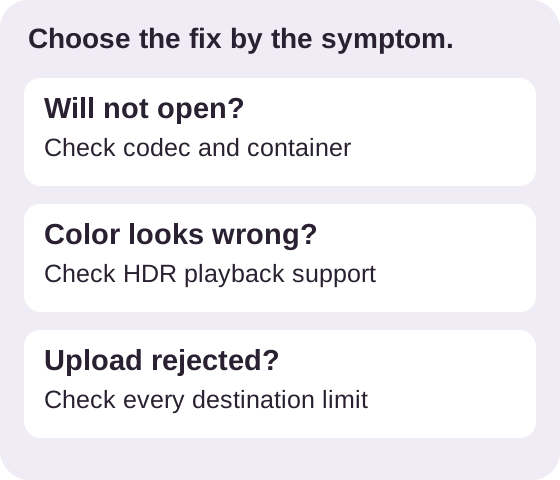
The file will not open
Check the receiving app’s supported formats. H.264 video with AAC audio in MP4 is a common compatibility choice, but the destination may also restrict resolution, frame rate or file size.
It opens, but the colors look wrong
Check HDR handling in the player and display. If the destination needs SDR, use an actual HDR-to-SDR conversion. Changing the extension or merely rewriting color tags is not tone mapping.
A website refuses the upload
Read its exact error. Codec, container, duration and upload size are separate checks. A color conversion does not guarantee that an oversized file will be accepted.
For example, an HDR HEVC MOV sent to an SDR-only H.264 MP4 workflow needs both suitable color conversion and re-encoding. An SDR HEVC file may need only the codec compatibility conversion. Keep the source copy in either case.
03. Export once, then test the real destination.
On Mac, QuickTime Player offers a native H.264 export path for HEVC media. Apple documents the Greater Compatibility option. Treat that as a codec workflow; do not assume it verifies every HDR-to-SDR requirement.
App facts checked against the US listing, version 1.0.6 on October 25, 2026. VideoFix is made by Space Sheep Studio.