01. Same scene. Different brightness range.
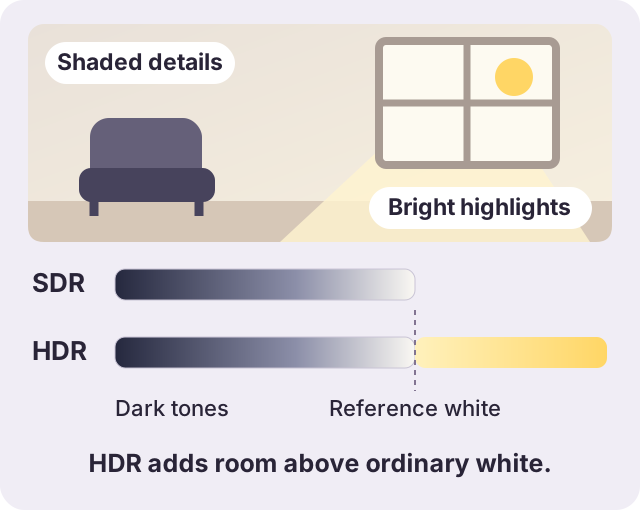
SDR
Standard dynamic range
A conventional delivery format for everyday playback. Rec.709 is a common SDR color standard.
HDR
High dynamic range
More room for bright reflections and light sources. The display and playback app must handle it correctly.
Definitions: Apple’s video format guide and HDR display explanation.
02. Do you actually need to convert?
Start with the problem you can see.
Looks right where you need it?
Keep HDR. There is no demonstrated problem to fix.
Looks pale or too bright after sharing?
Compare the original with the received file. Test an SDR copy in that destination.
Will not open, or upload rejected?
Check codec, container, duration and size limits. The error alone does not prove HDR is the cause.
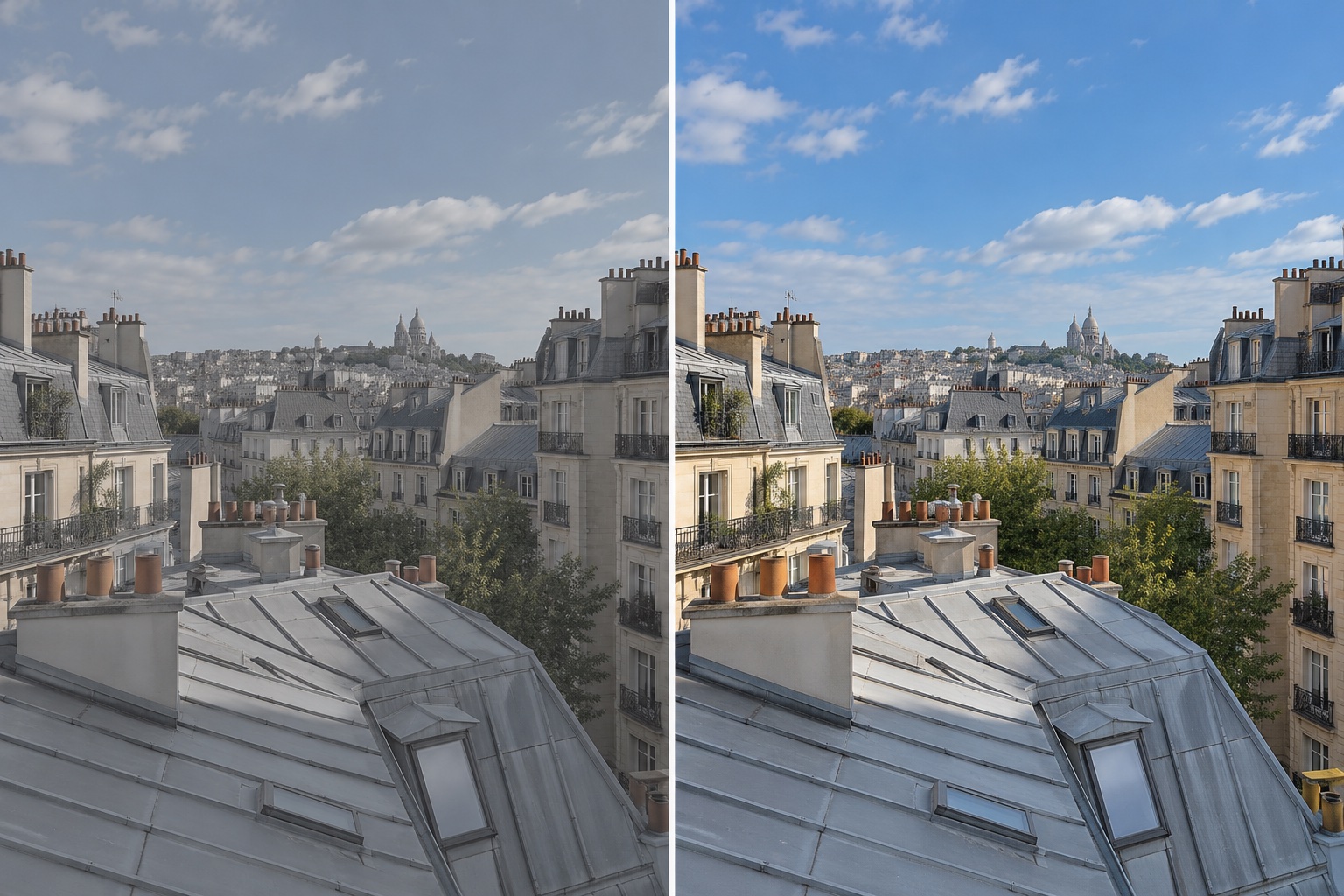
A before/after example
BeforeSimulated color mismatch
AfterSDR-style preview
Three labels. Three different jobs.
| Label | Describes | Examples |
|---|---|---|
| Dynamic range | Brightness representation | HDR, SDR |
| Codec | How video is encoded | HEVC, H.264 |
| Container | The file wrapper | MOV, MP4 |
An MP4 can contain HDR. Renaming a MOV file does not convert its color or codec.
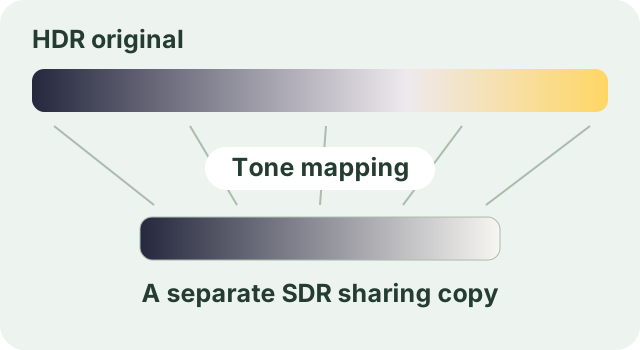
03. Export a copy. Keep the original.