REAL APP WALKTHROUGHS
iPhone video, audio and photo guides
Watch the tutorial, follow the written steps and open the app for the task.
Video and photo walkthroughs
Browse all video walkthroughs →
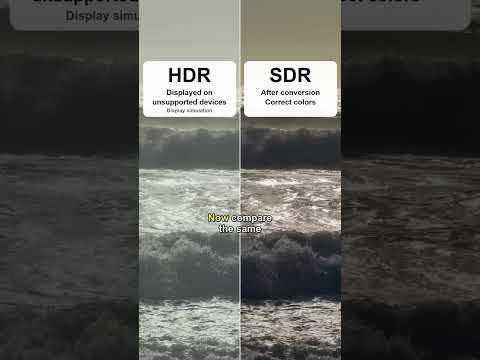
How to convert HDR video to SDR on iPhone
Make a standard-color copy of an iPhone HDR video before sharing it with a device, editor or upload form that does not handle HDR well.
Read the steps →
How to convert HEVC to H.264 MP4 on iPhone
Create an H.264 MP4 copy when an upload form or editor cannot use your iPhone HEVC video. Check the actual error before converting.
Read the steps →
How to batch convert HDR videos on iPhone
Apply the same HDR-to-SDR export settings to several clips, then check each result before sharing or replacing anything.
Read the steps →
How to convert Apple Log video to Rec.709 on iPhone
Turn flat-looking Apple ProRes Log footage into an H.264 MP4 with standard Rec.709 SDR color using VideoFix.
Read the steps →
How to change video frame rate on iPhone
Set a steady 24, 25, 30 or 60 FPS target for exported iPhone videos. A frame-rate conversion does not automatically create slow motion.
Read the steps →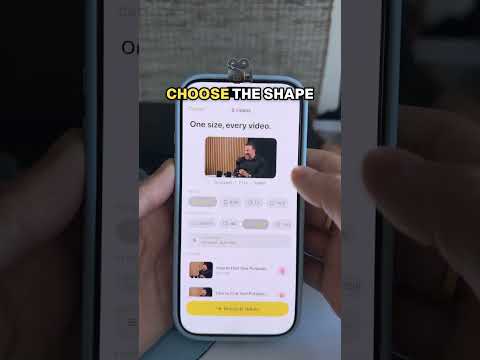
How to batch resize videos on iPhone
Export several videos at a shared resolution, such as 1080p or 720p, while keeping the original recordings.
Read the steps →
How to combine photos into one image on iPhone
Put several photos in a single grid or stitched image, then export one file to share or upload.
Read the steps →
How to make a video smaller on iPhone before sharing
Create a smaller sharing copy, compare it with the original, and check that it meets the receiving app’s requirements.
Read the steps →How to convert HDR photos to normal SDR on iPhone
Make an SDR copy of an HDR photo for more predictable sharing, with PhotoFix. Keep the original for future use.
Read the steps →Audio and PDF tutorials
Convert M4A to MP3, trim audio, compress a voice memo, make PDFs smaller, sign documents and more.
Watch audio and PDF tutorials →