Confirm which pages the recipient needs
Match the requested deliverable
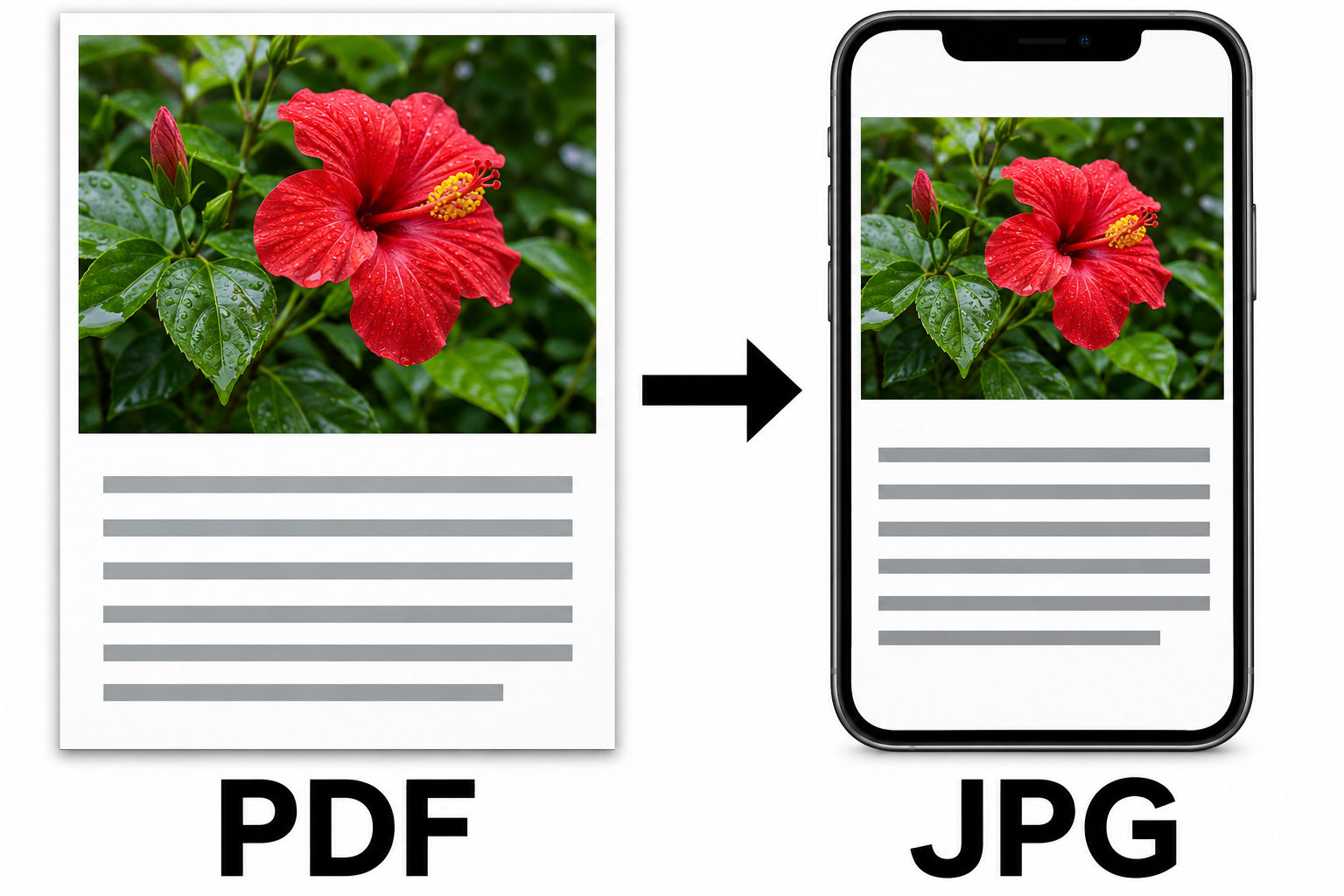
A multi-page PDF and a single JPG are different objects. Confirm whether the recipient wants one page, several separate images or a complete document before exporting. Do not assume that renaming .pdf to .jpg performs a conversion.
Export and verify each page image
- Open the source PDF in PDF Compressor: Sign & Merge on iPhone and choose PDF to JPG.
- Export a separate image copy using the available controls. Check which pages were included and how the files are organized.
- Open every required image and inspect small text, orientation and page edges. Check that the receiving form accepts the actual file size and dimensions.
Rendered pages are not extracted photos
A page image includes the page’s visible content as rendered. That differs from extracting an original photograph embedded inside the PDF. It can also make small text harder to read if the resulting image is too small. Avoid screenshots of a zoomed-out page when a proper export is available.
Keep the document master
Our iPhone app lists PDF-to-JPG alongside compression, signing, scanning and merging. Try any export tool once free; further exports require Pro. Its listing does not establish a specific export resolution or page-selection control, so inspect the available options rather than relying on an invented preset. Do not treat the JPG as a digitally signed PDF or a searchable document replacement.
Common questions
Will links or selectable text work in the JPG?
The JPG holds the rendered page as pixels. Keep the original PDF when the recipient needs its links or selectable text.
Is exporting a PDF page the same as extracting a photo from it?
No. A page export captures the full rendered page. Use a separate image-extraction workflow if you need an embedded photo on its own.
Sources and scope
Official help checked on 2026-11-25. Limits and interfaces may change. Read the relevant section for your platform and account.