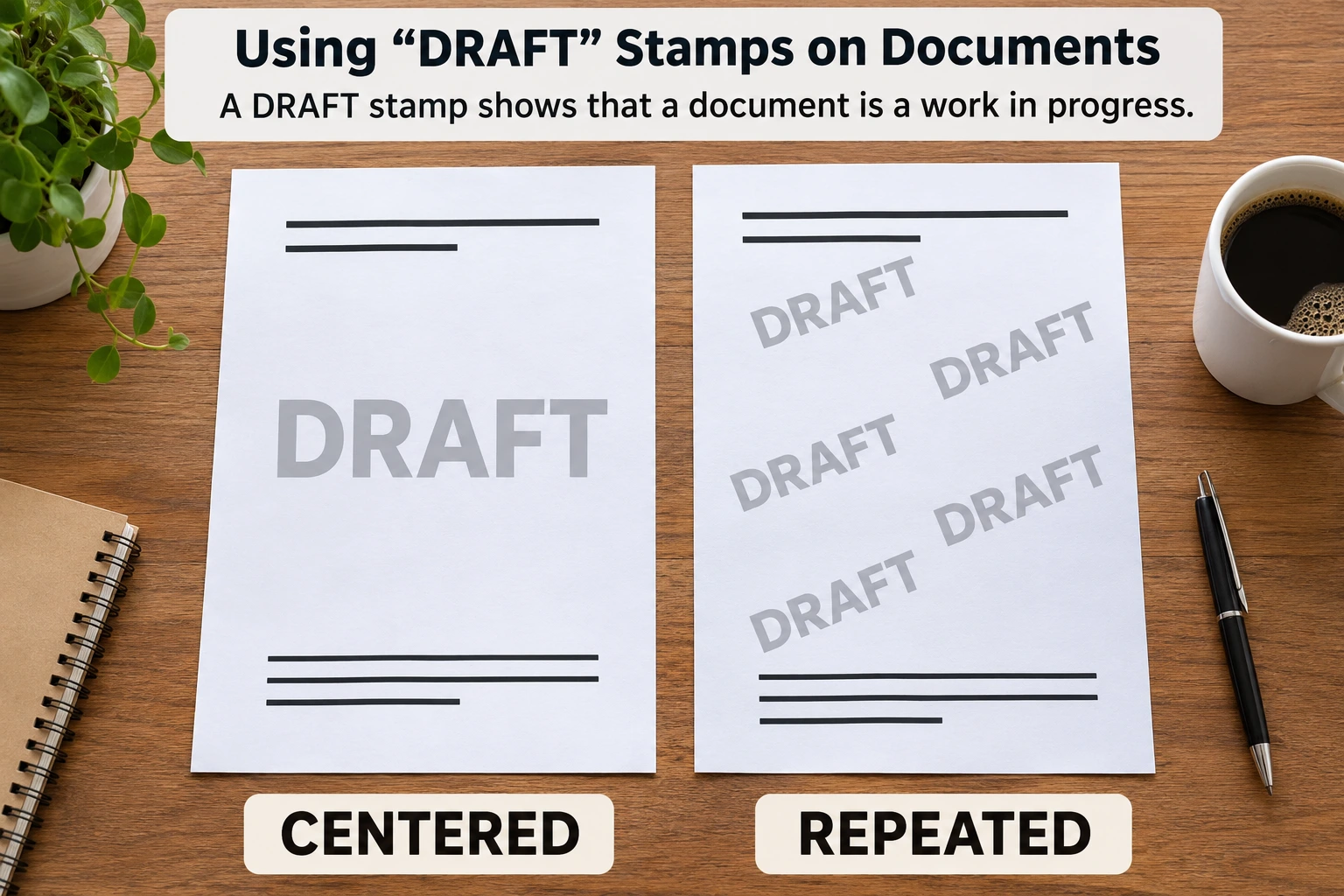
Compare coverage on the busiest page
Start with the decision
A short word such as DRAFT can work as one centered stamp. A repeated purpose mark spreads the wording over more of the sheet. Neither layout prevents someone from copying, editing or photographing the document, and neither replaces redaction.
Preview both styles before exporting
- Keep the unmarked original. Open a copy from Files in PDF Watermark & Stamp and enter short, specific wording.
- Choose the repeated diagonal or single centered style. Adjust available size, color and opacity while reviewing the real page content.
- Export a new PDF and inspect dense text, signatures and pages with different orientations. Send the checked marked copy, not the original by mistake.
Coverage is not security
A repeated pattern may remain visible in more cropped portions of a page than a single stamp. That is an observation about placement, not tamper resistance. Do not cover details the recipient must read, or assume a purpose statement controls what happens to the file. Confirm the recipient accepts visible marks before preparing a sensitive application.
Use the supported modes
Its current listing supports repeated diagonal marks, one centered mark, page previews and adjustable text appearance. Processing stays on device and exports a new marked PDF. This guide compares layout choices within a page; our separate checks cover missing pages and watermark wording.
Common questions
Which style is better for a dense financial table?
Try the style that leaves its numbers easiest to read. Check the actual file or a print proof, since a visually lighter mark can still obscure small text.
Do repeated marks stop someone from copying the PDF?
No. They increase visible coverage. Use the recipient’s required handling controls separately.
Sources and scope
Official help checked on 2026-11-25. Limits and interfaces may change. Read the relevant section for your platform and account.