Decide whether the action or delivery setting changes
Start with the distinction
A normal-speed conversion can drop or repeat frames while keeping the same timeline. Reinterpreting recorded frames at another rate is a different operation that can create slow motion. Decide whether you need a new pace or a delivery-rate requirement.
Export and check duration and sound
- Keep the original and note its duration. Choose one clear goal: faster action, slower action, or the same action at a requested FPS.
- For an actual pace change in Phone Cleaner: Photo & Video, use the Pro video-speed tool. Select an available speed and export a separate copy.
- Check the saved duration, moving subjects and sound. Listen for voice changes and inspect synchronization before sharing. Use a milder speed if motion or speech becomes difficult to follow.
A simple timing example
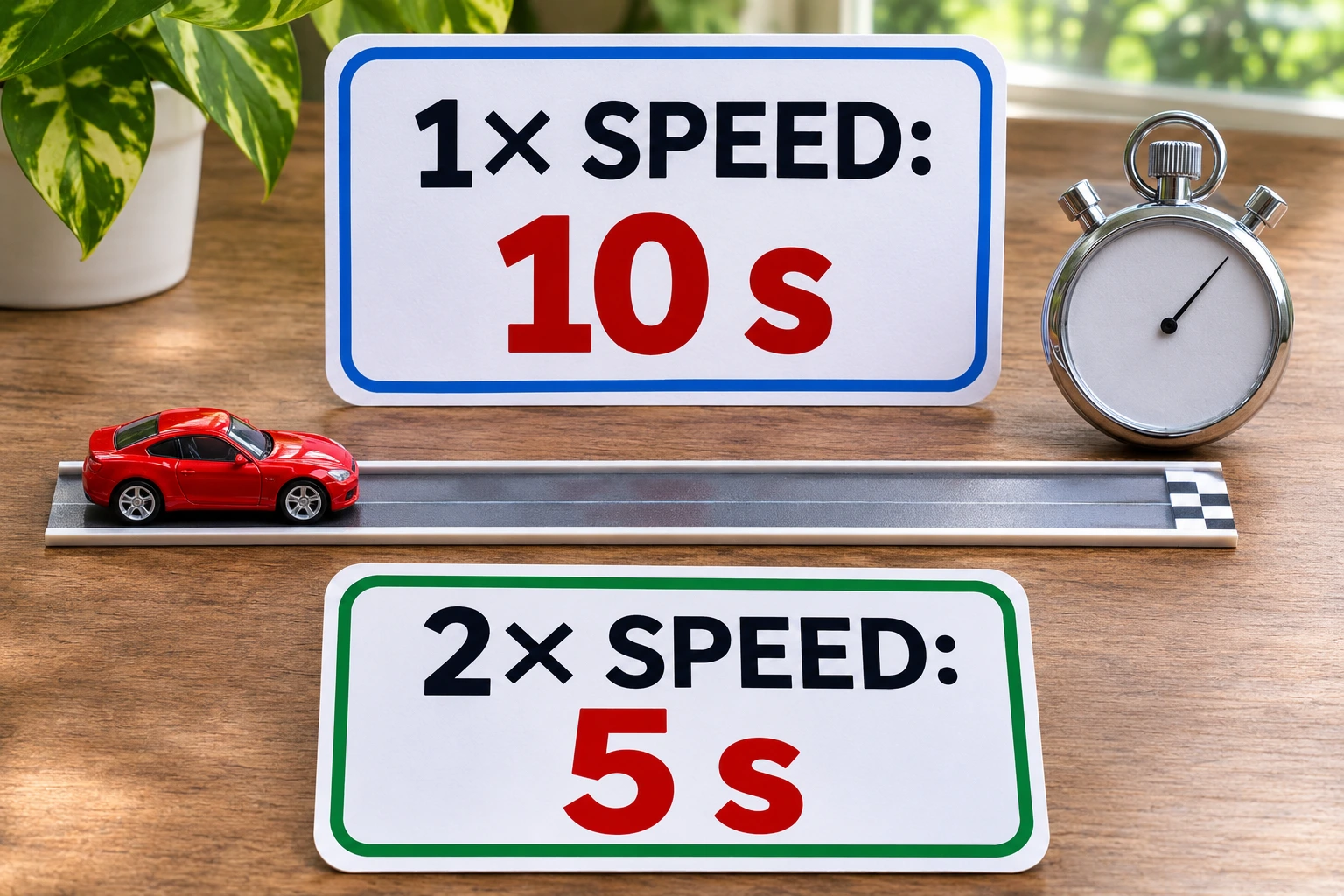
For a uniform 2× speed change, a ten-second action occupies five seconds. This is arithmetic, not a measured app export. By contrast, converting a ten-second clip from 60 to 30 FPS can still produce ten seconds of normal-speed action. The exact motion appearance depends on how the conversion samples frames; more FPS alone does not create a faster story.
Check audio separately
Apple’s iMovie guide treats video speed and pitch behavior as separate choices. That does not establish a matching pitch switch in our app. No optical-flow slow-motion generation, pitch-preservation option or fixed speed range is claimed here. Re-encoding cannot reveal movement the camera never captured.
Common questions
Will changing 60 FPS to 30 FPS make a ten-second video last twenty seconds?
A normal-speed conversion can keep it at ten seconds. Reinterpreting the same recorded frames at a different rate is a separate operation.
What should I check after speeding up a talking clip?
Listen to the voice and check that speech still lines up with the picture. Try a milder speed if the words become hard to follow.
Sources and scope
Official help checked on 2026-11-25. Limits and interfaces may change. Read the relevant section for your platform and account.