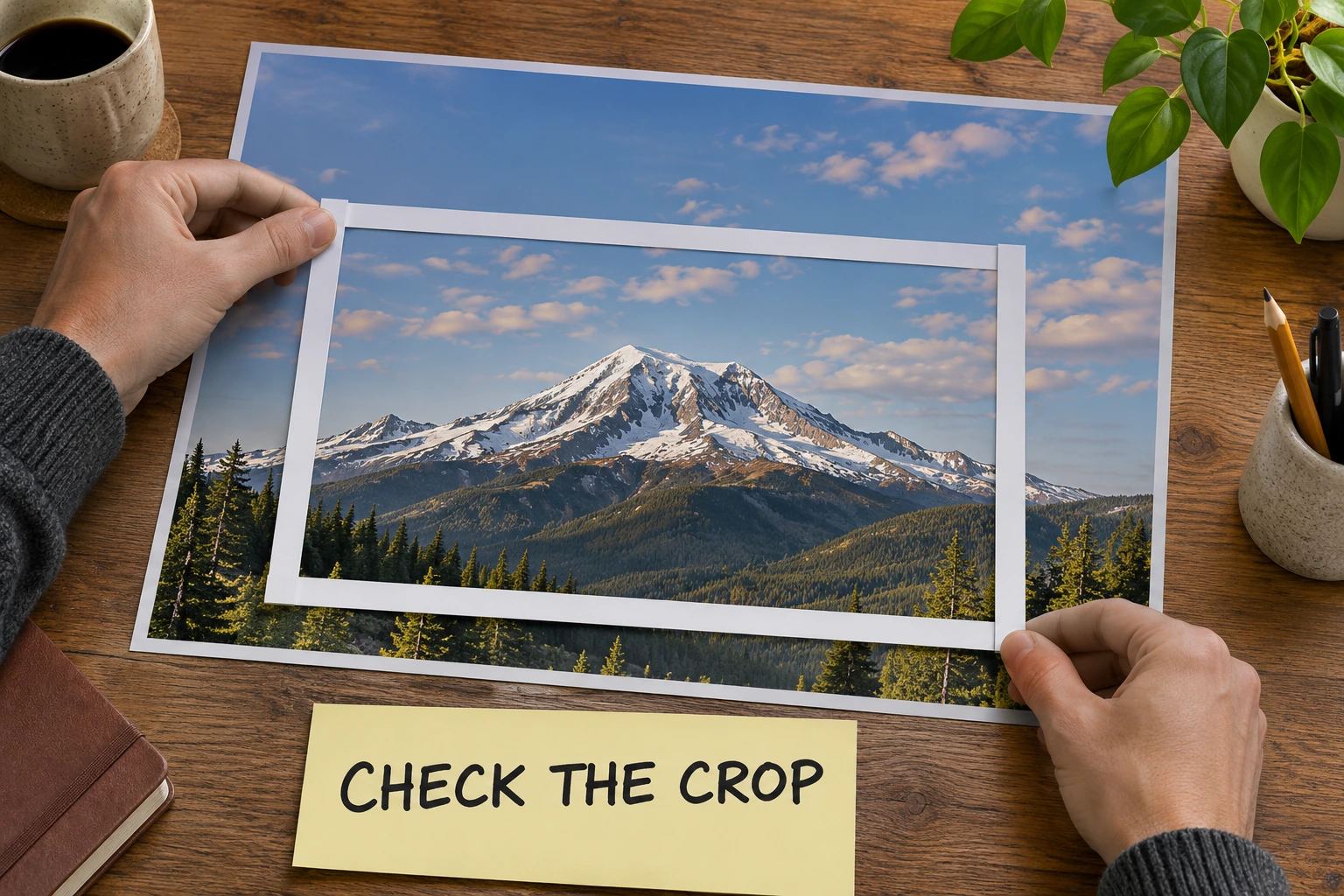
Check the shape before the pixel count
Shape comes before DPI
At 300 pixels per inch, a 5 × 7 image needs 1500 × 2100 pixels. Those numbers describe the final grid, not permission to stretch a 1200 × 1800 picture into a different shape. Stretching distorts proportions.
Approve the 5 × 7 crop and output
- In DPI: Photo Print Prep, set a 5 × 7 inch target, choose the intended DPI and decide whether white borders are acceptable.
- Review the independent crop. Keep faces and important edges inside the frame, then check pixel sufficiency.
- Export and read back actual pixel dimensions, both DPI axes and physical size. Confirm the print service’s fit/fill settings.
Crop or preserve all edges
Filling the entire 5 × 7 area from a 2:3 source removes some content. Keeping the complete source means unused space or borders. Neither option is universally right: a head near an edge favors preserving composition, while a borderless frame may favor a carefully approved crop.
Verify the deliverable
It supports paper size, DPI, borders and crop confirmation, plus export verification. Basic single-photo DPI edits are free; advanced print-size fitting has three successful free exports before Pro. Resampling can enlarge the grid but cannot create captured detail. For a large print order, inspect the exported file and a proof first; the printer can still apply its own scaling.
Common questions
How many pixels do I need for 5 × 7 at 300 pixels per inch?
Use 1500 × 2100 pixels after cropping for a portrait print. Reverse the dimensions for landscape.
What if the lab preview crops more than I expected?
Check for fill or borderless scaling. Review the lab’s actual preview and allow extra breathing room around important edges if the service can trim them.
Sources and scope
Official help checked on 2026-11-25. Limits and interfaces may change. Read the relevant section for your platform and account.