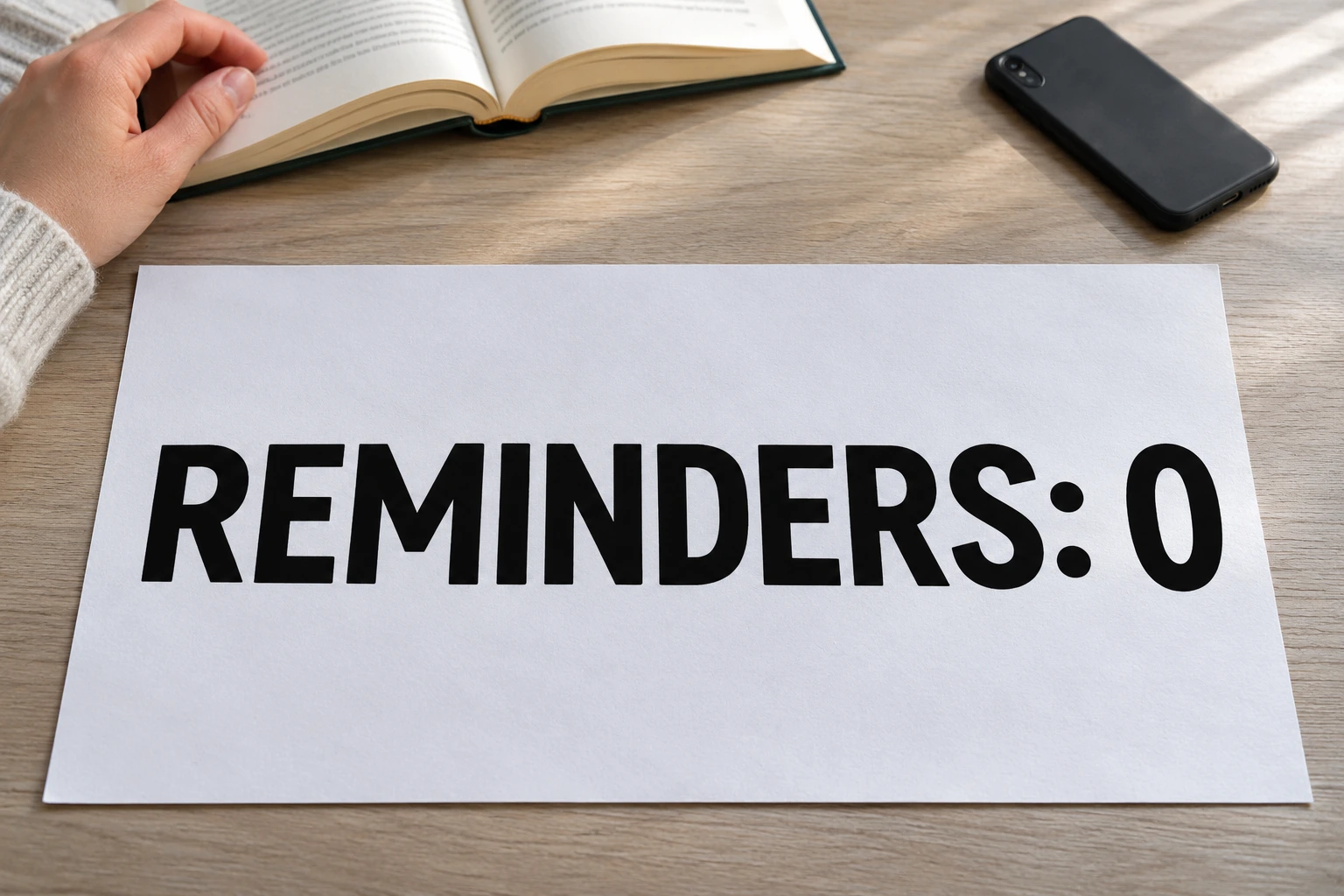
Choose blocking and reminders separately
Start with the decision
A blocking rule limits access to selected distracting apps; a reminder asks for your attention. You may find the first useful and the second unnecessary. Treat them as separate choices rather than enabling every notification to start a focus routine.
Set up and test a quiet session
- In Dying Soon: Screen Time Limit, set optional daily reminders to zero if you want a quiet setup. Keep the Screen Time authorization needed for the blocking features you use.
- Choose distracting apps and use one scheduled rule or a thirty-minute Block Now session. Leave essential communication tools out of the selected set when access to them matters.
- Test during a short, low-stakes session. Check that the selected app is blocked as intended, then review whether your reminder choice makes the routine easier to ignore until you need it.
Zero reminders is a valid choice
The public listing allows zero to ten reminders per day and explicitly permits using the app without notifications. Reducing reminders does not mean deleting your goals or turning the life grid into a performance score. Choose a single concrete activity for the time you want to protect, such as reading a chapter or practicing an instrument.
Know what this setting covers
One scheduled rule and unlimited thirty-minute Block Now sessions are free; Pro adds scheduled rules. This article concerns reminders sent by Dying Soon. It does not claim to change notifications from other apps, deliver emergency alerts or replace their settings. Your Screen Time selections and the app’s optional motivational messages serve different purposes, so verify the behavior you actually need.
Common questions
Will zero reminders end a blocking rule?
Keep Screen Time access and the active rule you intend to use. Test one selected app after changing the reminder setting.
Will this also silence alerts from other apps?
Zero controls Dying Soon’s optional reminders. Manage notifications from other apps with iPhone controls and test the alerts you rely on.
Sources and scope
Official help checked on 2026-11-25. Limits and interfaces may change. Read the relevant section for your platform and account.