Pick one study task and a short blocklist
Pick a small block list
Keep the apps you need for the assignment available. A dictionary, course conversation or authenticator may be essential even when other apps on the same phone are distractions. Write down the next study task before starting.
Start and test the study session
- In Dying Soon: Screen Time Limit, grant the requested Apple Screen Time access and select distracting apps.
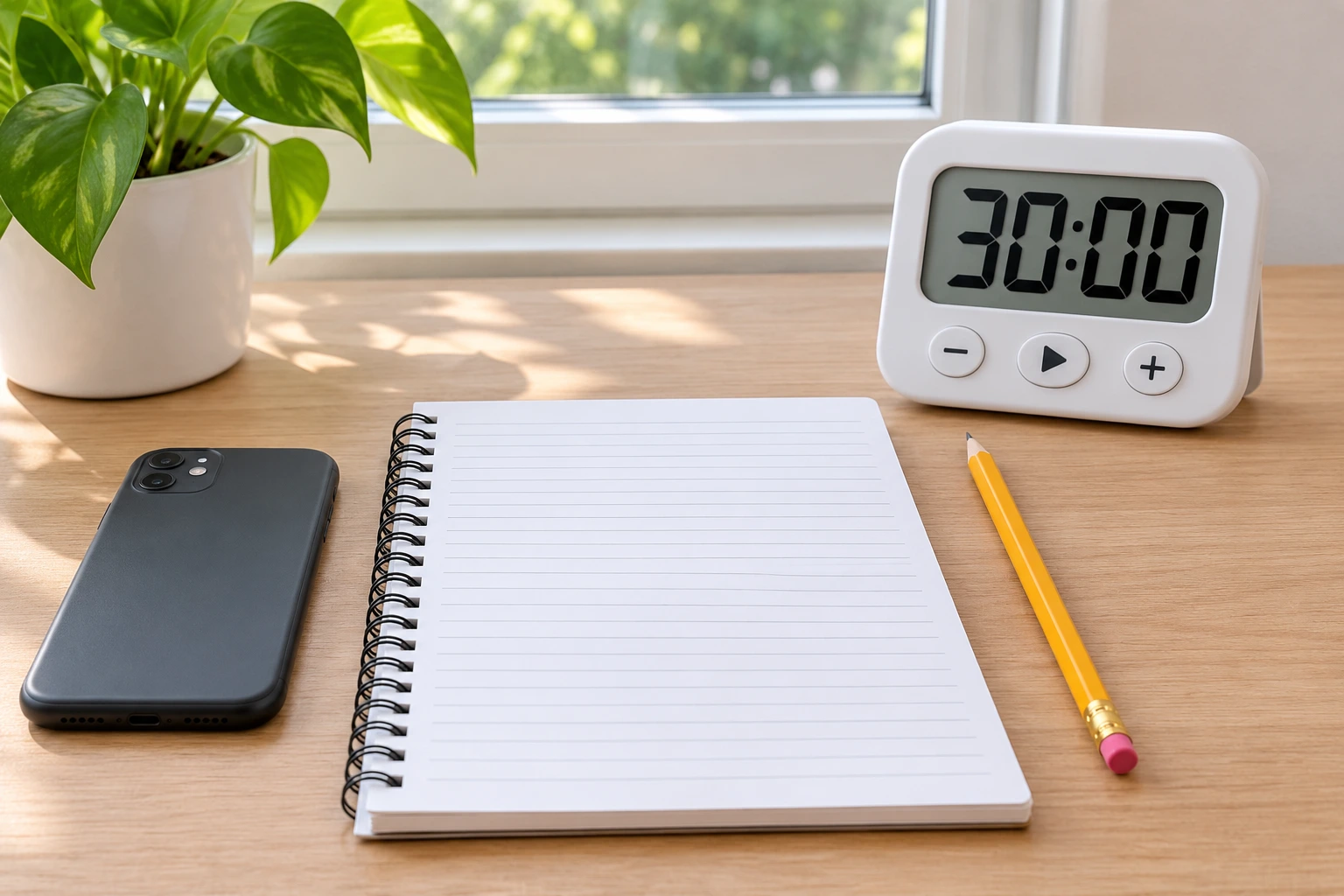
- Start Block Now for its 30-minute focus session. Test a selected app to confirm that the blocking boundary is active.
- Study the chosen task, then review what interrupted you. Adjust the selected apps before the next session rather than blocking everything.
Understand the escape options
The app offers temporary unlocks of 5, 15 or 30 minutes. This is useful friction, not an impossible-to-bypass device lock. If you require an essential app during the session, use the available exit deliberately and reconsider your next selection.
Session versus recurring routine
Block Now is an immediate one-off boundary; the separate scheduling feature is for repeating work or bedtime windows. Our iPhone app includes unlimited Block Now sessions and one scheduled rule free. Pro adds unlimited scheduled rules. The app’s life grid is a reflection tool, not a health prediction, and optional reminders are not required for this study workflow. No productivity outcome is guaranteed.
Common questions
What if I need a video app for the lesson itself?
Leave it accessible for this session or use a different source for the lesson. Test the tools you need before starting the block.
How can I use this when I study at the same time every day?
Try an individual Block Now session first. If the time and selections work, set a recurring rule and check its first start and end.
Sources and scope
Official help checked on 2026-11-25. Limits and interfaces may change. Read the relevant section for your platform and account.