Name the problem you hear or see
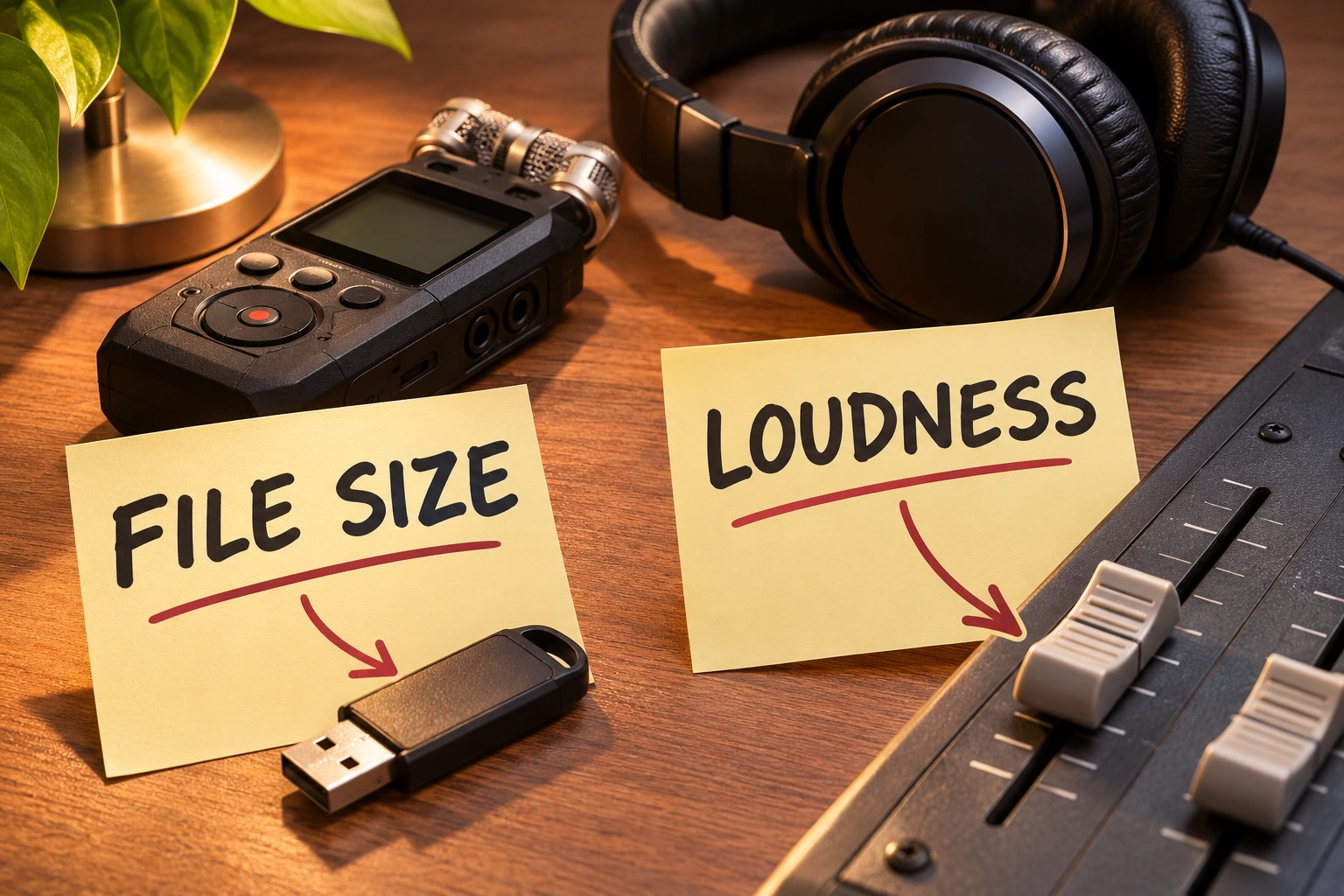
Start with the distinction
A lecture that will not fit in an upload needs a smaller encoded copy. A lecture whose speaker alternates between whispers and loud speech needs an audio-level editing workflow. Identify which obstacle you have before choosing a tool.
Use the control that solves your problem
- Keep the original recording. Check whether the problem is measured in megabytes, inconsistent listening volume, or both.
- For a smaller file on iPhone, open the recording in Audio Compressor MP3 Converter and use its compression or format-conversion tools. Choose an available export suitable for the receiving app.
- Save a separate copy, compare its actual file size, and listen to quiet speech and busy passages. Confirm playback in the destination before sending the complete recording.
Why a smaller file may sound just as uneven
MP3 and AAC encoding aim to represent audio using less data. Dynamic-range compression instead changes the relationship between louder and softer passages. Lowering an export bitrate does not establish that a distant speaker will become easier to hear. Conversely, applying a volume effect and saving an uncompressed WAV can leave a large attachment.
Choose the next tool honestly
Its current listing offers file compression, conversion and trimming; it does not promise a mastering compressor or automatic loudness leveling. Export tools require Pro. If uneven volume is the actual obstacle, an editor with a documented compressor, such as Audacity, is the appropriate separate workflow. Make your small delivery copy after that editing is finished.
Common questions
Should I compress file size before adjusting loudness?
When possible, edit volume from the best source first. Make the smaller delivery copy after the edits so you can avoid another lossy encode.
Why did reducing bitrate do nothing for the quiet speaker?
Bitrate controls how much data the saved audio uses. It does not target the difference between that speaker and louder parts of the recording.
Sources and scope
Official help checked on 2026-11-25. Limits and interfaces may change. Read the relevant section for your platform and account.