Check the pixels before changing a tag
Pixels and print size are linked
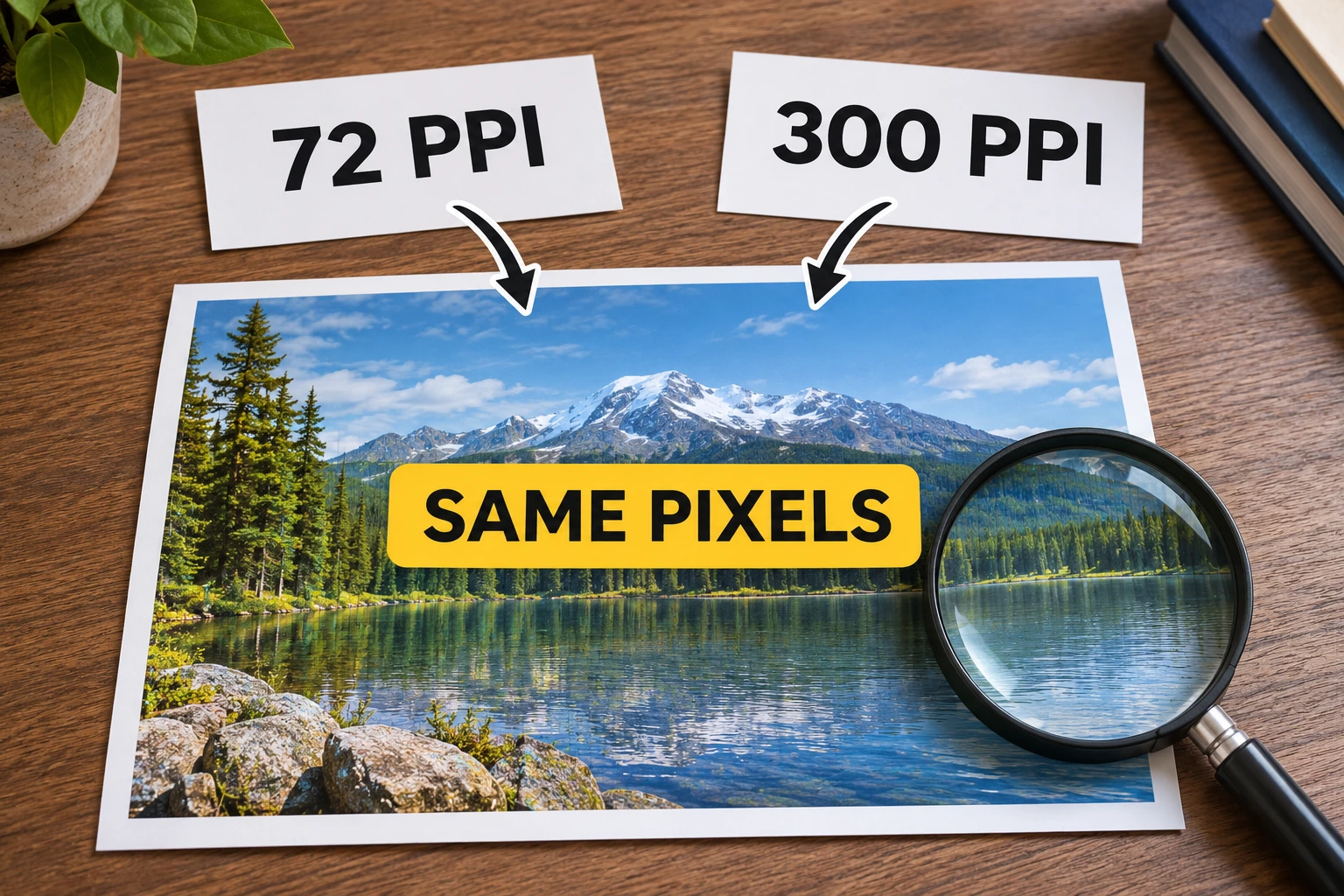
A 1800 × 1200 pixel image at 300 pixels per inch describes a 6 × 4 inch print. The same pixels at 72 pixels per inch describe 25 × about 16.7 inches. Neither metadata setting adds information to the image.
Verify what the export actually changed
- Open the photo in DPI: Photo Print Prep and inspect its pixel dimensions. Decide whether you need a DPI-only change or a specific print size.
- For a metadata-only adjustment, keep pixels and the relevant format, color and location settings unchanged. Basic single-photo DPI changes are free.
- Read back the exported pixels, both DPI axes and physical size. Confirm the print service’s requirements and scaling settings before ordering.
Resampling is a different operation
Resampling adds or removes pixels. Enlarging can make a grid larger without recreating fine detail that the camera never captured. Cropping also changes the pixels available for the final print, so inspect composition and size together.
Use the correct feature
Advanced print-size fitting offers three successful free exports before Pro; basic DPI edits never use that allowance. DPI-only edits preserve image data when format, color and location are kept. Resizing or conversion can re-save the image, and re-saved files do not preserve HDR gain maps. Keep the original and inspect a print proof for important work.
Common questions
Can the same file be marked 300 DPI without becoming a bigger file?
Yes, a density-only edit can keep the same pixel grid. Other changes, such as resizing or format conversion, can create a different file.
Why does the print service still warn about low resolution?
It may be checking the pixels left after cropping at the requested print size. Check the final crop or choose a smaller print.
Sources and scope
Official help checked on 2026-11-25. Limits and interfaces may change. Read the relevant section for your platform and account.