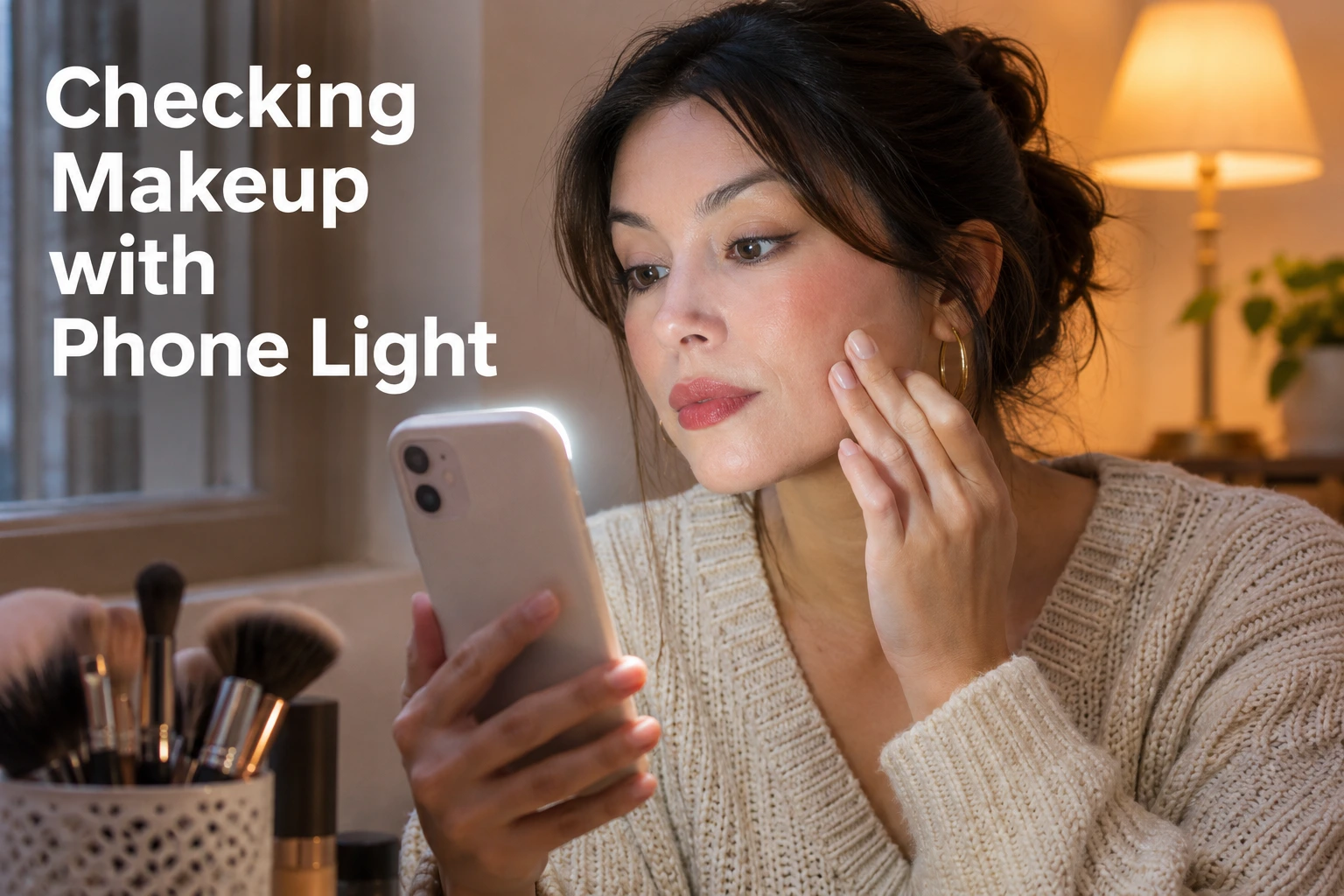
Choose two realistic lighting conditions
Use light deliberately
A warm lamp, colored wall or tinted phone screen can change the light falling on your face. Begin near soft daylight when practical, then compare with the room or evening setting that matters. Keep the camera angle similar to reduce unrelated changes.
Compare the same framing in each light
- Open GlowPop: Selfie Glow Camera and use its front-camera mirror with neutral screen color and comfortable brightness.
- Check coverage and edges, then try the relevant second lighting condition. Adjust screen light while the camera stays open.
- Take reference photos if useful and inspect the saved images. Confirm important color choices in person rather than relying exclusively on the display.
A preview is not a color measurement
Camera white balance, exposure and display settings can alter what you see. Changing the screen color is a lighting experiment, not a calibrated simulation of every venue. GlowPop is not claimed to offer colorimetric makeup matching or manual Kelvin calibration.
Use the available capture tools
All light colors can be previewed free, and the first five photos are free, including white-light photos. Pro unlocks unlimited photos and video recording. New photos save to the app album and Photos by default. The illustration shows a practical checking setup rather than a before-and-after beauty result. No skin editing, medical assessment or exact shade match is promised.
Common questions
What if the shade changes in the camera preview only?
Check the saved photos and inspect the makeup in the real light. Camera white balance and display settings can shift what you see.
Can a tinted screen replace a check in the actual venue?
Use the tint as a quick experiment. Confirm a shade or finish in the real light when a close match matters.
Sources and scope
Official help checked on 2026-11-25. Limits and interfaces may change. Read the relevant section for your platform and account.