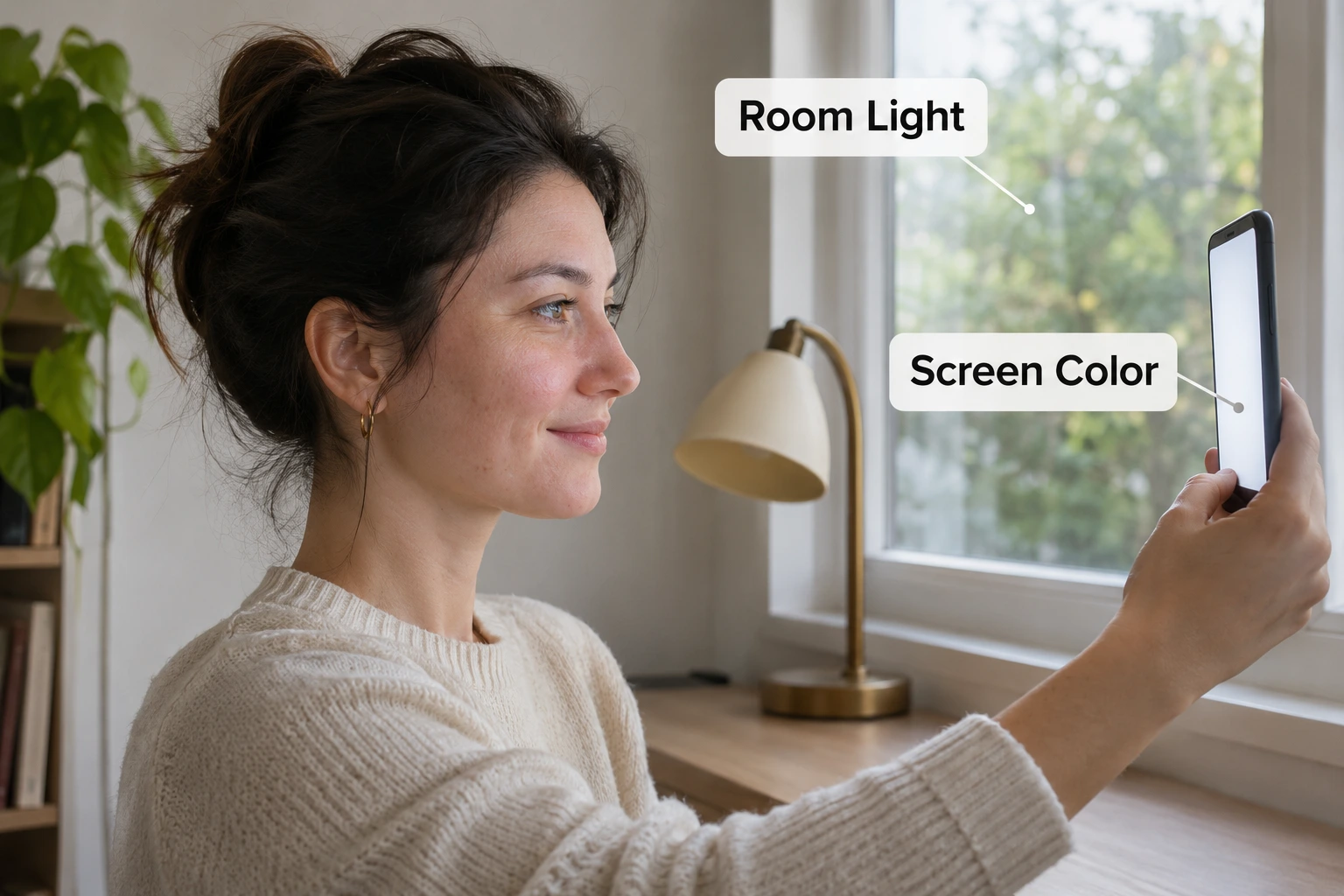
Separate the room light from the screen tint
Change one light source at a time
A nearby warm lamp can tint skin even when the phone screen looks white. Move toward softer neutral light or switch off an unnecessary competing lamp when practical. Keep the phone and face in a similar position while testing so the comparison is meaningful.
Compare two photos under controlled light
- Open GlowPop: Selfie Glow Camera and choose a neutral screen color with comfortable brightness.
- Check whether a room lamp or colored wall is adding a cast. Adjust that source before cycling through strongly colored screen options.
- Take a photo and inspect the saved result. If needed, make one small light-color change and capture another test.
Avoid chasing a perfect preview
The camera may adapt its exposure or white balance between frames. A white screen is a starting point, not a calibrated daylight source, and GlowPop is not claimed to provide manual Kelvin white balance or a color-calibration tool. Do not judge skin color from a brightly tinted screen alone.
Use the app’s actual controls
It offers a front-camera mirror with adjustable screen color and brightness while the camera stays open. Your first five photos are free, including white-light photos; Pro unlocks unlimited photos and video recording. This guide changes capture lighting rather than digitally repairing skin. No exact color match or measured improvement is promised, and the illustration is conceptual.
Common questions
What if the color differs only on another phone?
Compare the same saved file before editing. Display settings can change its appearance, so separate a viewing difference from a capture problem.
Should I set the screen to blue to cancel a yellow room?
Try removing or moving away from the warm lamp first. A strong blue screen can add a different cast and make the result harder to judge.
Sources and scope
Official help checked on 2026-11-25. Limits and interfaces may change. Read the relevant section for your platform and account.