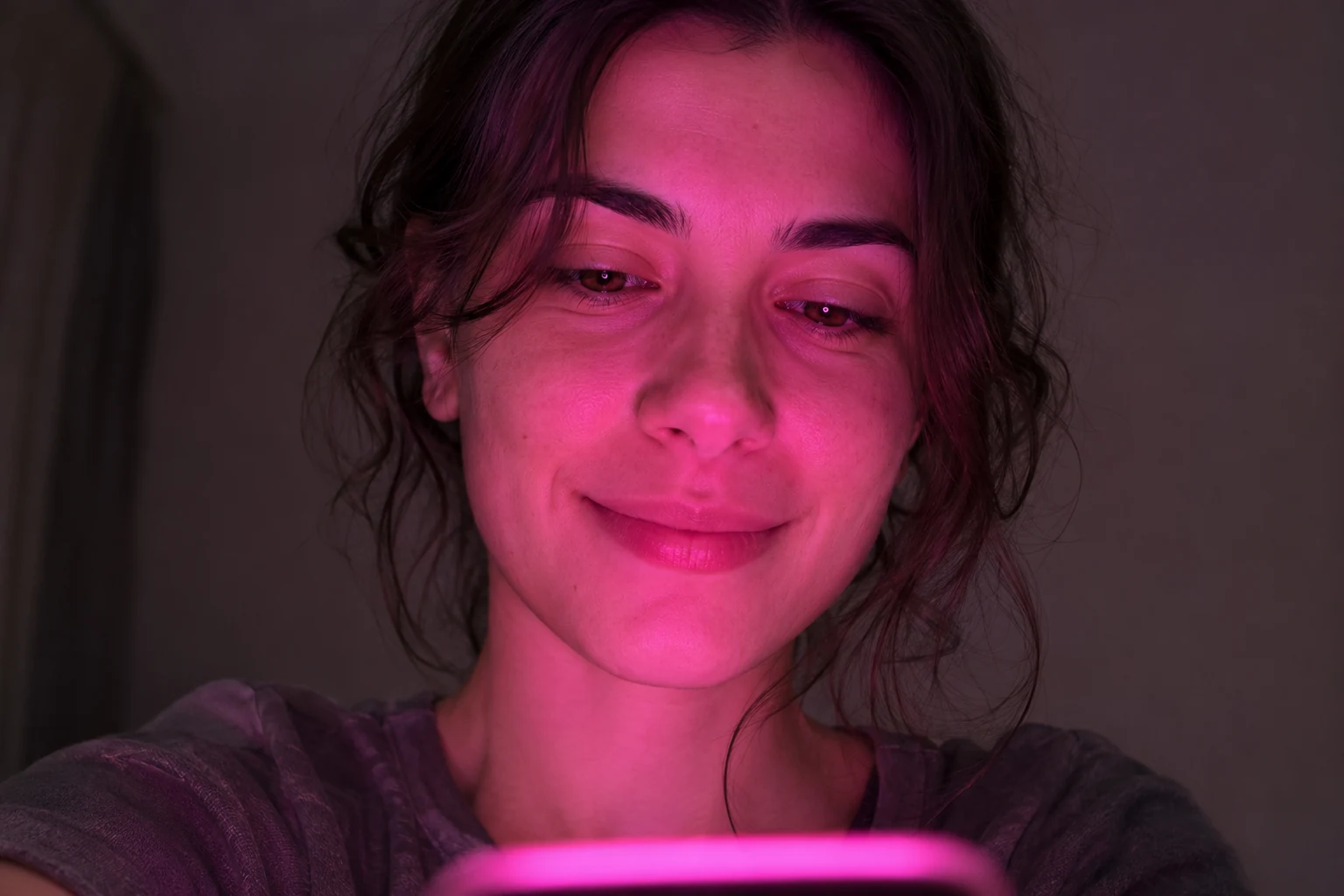
Decide how strong you want the tint
Use one tint at a time
This is a creative lighting choice. A blue or pink face is not intended to reproduce neutral skin color, and a single phone screen does not promise the two-sided look of a studio with multiple lights.
Compare the saved photo under one light change
- Open the front-camera preview in GlowPop: Selfie Glow Camera. Choose one screen-light color and use a comfortable brightness.
- Keep the framing steady while adjusting nearby lamps or your position. Compare the tint with and without strong competing room light. Leave enough light to see facial detail.
- Take a test photo and inspect the saved result. Adjust the color or brightness if highlights lose detail or the tint overwhelms the expression you want.
Light and a filter do different work
Colored light falls on surfaces before capture, so face shape, nearby objects and shadows influence the result. A later color filter changes an already captured image. Nikon’s lighting lesson demonstrates color control with physical lights and gels; it does not establish that a phone screen has the output or precision of studio equipment.
Keep the experiment simple
Its current release offers adjustable screen color and brightness while the camera stays open. All light colors can be previewed free, and the first five photos are free; Pro adds unlimited photos and video recording.
Check the tint in the saved photo
No split-color mode, calibrated output or white-balance lock is claimed here. Ambient light, phone distance and camera processing all matter. Use the saved photo as your check, and choose a different setup if the screen alone cannot produce the look comfortably.
Common questions
Why does the tint almost disappear near a bright window?
The room light may overpower the screen. Move to softer light and keep the framing steady while you test again.
Should I raise the screen to maximum brightness?
Use a comfortable setting. Check facial detail and the strongest highlights before increasing it.
Sources and scope
Official help checked on 2026-11-25. Limits and interfaces may change. Read the relevant section for your platform and account.