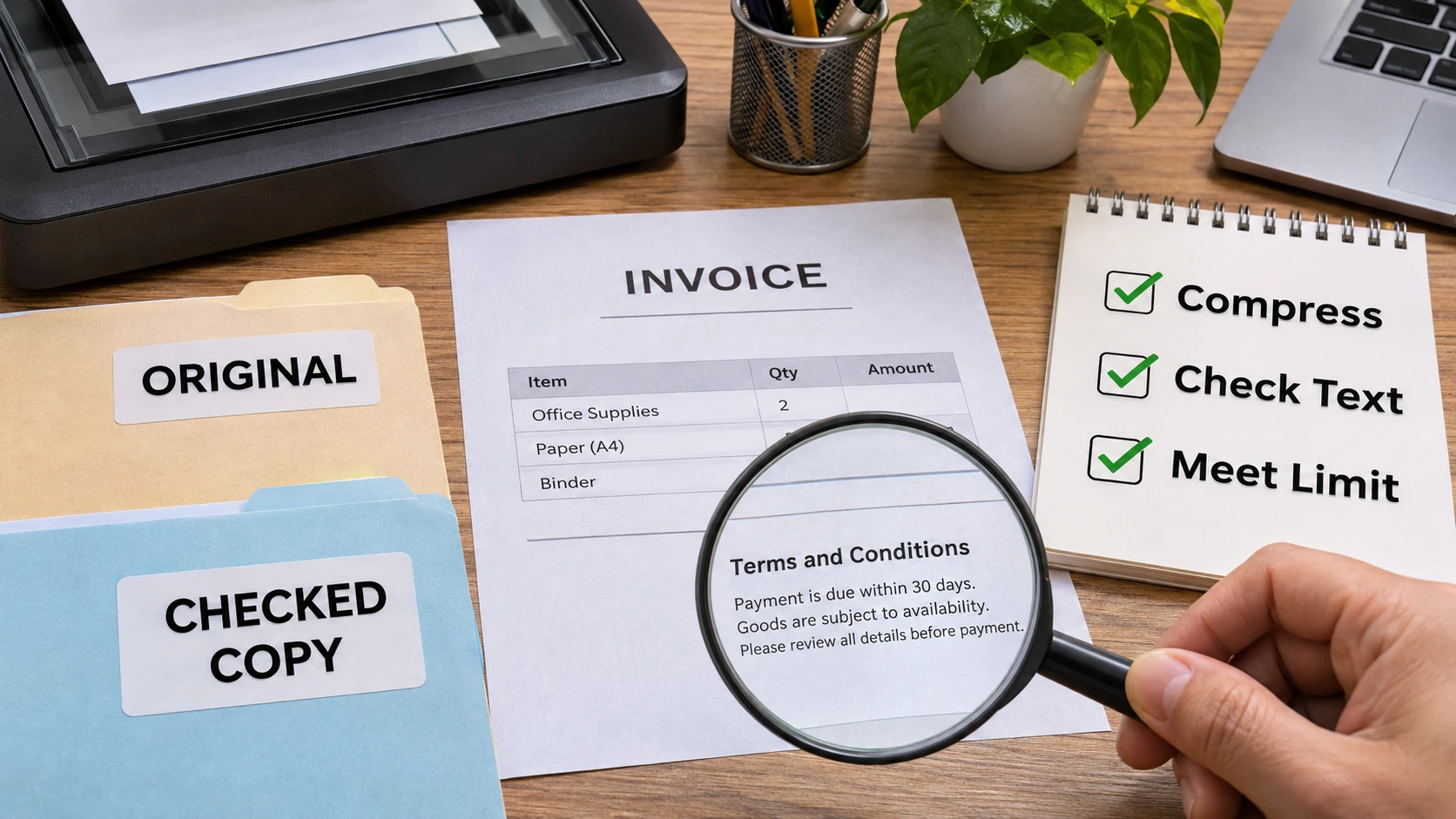
Check whether the scan is readable first
Scanned pages are images
A scan can store the entire page as a picture. Reducing that image’s resolution or quality can damage small lettering even when the page looks fine at fit-to-screen size.
Compare the saved scan with the original
- Check the original scan, receiving size limit and required pages. If the source is unreadable, rescan it with better focus and even lighting.
- Use PDF Compressor: Sign & Merge on iPhone to compress a separate copy. Check actual bytes rather than assuming a percentage.
- Open the exported PDF and inspect fine print, numbers and diagrams at reading zoom. Check page count and compare with the original.
Find the smallest acceptable change
If only a small reduction is required, prefer the clearest output that passes. Repeatedly compressing the already reduced copy can compound image damage, so return to the original for another attempt. Searchability is a separate property: a small PDF is not automatically OCR-processed, and no OCR feature is claimed for this app here.
When compression is not enough
A strict limit may be incompatible with a long, detailed scan. Ask whether fewer pages or an approved sharing link is acceptable instead of sending an unreadable file. Our iPhone app provides PDF compression and related document tools; try one export tool once free, with further exports requiring Pro. Do not alter a digitally signed original without checking the receiving requirements.
Common questions
Which details are quickest to miss in a compressed scan?
Check decimal points, serial numbers, fine print and faint handwriting. Start with the hardest page, even if the cover looks sharp.
Should I compress again if the first attempt was too blurry?
Return to the original. Use a less aggressive setting if available, or ask whether the recipient accepts an approved link when the clear copy is still too large.
Sources and scope
Official help checked on 2026-11-25. Limits and interfaces may change. Read the relevant section for your platform and account.