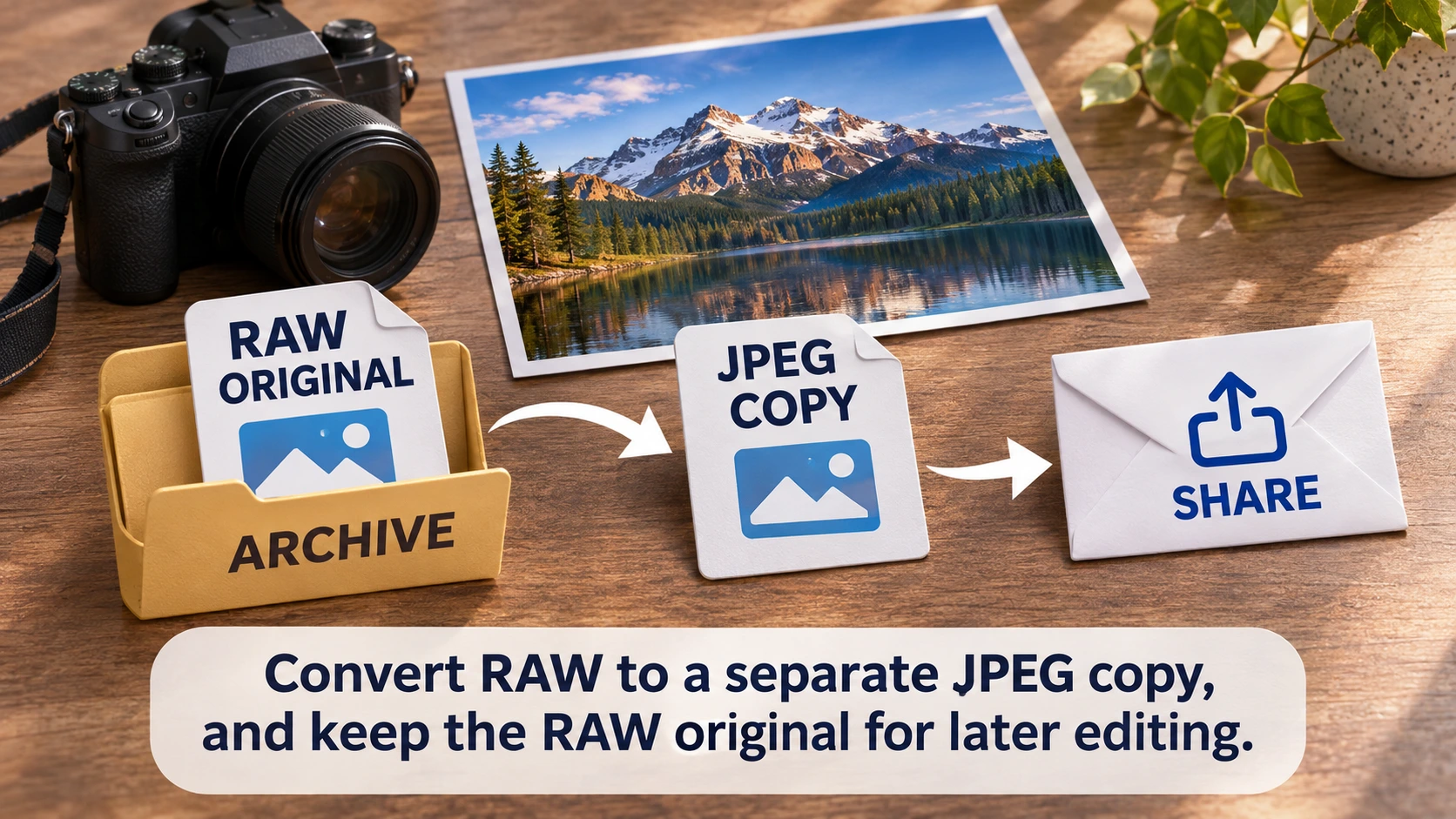
Test one camera file first
Check compatibility first
RAW is a family of camera formats. A phone supporting one camera’s files does not establish support for every RAW file. Try a representative original before starting a large batch.
Export and inspect the JPEG
- Select a compatible RAW original in PhotoFix: HDR to Normal Photos on iPhone.
- Choose RAW-to-JPEG conversion and decide whether to retain capture date and location. Review the rendered photo.
- Export the JPEG copy and open it in the receiving app. Keep the RAW file and check actual dimensions and appearance.
A conversion is a rendering decision
Apple explains that ProRAW provides flexibility for exposure, color and white-balance editing. Once rendered to JPEG, those decisions are represented in pixels with less editing latitude. The JPEG may look different from another RAW preview because rendering differs; that alone is not evidence of damage or improvement.
Know the limits before batching
Our app lists device-compatible RAW inputs up to 60 megapixels and batch conversion. It does not promise every camera decoder or identical rendering to a desktop editor. The first three successful photo conversions are free, and each image in a batch counts; further conversions require purchase. Keep originals, especially if you expect to revisit exposure or color.
Common questions
What if my phone cannot open a particular RAW file?
Try a compatible editor that supports that camera model. Keep the untouched file and export a JPEG there before trying the rest of the batch.
Why does the JPEG differ from the preview I saw in another editor?
RAW editors can choose different defaults for exposure, white balance and color. Compare the actual JPEG in the intended viewer before assuming the conversion failed.
Sources and scope
Official help checked on 2026-11-25. Limits and interfaces may change. Read the relevant section for your platform and account.