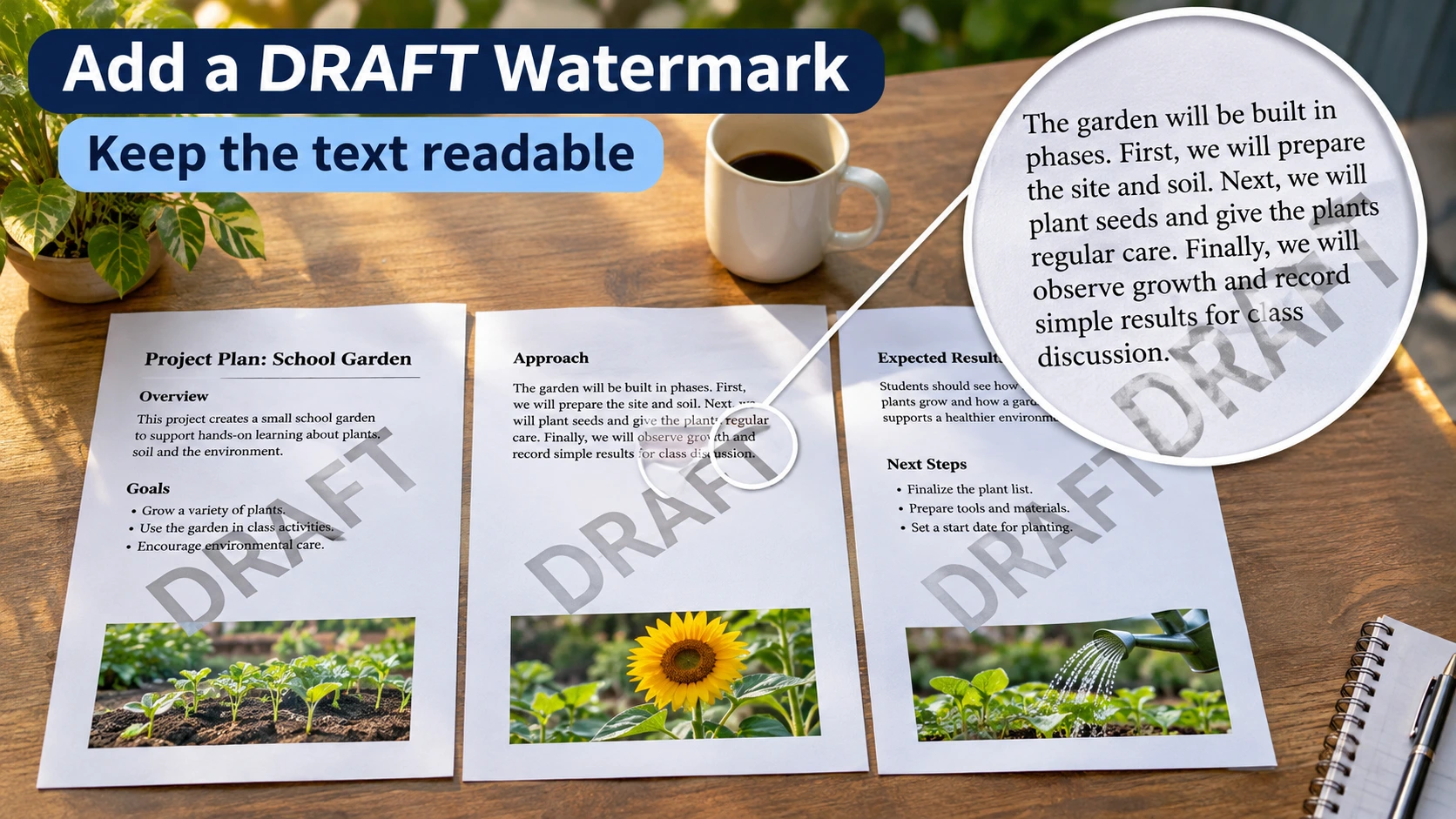
Use a short status mark
Make status clear
Use a short status word rather than a paragraph of instructions. A mark that obscures figures or footnotes makes review harder and can defeat the purpose of sending the draft.
Preview and proof the marked copy
- Open the PDF from Files in PDF Watermark & Stamp and enter DRAFT as the watermark text.
- Choose repeated diagonal marks or one centered mark. Adjust opacity, size and color while previewing both dense and sparse pages.
- Export a new PDF. Open it outside the app, inspect every page and give the copy a filename that identifies its draft status.
Opacity needs a page check
There is no universal opacity that works for every PDF. A mark over a dark photograph may be hard to see; the same mark over small black text may interfere with reading. Inspect tables, totals, signatures and fine print. Keep the unmarked source for your own editing and future final versions. If the copy will be printed, test one page on the target printer: a light screen preview does not guarantee the same printed appearance.
Visible marking has limits
The current iPhone app creates text watermarks on device and leaves the original untouched. It does not turn a watermark into encryption, redaction or a digital signature. Ask the recipient whether a marked copy is acceptable when their submission rules matter. This guide covers document labeling rather than legal protection.
Common questions
Which page should I print first?
Choose the page with the finest text or densest table. A mark that reads well on a cover can hide numbers on a busy page.
Can I use a filename instead of a visible watermark?
A descriptive filename can be enough for an informal review. Use a visible draft mark if pages may be printed, split or renamed and the reader still needs to recognize their status.
Sources and scope
Official help checked on 2026-11-25. Limits and interfaces may change. Read the relevant section for your platform and account.