Decide what the recipient may see
Label versus remove
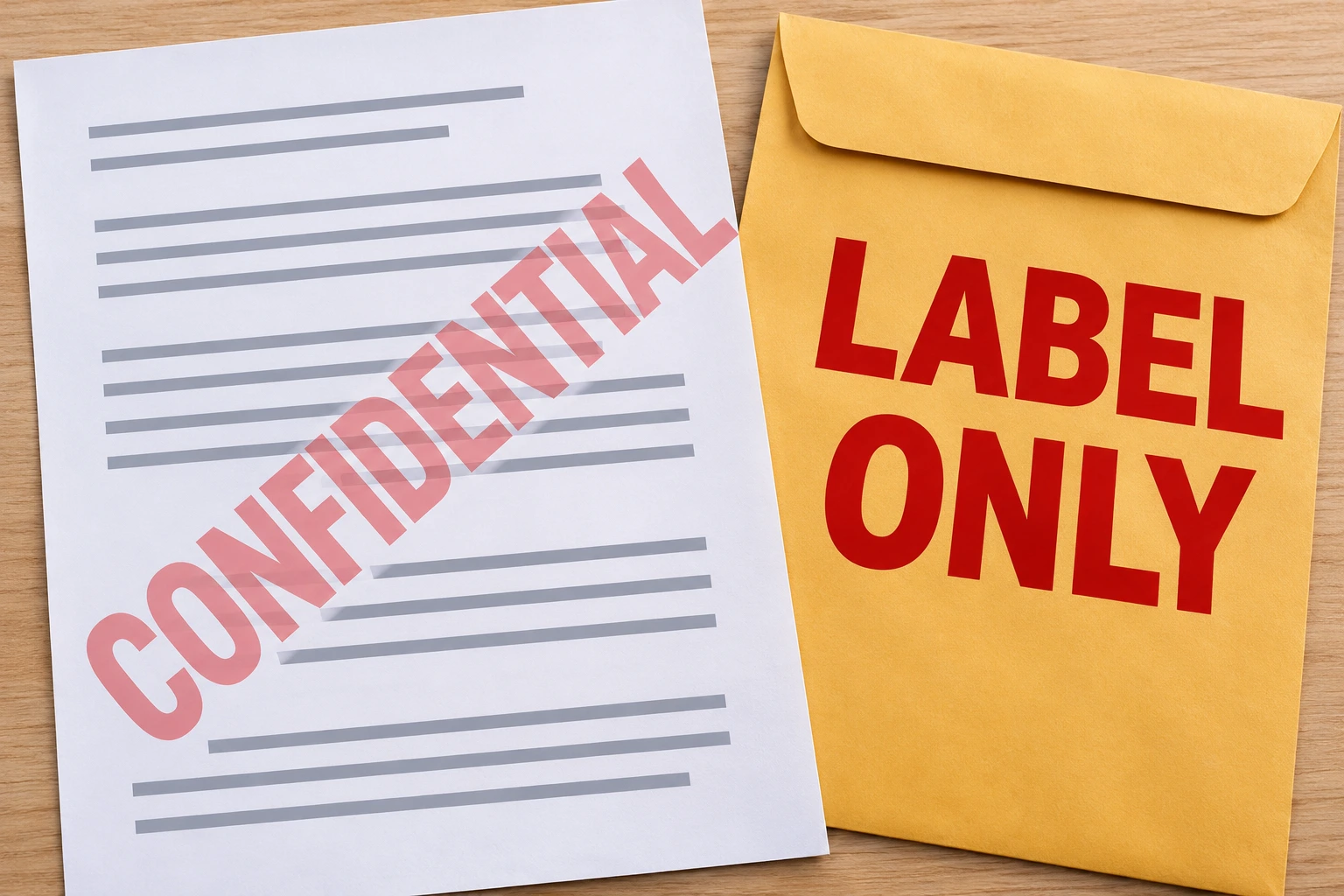
A watermark communicates handling intent. Redaction removes selected content from the deliverable. A pale stamp, black-looking overlay or flattened preview should not be treated as proof that the underlying text and metadata are gone.
Mark and check a separate PDF copy
- Decide whether the recipient needs a labeled complete document or a copy with information removed. Confirm their requirements first.
- For labeling only, open the PDF in PDF Watermark & Stamp, enter CONFIDENTIAL or an appropriate purpose, and preview the pages.
- Export the new marked copy and inspect it outside the app. Keep the original separate and verify that the label has not covered required content.
What the watermark does not prove
A visible mark is not encryption, an access permission, a digital signature or a reliable barrier against copying. It also cannot establish who is authorized to receive the document. Avoid putting a sensitive account number into the watermark itself: the mark becomes another visible copy of that information.
Know the tool boundary
Its current public features are text watermarks, opacity, size, color and page previews, with exports requiring Pro. Redaction is not claimed. Watermarking runs on device and creates a separate PDF, but local processing alone does not make sharing the finished document safe for every recipient.
Common questions
Is it safe to put an account number in the watermark itself?
Only if you are authorized to share that number with everyone who will receive the file. A generic status or purpose is usually enough for a handling label.
Should I send a copy if I can still search for text I meant to remove?
No. Treat that copy as unredacted. Return to the authorized redaction workflow and verify the exact PDF you will send.
Sources and scope
Official help checked on 2026-11-25. Limits and interfaces may change. Read the relevant section for your platform and account.