Check every mention of a name
Prepare a short reference
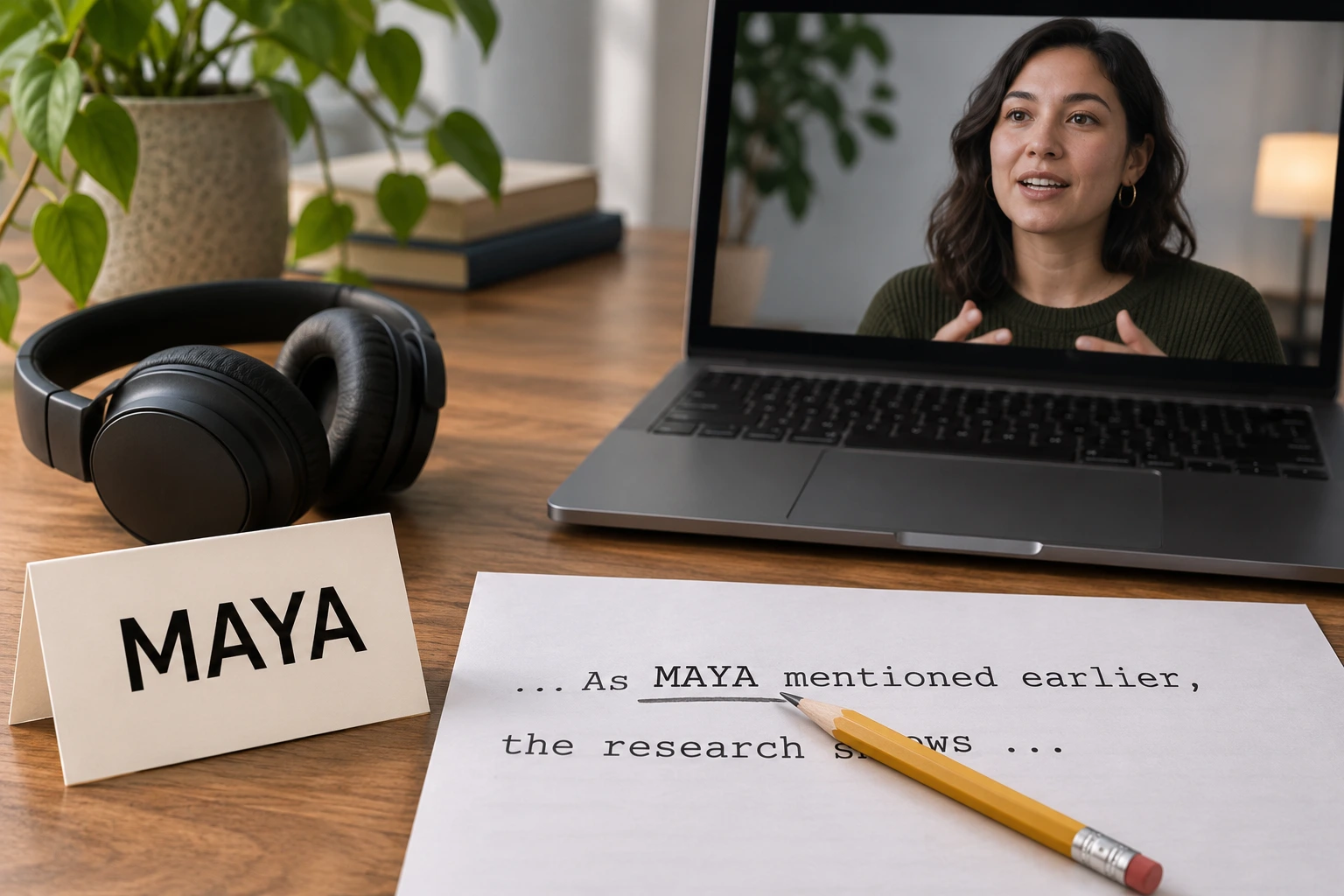
Write down the intended spelling of people, products and specialist terms. Listen to ambiguous passages rather than changing them from context alone. If the speaker’s words are unclear, confirm them with the source instead of confidently inventing text.
Review and export the corrected captions
- Import the spoken clip into Subtitle Maker: Just Captions and generate captions. Review names and numbers before choosing a style.
- Edit incorrect transcript words and check repeated occurrences individually. Replay the surrounding phrase to check meaning and timing.
- Export a captioned MP4 or MOV, then watch the saved file outside the editor. Keep the editable transcript if you will need revisions.
Review optional AI changes
AI Correct can help with typos and punctuation, but an unfamiliar name still needs human checking. The optional online text tools use the internet after consent. Core caption generation can run on device without uploading the video. Do not assume that automated text cleanup verifies identities.
Inspect the delivery copy
Free single-video exports include a Just Captions watermark; Pro removes it and unlocks additional features. The app also exports SRT when separate timed text is needed. If a wrong name has already been burned into a video, edit the project and export another copy; simply editing a separate SRT will not change those existing video pixels. No perfect transcription accuracy is promised.
Common questions
Should I let automatic cleanup choose the spelling?
Check spelling against a source you trust, such as the speaker or supplied credits. Automated cleanup may choose a more familiar but incorrect name.
What if I already shared a video with the wrong name burned in?
Fix the transcript in the project and export a new video. Editing an SRT will not change text that is already in the shared video’s pixels.
Sources and scope
Official help checked on 2026-11-25. Limits and interfaces may change. Read the relevant section for your platform and account.