Check the codec inside the MP4
Keep the original until checked
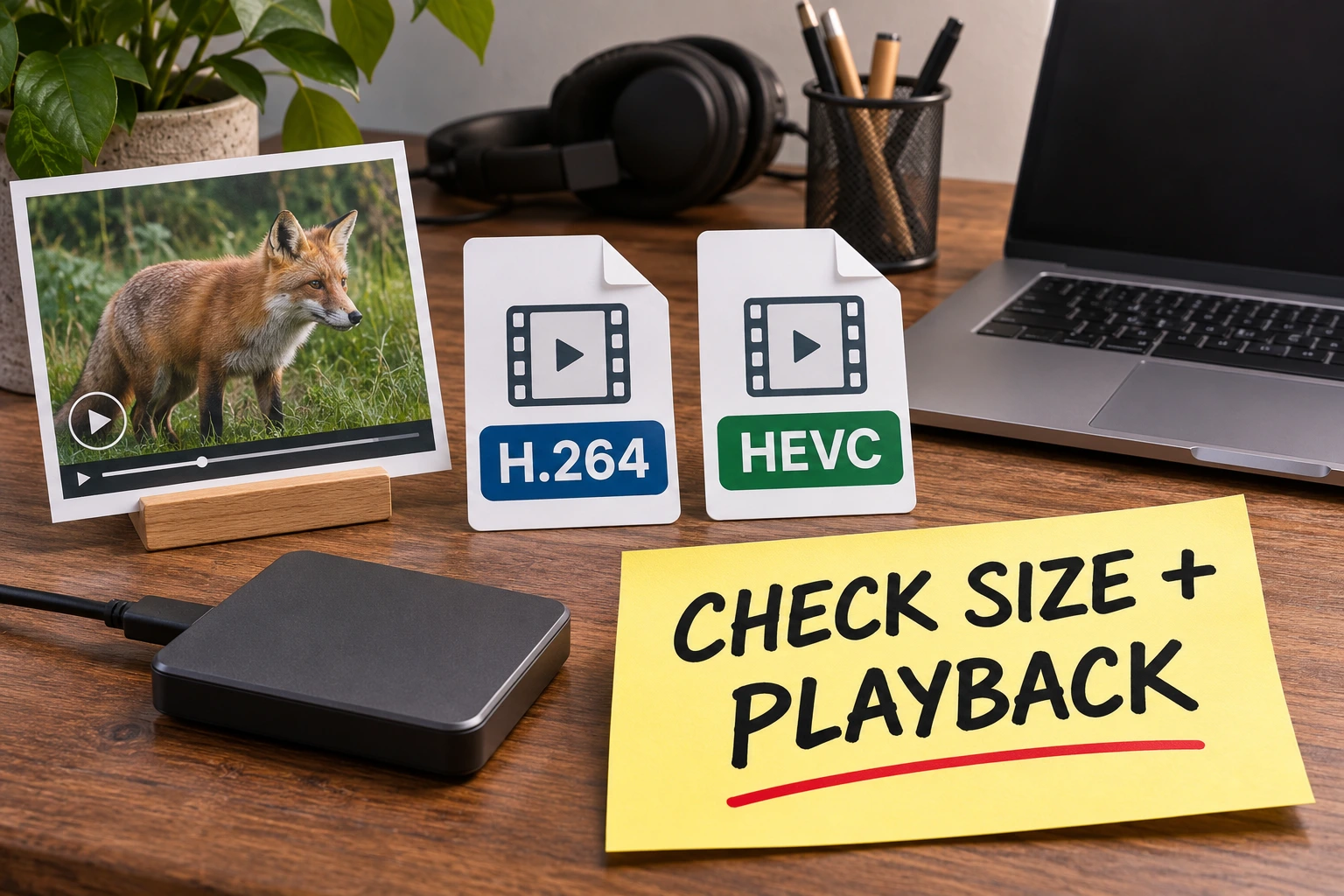
H.264 and HEVC are codecs; MP4 is a container that can carry either. A .mp4 filename therefore does not prove which codec is inside or whether an older player will decode it.
Compare a test export with the source
- In Phone Cleaner: Photo & Video, choose the H.264 source and an MP4/HEVC export. Export tools require Pro.
- Choose a suitable quality preset and export a separate copy. Compare the original and output file sizes in the app.
- Play the copy through the important motion and fine detail, then test the actual device or app that must receive it.
Smaller has conditions
Codec efficiency depends on scene content, resolution and export quality. A high-quality HEVC output can exceed a low-bitrate H.264 original, while repeated conversion may add artifacts. Return to the source if you need to try another setting. Do not delete the original merely because an export completed.
Compatibility can outweigh storage
Choose H.264 for recipients that need wider playback support. Our iPhone app supports both H.264-to-HEVC and the reverse direction, along with local compression and file-size comparison. It does not promise fixed percentage savings or a lossless codec change. Check that the saved copy is useful before deciding which version belongs in your archive.
Common questions
What if the HEVC copy opens on my iPhone but not on the recipient’s device?
Send a tested H.264 copy if the recipient supports it. Keep the source so you can make either format later.
Which scenes should I test for quality?
Choose a section with movement or fine texture, such as foliage. Compare the same scene at a similar viewing size rather than judging only a still frame.
Sources and scope
Official help checked on 2026-11-25. Limits and interfaces may change. Read the relevant section for your platform and account.