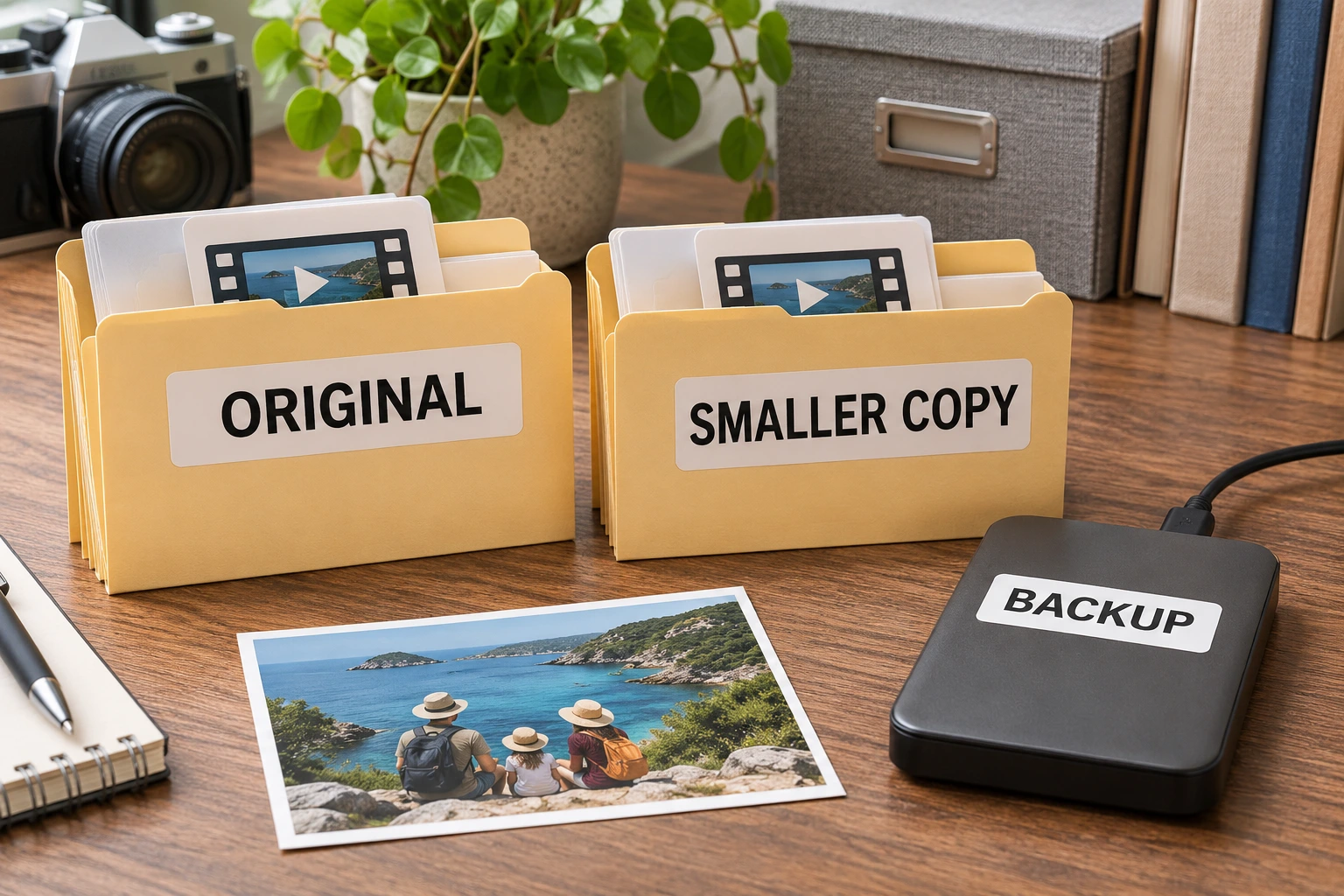
Find the original and the exported copy
Compare files before storage totals
An export that is smaller in bytes can coexist with the larger source. Phone storage also includes other media, app data and cached or synced content. Start with the exact files, then check Settings, General, iPhone Storage for the broader picture.
Compare both files before changing your library
- Use Storage Clean in Phone Cleaner: Photo & Video to find large videos, then review the source you intend to keep.
- Export a separate compressed copy and compare actual file sizes. Export tools require Pro. Play the result through important motion and audio.
- Confirm a usable backup of any irreplaceable original before deciding whether to delete it yourself. The app does not make that decision for you.
Check Photos and iCloud behavior
Deleted media may remain in Recently Deleted before permanent removal. With iCloud Photos, deleting a library item also affects synced devices. A synced copy is therefore not an independent backup. Do not permanently remove media merely to make a storage number change quickly.
Make a deliberate archive choice
Media processing stays on device, and the current listing supports large-media review, compression and original/output size comparison. A compressed copy can lose detail and is not a lossless archive replacement. Keep the best source elsewhere when future editing matters. This guide promises no fixed storage saving or immediate storage-counter update.
Common questions
Does deleting the original remove it from my other Apple devices?
With iCloud Photos, deleting a library item also deletes it on devices using that library. Check an independent backup first.
Why did used storage stay the same after I deleted a copy?
Check whether the item is still in Recently Deleted and whether both copies were in Photos. Storage display changes need not be immediate.
Sources and scope
Official help checked on 2026-11-25. Limits and interfaces may change. Read the relevant section for your platform and account.