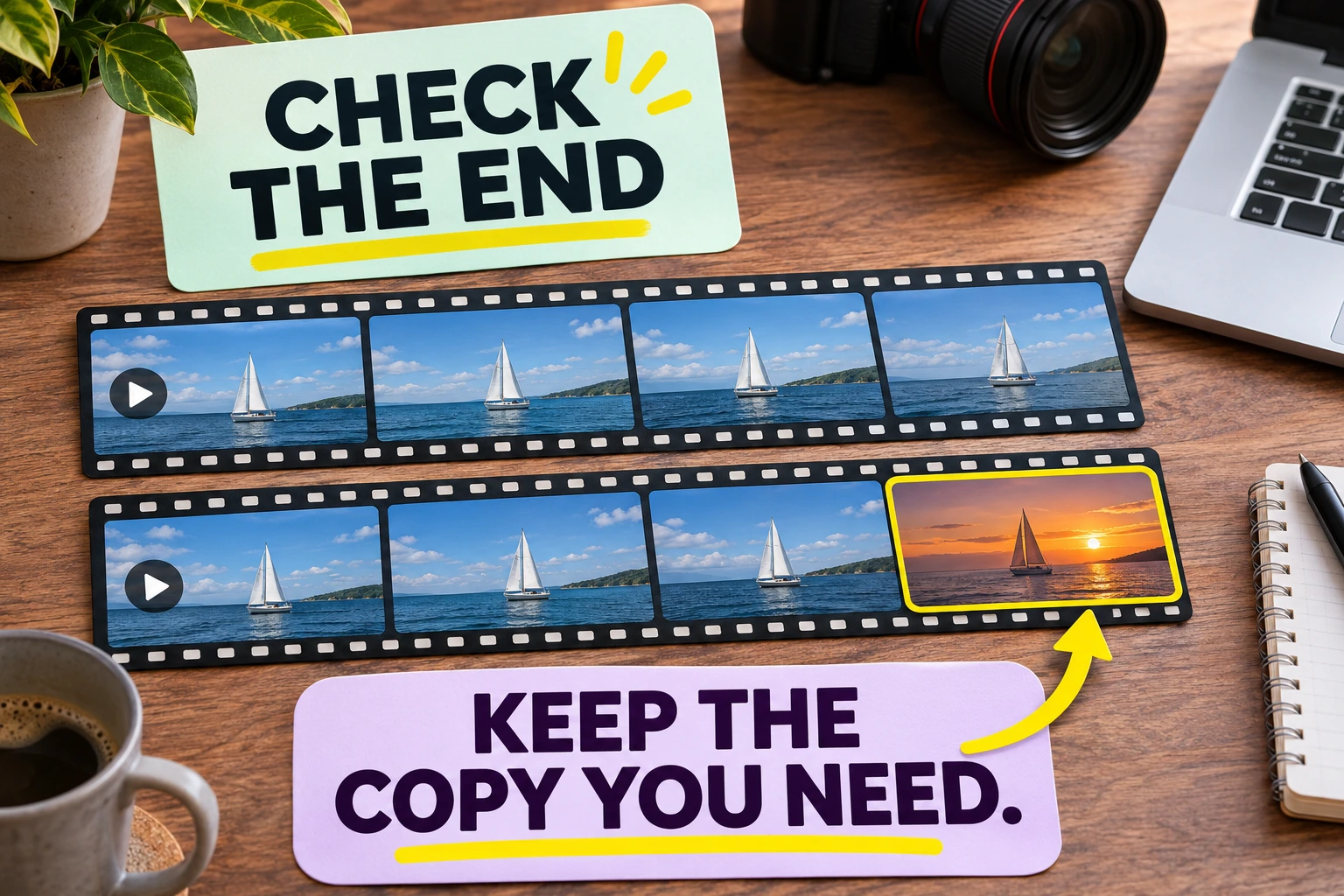
Check whether both clips are interchangeable
Start with the decision
A short edited export and a longer camera original may begin on the same frame. One copy may have different sound, resolution or useful metadata. Treat duplicate groups as candidates for review rather than permission to remove everything that looks alike.
Review duplicate candidates one at a time
- Open Storage Clean in Phone Cleaner: Photo & Video and review the duplicate-video candidates. Keep important footage backed up before deleting copies.
- Play each candidate, including the ending and sound. Compare duration and the available file details; check which copy contains the footage you need.
- Select the copy to keep and review the deletion selection before confirming. Afterwards, open the retained video and verify that it still plays as expected.
Keep intentional variants
A smaller sharing copy can be useful alongside an original. An edited version may have captions, a different crop or a shortened introduction. Those differences matter even if much of the footage matches. If you cannot establish which file is expendable, leave that group alone and continue reviewing other candidates.
What our app provides
Its current listing includes Storage Clean, duplicate-video review and choosing which copy to keep. Compression is a separate optional task. No perfect matching accuracy, automatic safe deletion or guaranteed storage-recovery amount is claimed here.
Common questions
Should I always keep the larger copy?
No. A larger clip can still be the version with the wrong edit or no useful sound. Compare content and choose by what you need to keep.
What if the two files are different cuts of the same recording?
Treat them as separate versions. Keep the source and any edit you still use, and rename or organize them so you can tell them apart.
Sources and scope
Official help checked on 2026-11-25. Limits and interfaces may change. Read the relevant section for your platform and account.