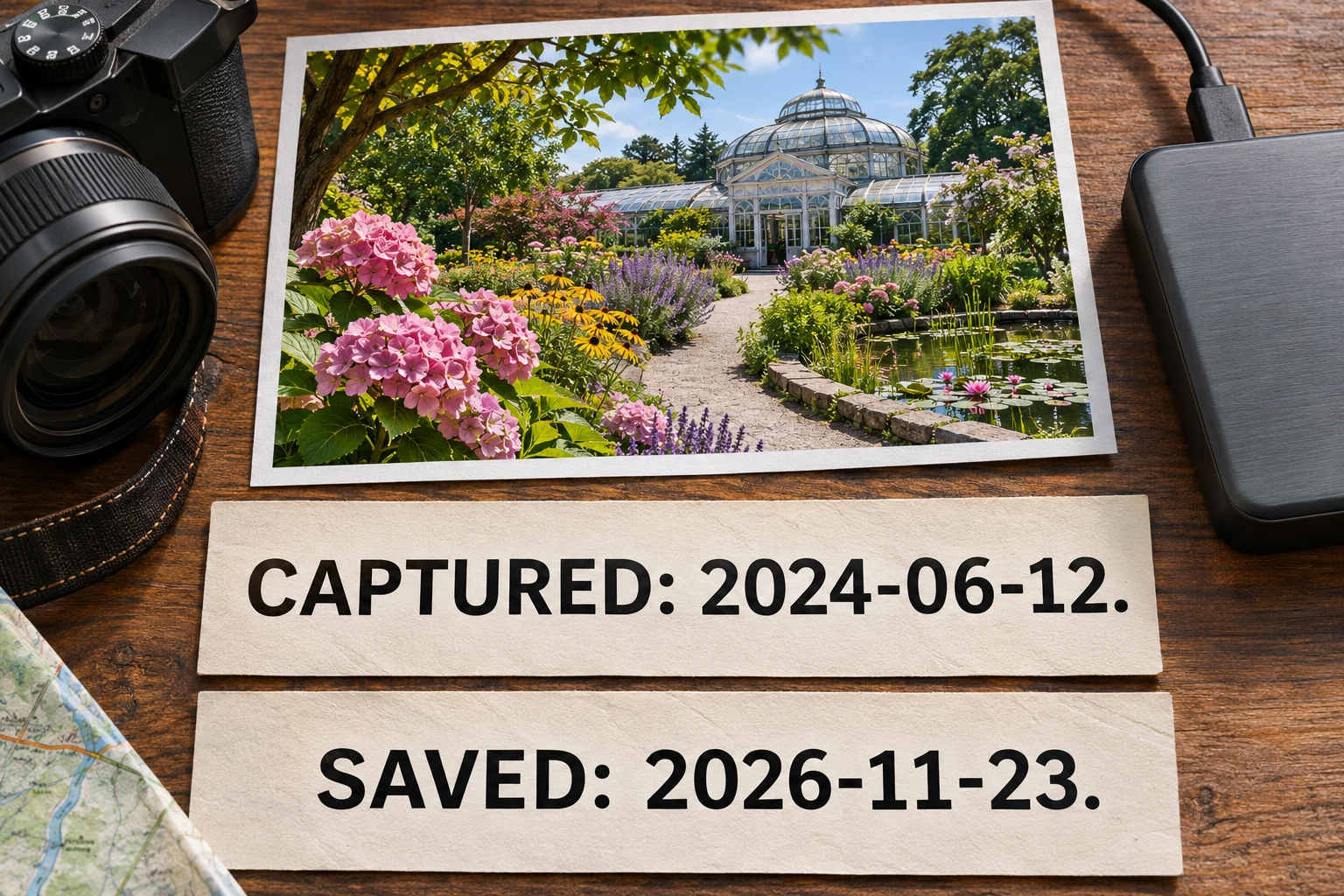
Check capture time and sort order separately
Start with the decision
Converting a holiday album today should not make every scene appear to have been photographed today. First distinguish missing capture metadata from an app that is simply sorting by import or save order.
Verify one photo before converting a batch
- Open an original in Photos and inspect its date information. Choose a picture with a known capture date before testing a batch.
- In PhotoFix: HDR to Normal Photos, choose the needed conversion and enable keeping the capture date in the export options. Decide separately whether retaining location is appropriate.
- Export one photo and inspect the saved result’s information, not just its position in a recent-items view. Check the receiving photo app’s sort order before converting more files.
Three dates can describe different events
The camera capture time records the photographed moment. File creation or modification can describe when a new copy was written. Library import time describes when the item arrived. A recipient may use a different field or fall back to a file date when capture information is absent. Renaming the file does not prove its embedded date was preserved.
Preservation has limits
Its public version offers capture-date and location choices, batch conversion and unchanged originals. The first three successful photo conversions are free, with each batch item using one. Preservation cannot reconstruct a timestamp missing from the source, and the listing does not promise every camera metadata tag. If a test copy loses its known date, keep the originals and investigate that export before replacing an album.
Common questions
Why does a saved copy appear in Recents under today’s date?
A recent-items view can use the time you saved or imported the photo. Inspect the file’s capture date to see whether that earlier date was preserved.
What if the original has no capture date?
A retention setting cannot recover a missing timestamp. Keep the source and use a trusted record if you need to add a date separately.
Sources and scope
Official help checked on 2026-11-25. Limits and interfaces may change. Read the relevant section for your platform and account.