Check shadows in the same moving passage
Start with the decision
A flat Log preview compresses the visible contrast of a scene. Normalizing that preview can reveal weak shadows, compression artifacts or an unsuitable exposure. A mismatched camera transform can create additional problems, so check the source profile before diagnosing the recording.
Compare an original and an SDR test copy
- Compare the same frame at the same display size. Avoid judging one zoomed screenshot against another player’s fitted preview.
- Confirm the camera’s Log curve and gamut. Check whether your editor has already normalized the footage before adding a LUT.
- For supported Apple ProRes Log footage, create a short Rec.709 copy with VideoFix and examine shadows during playback. Retain the source for any separate grading or noise-reduction work.
Look at motion too
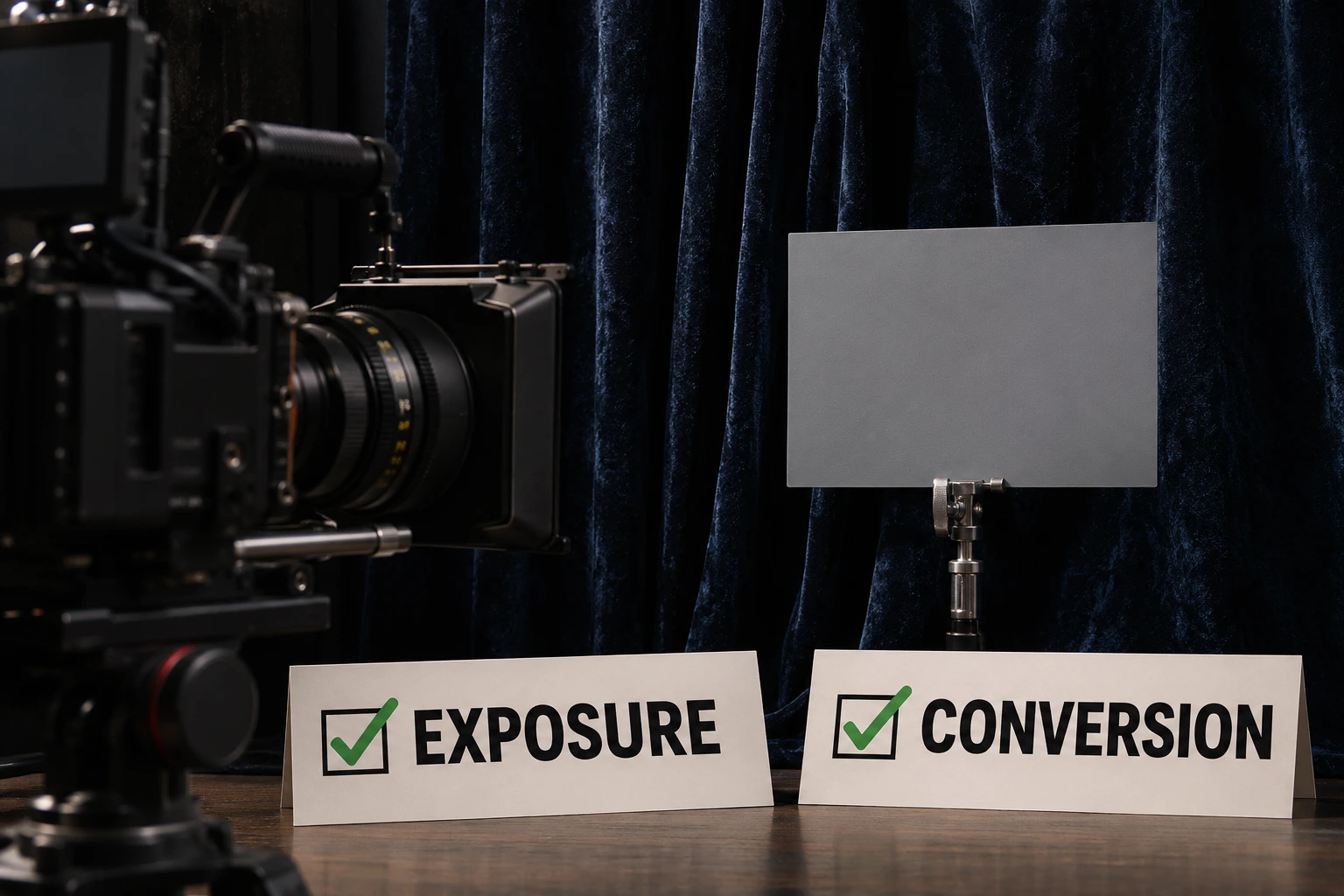
Noise changes between frames; a still can exaggerate or hide how distracting it is. Inspect a dark, relatively uniform area and a moving subject. Do not copy exposure numbers from another camera: appropriate capture settings depend on the camera, profile and scene. Sony’s technical discussion illustrates why exposure and viewing transforms are separate decisions.
What VideoFix contributes
Its current public version converts Apple ProRes Log to Rec.709 SDR H.264 MP4. This creates a standard-color delivery copy; it does not promise noise removal or recovery of unrecorded detail. The first three conversions are free. Judge the export in the actual destination before processing more clips.
Common questions
Why does noise show more in dark areas after conversion?
The viewing transform can make shadow differences more apparent. Compare those areas before and after in a suitable editor and look at several frames.
Would a noise-removal tool and a Log conversion do the same job?
No. A noise-removal tool targets unwanted variation. A Log conversion prepares the picture for another color workflow.
Sources and scope
Official help checked on 2026-11-25. Limits and interfaces may change. Read the relevant section for your platform and account.