Read the note value in the score
Two groups of three
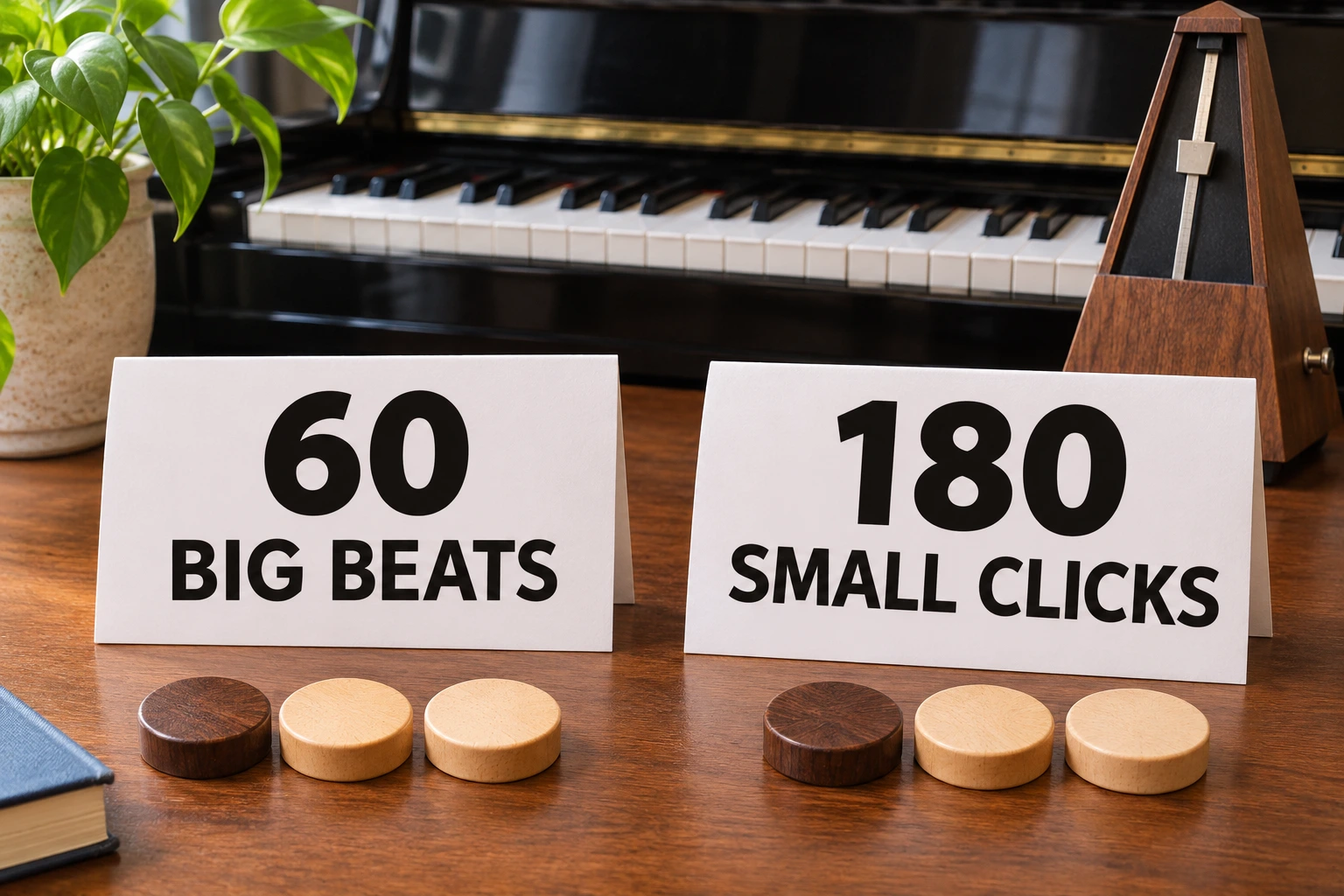
A common 6/8 feel has two large beats per bar, each containing three eighth notes. If the marking is dotted quarter = 60, there are 60 large beats or 180 eighth-note subdivisions per minute. Setting a plain click to 60 and counting six clicks per bar changes the intended speed.
Set and count the two main pulses
- Read the score’s complete tempo marking. Do not infer the beat unit from the number 6 alone.
- Use Audio Compressor MP3 Converter’s metronome as a steady click reference. For dotted quarter = 60, count “ONE two three FOUR five six” over two clicks.
- If you need each eighth note sounded instead, use 180 clicks per minute where the available range permits. Check against the same phrase before practicing.
Let the score decide
Some slow passages mark eighth notes explicitly. In that case follow that marking rather than multiplying automatically. Counting aloud can establish the grouping without assuming the app offers a dedicated compound-meter or subdivision mode.
A practical reference
No automatic score reading or rhythm assessment is claimed. The counters illustrate grouping, not the app interface. Keep this beat-unit decision separate from choosing a comfortable practice tempo. If the marking is missing or contradictory, ask the teacher or arranger which pulse the number means.
Common questions
What if the page says only 60 BPM?
Confirm which note value the 60 refers to. A dotted-quarter pulse at 60 groups three eighth notes per click, while an eighth-note pulse at 60 counts them individually.
How do I hear the grouping with a plain click?
Count “ONE two three, FOUR five six” over two main clicks. Put the clicks on ONE and FOUR and say the other counts between them.
Sources and scope
Official help checked on 2026-11-25. Limits and interfaces may change. Read the relevant section for your platform and account.