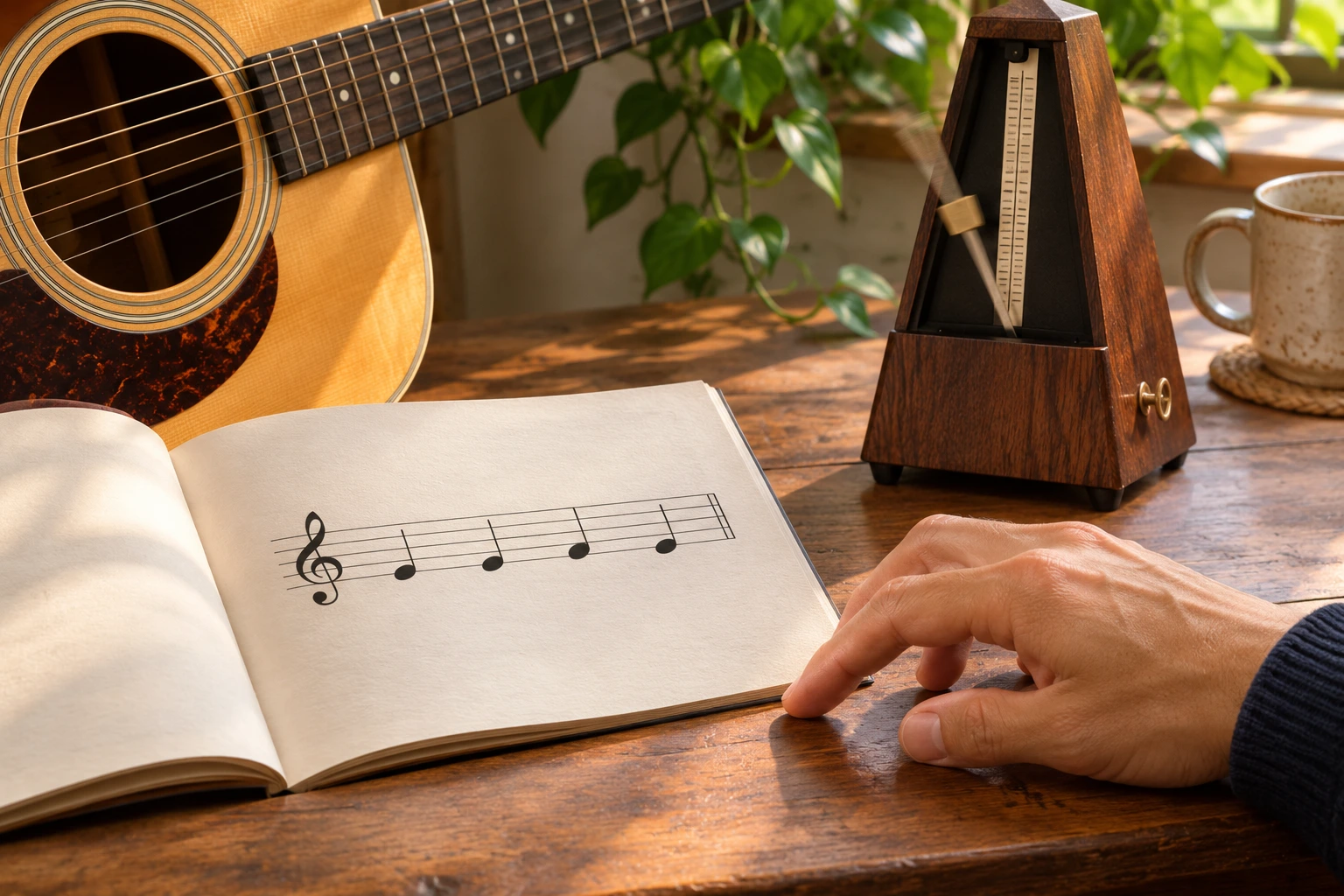
Find a manageable starting pulse
Make the task smaller
Choose a phrase you already know. Listen for a few beats, tap along, then say or clap the rhythm before playing. If you repeatedly rush or stop, simplify the phrase before increasing speed.
Practice one phrase with the click
- Open the metronome tool in Audio Compressor MP3 Converter and choose a comfortable BPM using the available controls.
- Tap with the pulse first. Play one short phrase while keeping the clicks audible. Stop and restart deliberately when the pulse gets lost.
- Write down the tempo at which the phrase stays steady. Increase gradually only when several repetitions feel controlled.
A click is a reference
BPM describes beats per minute; it does not decide which note value you should count. Use the pulse indicated by your score or teacher. Avoid changing the beat interpretation and speed at the same time, since you may accidentally make the task twice as fast.
Use recordings separately
Its current release includes metronome, pitch and tempo tools. Changing a recording’s tempo and following a metronome are different practice tasks; use whichever addresses the obstacle. Export tools require Pro. No automatic rhythm assessment, performance scoring or guaranteed learning speed is claimed. Save your source recordings and keep listening to your own playing.
Common questions
What should I do if I keep falling behind?
Clap or tap the rhythm first. Slow the click or shorten the phrase until you can land its first and last beats consistently.
When should I try the original tempo again?
After you can repeat the phrase with a steady pulse. Try a small increase, then return to an easier speed if the rhythm slips.
Sources and scope
Official help checked on 2026-11-25. Limits and interfaces may change. Read the relevant section for your platform and account.