Choose one practice adjustment
Choose the change you need
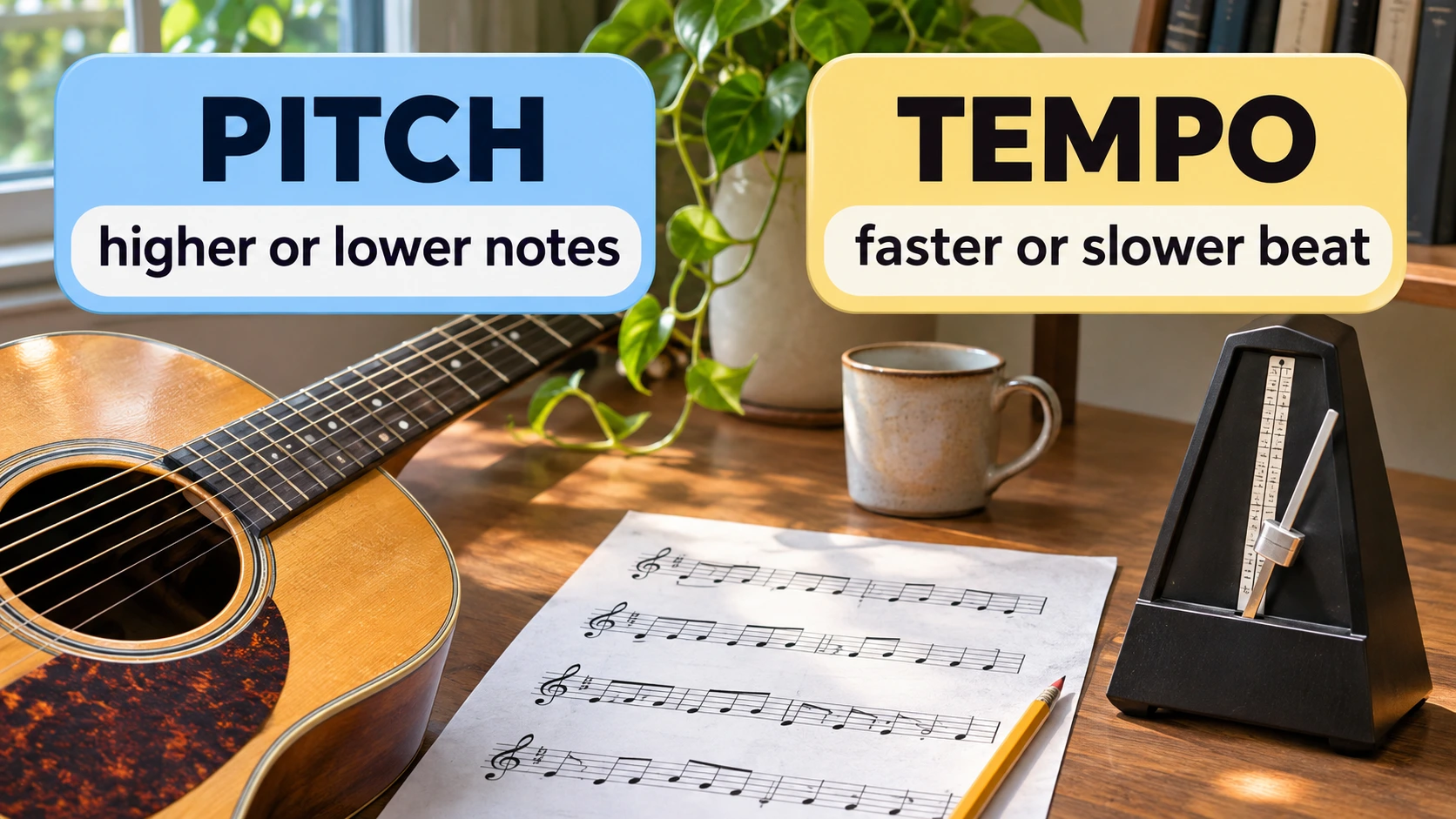
A song that is too high calls for a pitch adjustment. A passage that is too fast calls for a tempo adjustment. Changing one does not mean the other must change.
Make and audition a practice copy
- Import a local recording you have permission to use into Audio Compressor MP3 Converter.
- Use its pitch or tempo tool for the practice problem you identified. Start with a small adjustment and listen to a demanding passage.
- Export a separate practice copy. Compare vocals, sustained notes and rhythm with the original before using the whole track.
Why voices can sound unnatural
A mixed recording contains voices, instruments and transients together. Processing the complete mix can change vocal character or introduce audible artifacts. A pitch tool is not proof of formant correction, vocal separation or studio-quality transposition. Those advanced capabilities are not claimed here.
Keep a useful reference
The iPhone app lists pitch and tempo changes for practice in its current iPhone release. Export tools require Pro. Use a normal-speed original alongside the practice copy so you can check the intended rhythm. Streaming-service playback is not the same as an importable audio file; use an accessible local source.
Common questions
Should I change both settings at once?
Start with the one that solves the problem. Compare the same short phrase with the original before making a second change.
Which version should I use before rehearsal?
Return to the original speed to check phrasing and timing. If you rehearse in a different key, use a pitch-adjusted copy and confirm its key with your instrument.
Sources and scope
Official help checked on 2026-11-25. Limits and interfaces may change. Read the relevant section for your platform and account.