Ask what kind of WAV the recipient needs
Start with the decision
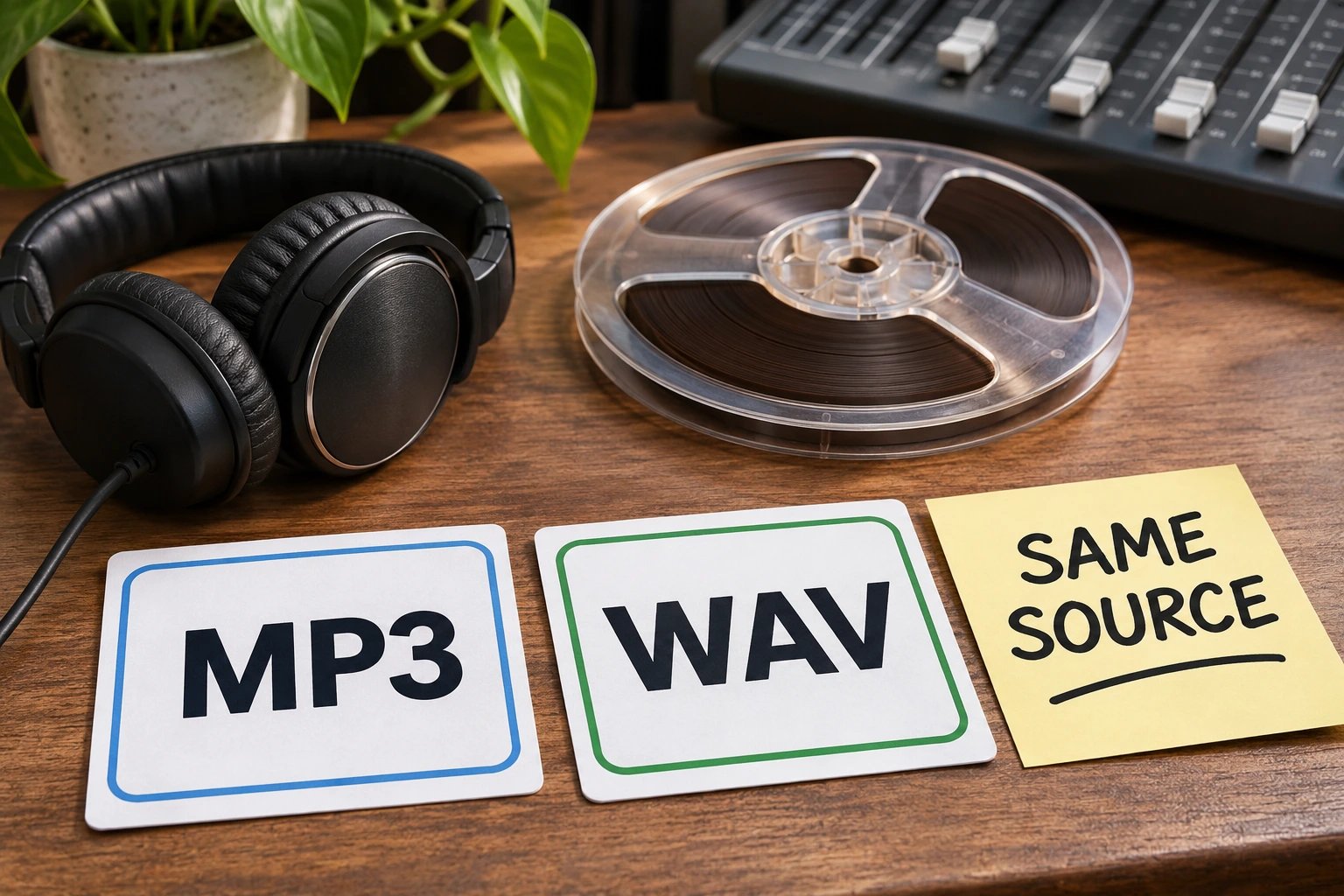
A recipient may require WAV for an editing or playback workflow. That requirement is different from asking for better sound. A larger decoded file can contain the same audible limitations as the small MP3, including distortion or missing detail.
Make and test a separate WAV copy
- Keep the MP3 and read the recipient’s actual format requirements. Do not infer sample rate or bit depth from the filename.
- In Audio Compressor MP3 Converter, use audio format conversion and choose the available output that matches the requirement. Save a separate copy rather than replacing the source.
- Open the saved file in the receiving app. Check duration, the beginning and end, and any place that must align with video. Keep enough storage for a larger output.
Why size can increase
A typical uncompressed WAV stores decoded samples rather than the MP3’s compact representation. Its size therefore follows duration, channels, sample rate and sample format. Increasing these settings cannot reconstruct the earlier source. Renaming .mp3 to .wav does not perform decoding or create a valid WAV.
Use conversion for compatibility
Its current listing includes audio compression and format conversion, with MP3 and WAV among supported formats. Match the choices actually offered in your workflow; no particular professional delivery preset is promised. Avoid repeated MP3 exports while preparing a working copy.
Common questions
Why is the resulting WAV larger?
A typical uncompressed WAV stores decoded samples. The larger byte count describes that representation, not recovered sound detail.
Can I rename the MP3 file with a .wav extension?
No. Use a converter so the contents are written in a WAV file, then test that file in the required workflow.
Sources and scope
Official help checked on 2026-11-25. Limits and interfaces may change. Read the relevant section for your platform and account.