Choose a master and a delivery copy
Choose by next task
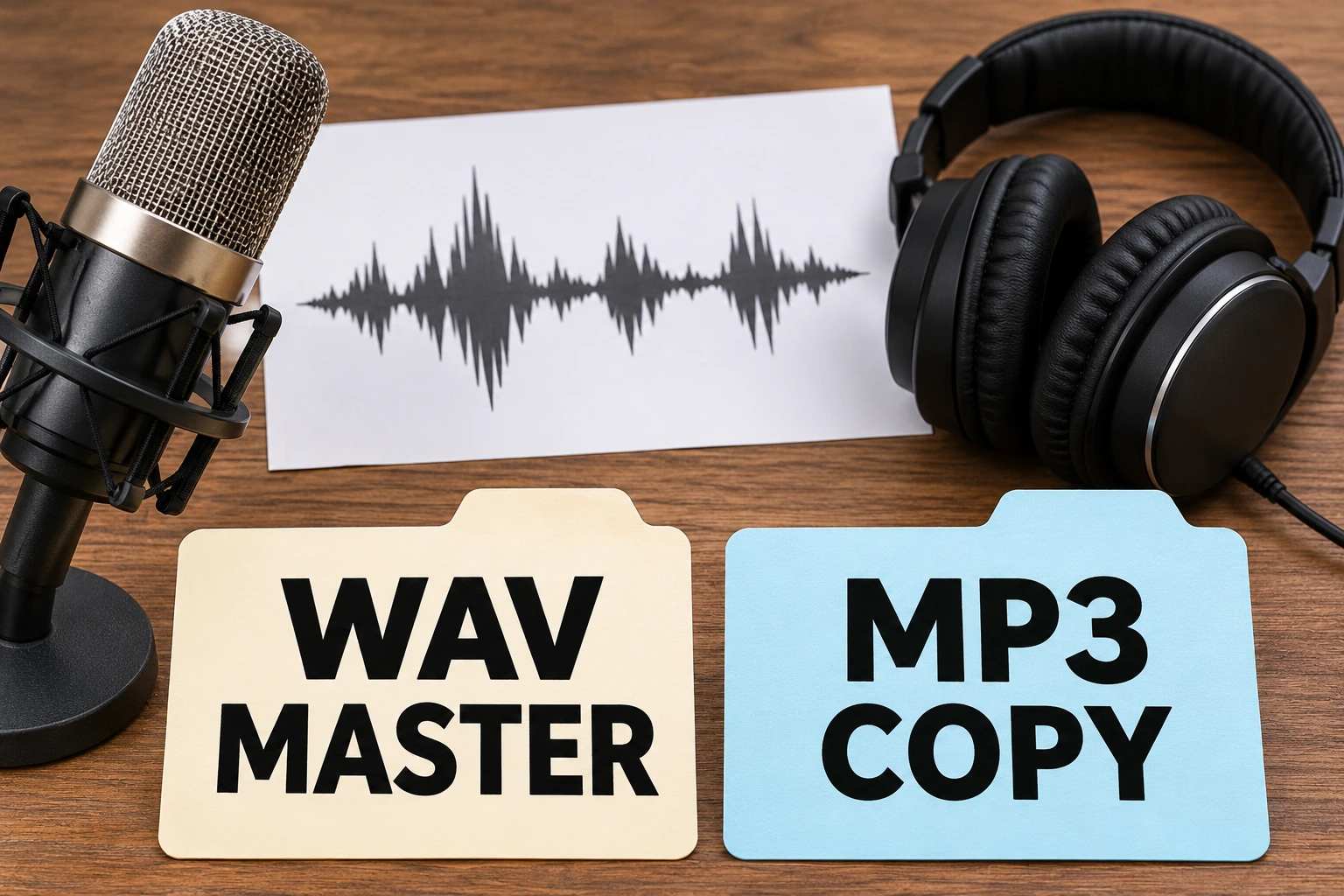
A larger WAV file can be a useful editing source, while a smaller MP3 is convenient for delivery. The filename alone does not establish recording quality: a WAV made from an MP3 still contains the earlier losses.
Make and test an MP3 copy
- Keep the original WAV in a clearly named archive folder. Import a separate copy into Audio Compressor MP3 Converter.
- Choose MP3 conversion for a compatible sharing copy. Export tools require Pro; check the purchase options before exporting.
- Listen to quiet passages, consonants and sustained instruments in the saved copy. Compare its actual size and confirm that the recipient can open it.
Avoid repeated lossy exports
If you need to trim or process a recording again, return to the best available source. Repeated MP3 exports can accumulate artifacts. A higher bitrate can reduce audible losses, but it cannot guarantee transparency for every recording or recreate missing frequencies.
A practical archive habit
Name the files so that the editable master and delivery copy cannot be confused. Keep both until the recipient has checked the result. This workflow does not promise lossless MP3 output, noise removal or a particular size reduction.
Common questions
I received only an MP3. What should I keep?
Save that MP3 untouched as the best available original. If an editor requires WAV, make a working copy and keep it separate.
How should I name the two versions?
Use purpose in the name, such as interview-master.wav and interview-share.mp3. Check the extension and open the attachment before sending it.
Sources and scope
Official help checked on 2026-11-25. Limits and interfaces may change. Read the relevant section for your platform and account.