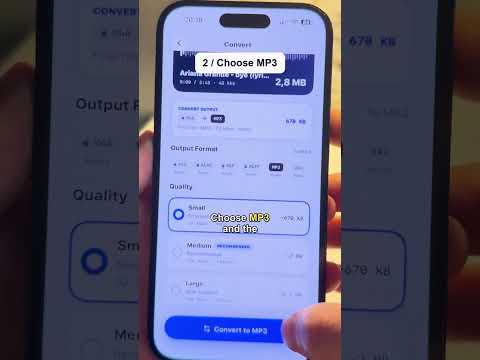
Watch: convert an M4A recording to MP3 on iPhone
▶ Watch on YouTube
Choose for the receiving device
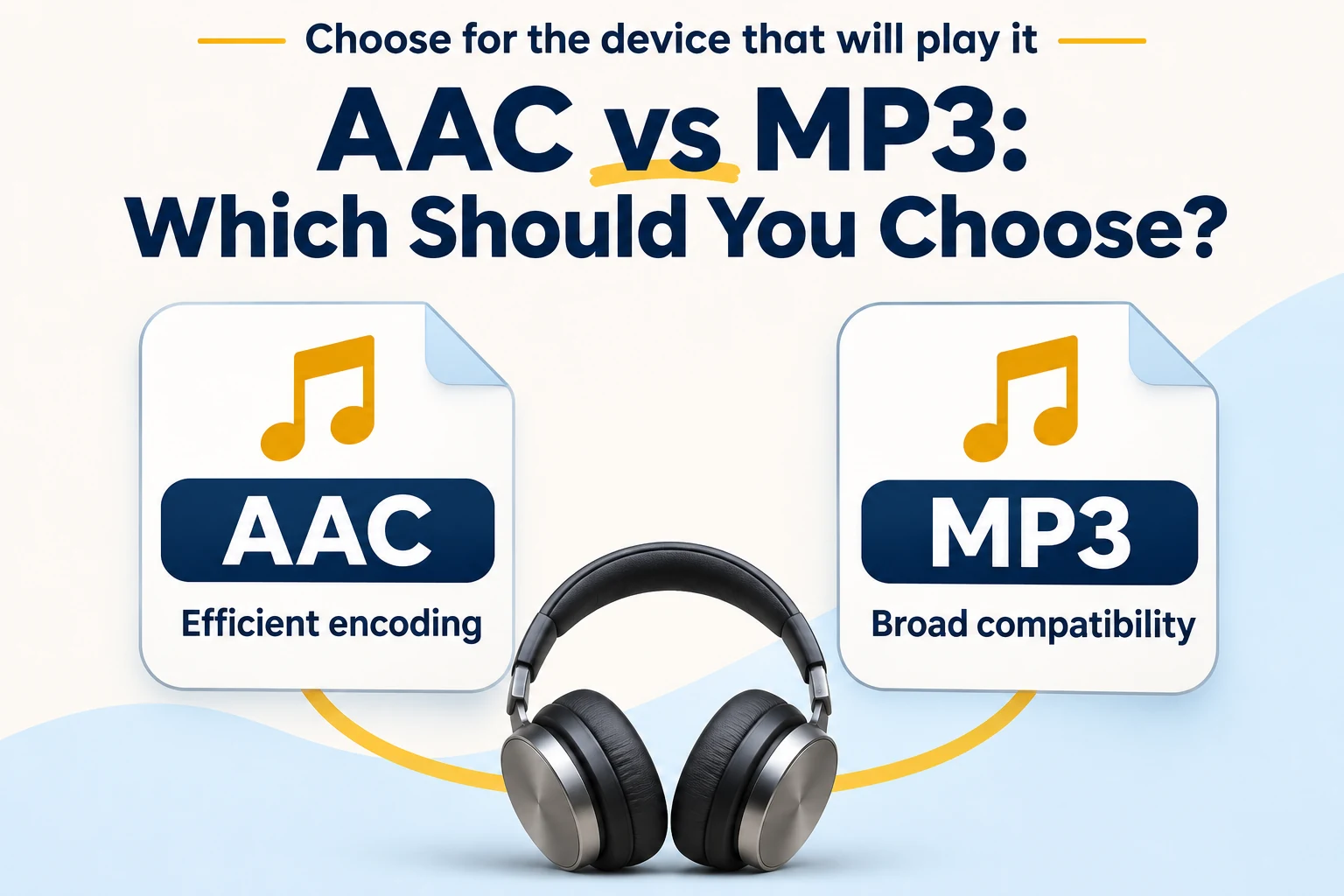
AAC: efficient encoding
AAC can preserve slightly more quality than MP3 at a similar file size, depending on the encoder and material. It is a useful listening-copy choice for compatible devices.
MP3: broad compatibility
Use MP3 when the destination requests .mp3 or you need a copy for a player that does not accept AAC. Check the actual receiving requirements first.
Make a short listening copy
- On iPhone, import your local recording into Audio Compressor MP3 Converter and choose the available output format. Use MP3 when the recipient requires that extension.
- Export a separate copy, check its format and size, and test playback where it will be used. Our App supports audio conversion; its current store listing describes export tools as Pro features.
Will AAC always make a smaller file?
No. Duration and total bitrate determine most of the encoded size. Ten minutes at a constant 128 kbps is about 9.6 MB before headers and metadata, whichever codec you choose. AAC efficiency is a quality tradeoff, not an automatic size reduction. For the calculation, see our audio bitrate guide below.
Keep the original before converting
Converting AAC to MP3, or MP3 to AAC, cannot recover discarded detail. Another lossy encode can reduce quality. Export from the best available original and listen to speech, music and quiet passages in the copy before sharing.
A desktop option
On Mac, Apple Music can convert eligible local files with its AAC or MP3 encoder. That is an alternative if the files are already on your computer. Apple limits conversion of iTunes Store purchases to iTunes Plus songs.
Common questions
What should I check when comparing two speech exports?
Listen for fuzzy consonants, metallic sounds around breaths and changes in quiet pauses. Compare the same passage at a similar listening volume.
An older player lists MP3. Should I send AAC anyway?
Send a real MP3 copy and test it on that player. Keep the AAC source so that a compatibility copy does not become your only archive.
Sources and scope
Official help checked on 2026-11-25. Limits and interfaces may change. Read the relevant section for your platform and account.