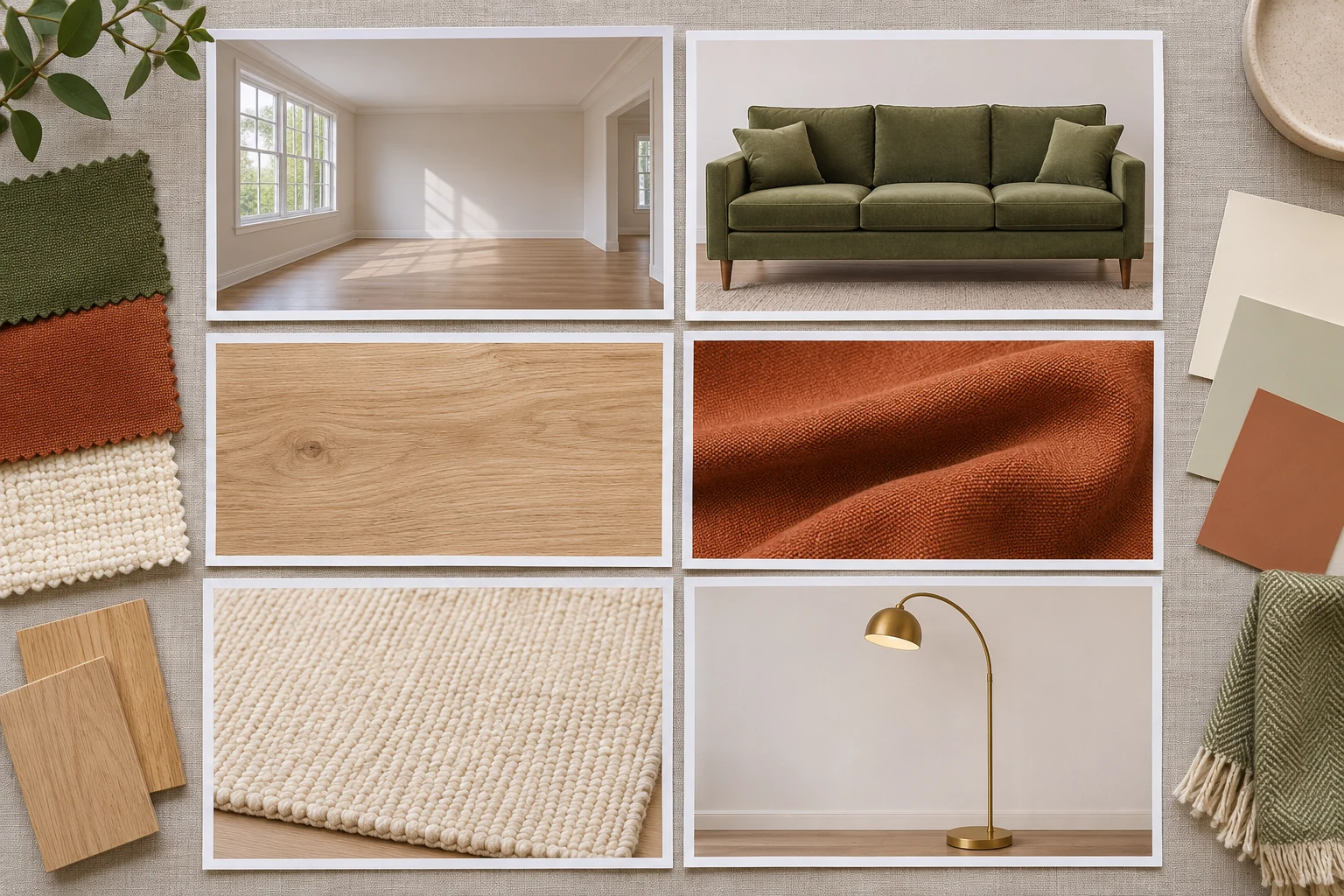
Build the board around one choice
Start with the item you need to choose
Start with one room and one decision, such as whether a rug works with an existing sofa. A board full of unrelated rooms can hide the choice you actually need to make.
Arrange and share a photo grid
- Collect your own reference photos or images you have permission to use. Include the existing room, one main furniture piece and a few relevant fabric, wood or paint samples.
- Import the references into Combine Photos: Stitch & Grid. Choose a layout, position each image and adjust zoom so the material or furniture feature remains visible.
- Export a JPEG or PNG and view the complete board at phone size. Remove weak references if the important details become too small. Share the exported image when asking someone to compare the direction.
Treat the board as a shortlist
Photograph physical samples under similar light when practical. Supplier photos, room lighting and display settings can change how a color appears. Keep product links, dimensions and prices in a separate note; the collage itself is not a shopping database or proof that furniture fits.
Know the layout boundary
It combines 2 to 30 photos or screenshots using 11 layouts and exports images up to 3000 pixels wide. One export is free; further exports require Pro.
Measure before you buy
This workflow uses a photo grid, with no claim of background removal, text editing or a realistic room simulation. Before buying, measure the room and inspect material samples in the actual space. A mood board helps organize choices; it cannot certify paint matching or spatial clearance.
Common questions
What should I put on a board for choosing a rug?
Include the room, the main furniture and a few rug or material references. Take out unrelated looks so you can compare the choices at a glance.
Can I tell from the board whether a sofa will fit?
Measure the room and check the product dimensions separately. A photo grid conveys a visual direction and does not establish scale.
Sources and scope
Official help checked on 2026-11-25. Limits and interfaces may change. Read the relevant section for your platform and account.