Fix the source text before translating
Fix meaning before translation
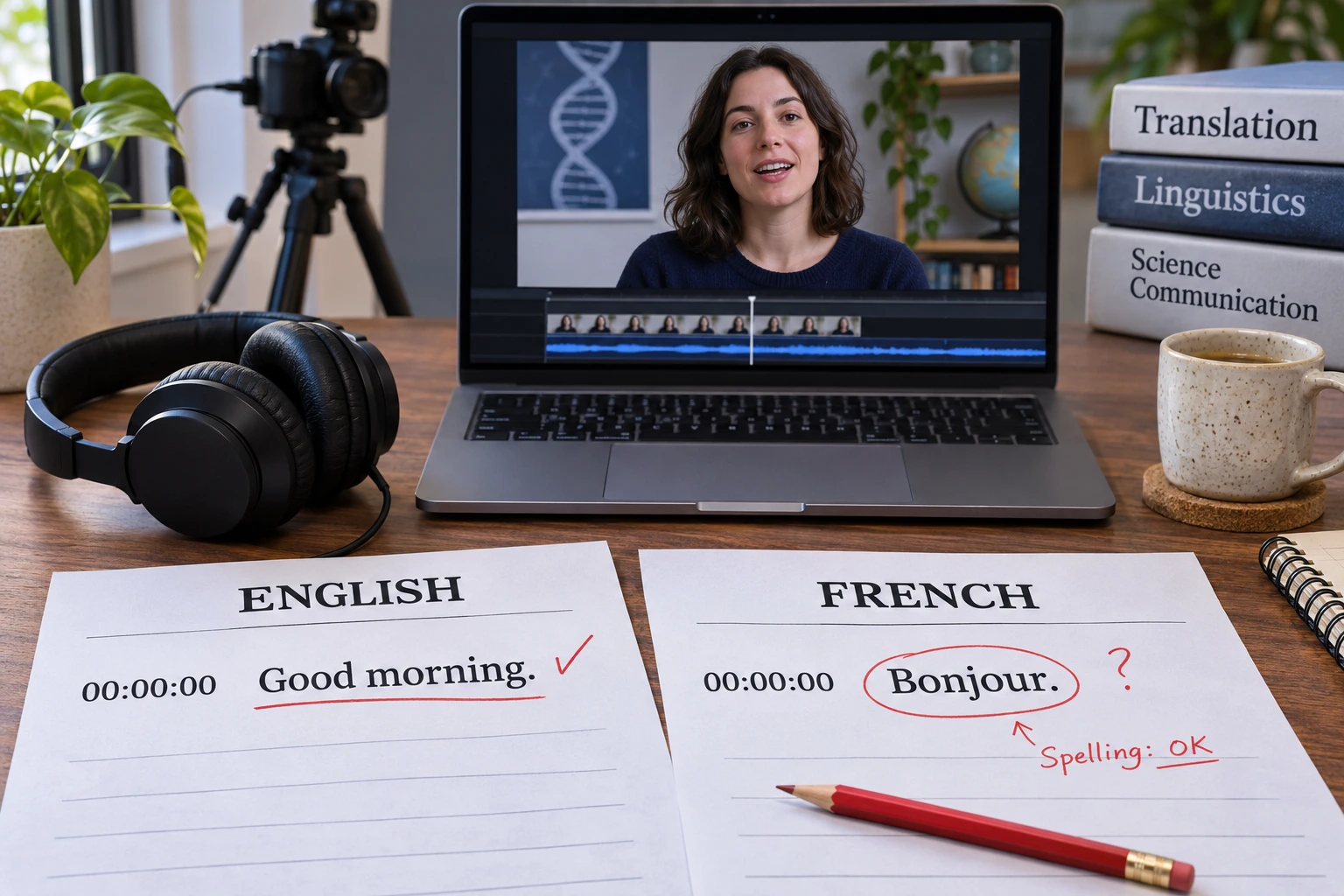
Listen for names, numbers and missing words in the original transcript. An incorrect source word can lead to a plausible but wrong translation. Decide which language the audience needs and whether the destination expects visible captions or a separate timed subtitle file.
Review one language before exporting
- Generate captions for your video in Subtitle Maker: Just Captions and review the source words against the audio.
- Use optional AI Translate and choose the target language. This online text tool requires your consent; check available access and purchase requirements in the app.
- Review meaning, names, timing and line length, ideally with a fluent reader. Export a language-specific captioned video or SRT as appropriate.
Keep versions clearly named
Save the original project and label each delivery copy with its language. Play the final exported video rather than relying only on the editor preview. If you deliver SRT, test it with the matching video and ensure the recipient can enable it.
Know the privacy boundary
The current listing supports AI translation into 33+ languages and MP4, MOV and SRT exports. Core captions can run on device; optional online AI text tools send caption text after consent. Free single-video exports include the app watermark. Translation does not dub speech or guarantee an error-free result, and viewer-side auto-translate availability is a separate platform feature.
Common questions
Do translated captions replace the original speech?
No. The subtitle translation changes the text. An MP4 or MOV with translated captions still uses the existing audio unless you replace it separately.
What should I check if I cannot read the target language?
Ask a fluent reviewer to check names, instructions and tone. Preview the final timing yourself so the captions have time to be read.
Sources and scope
Official help checked on 2026-11-25. Limits and interfaces may change. Read the relevant section for your platform and account.