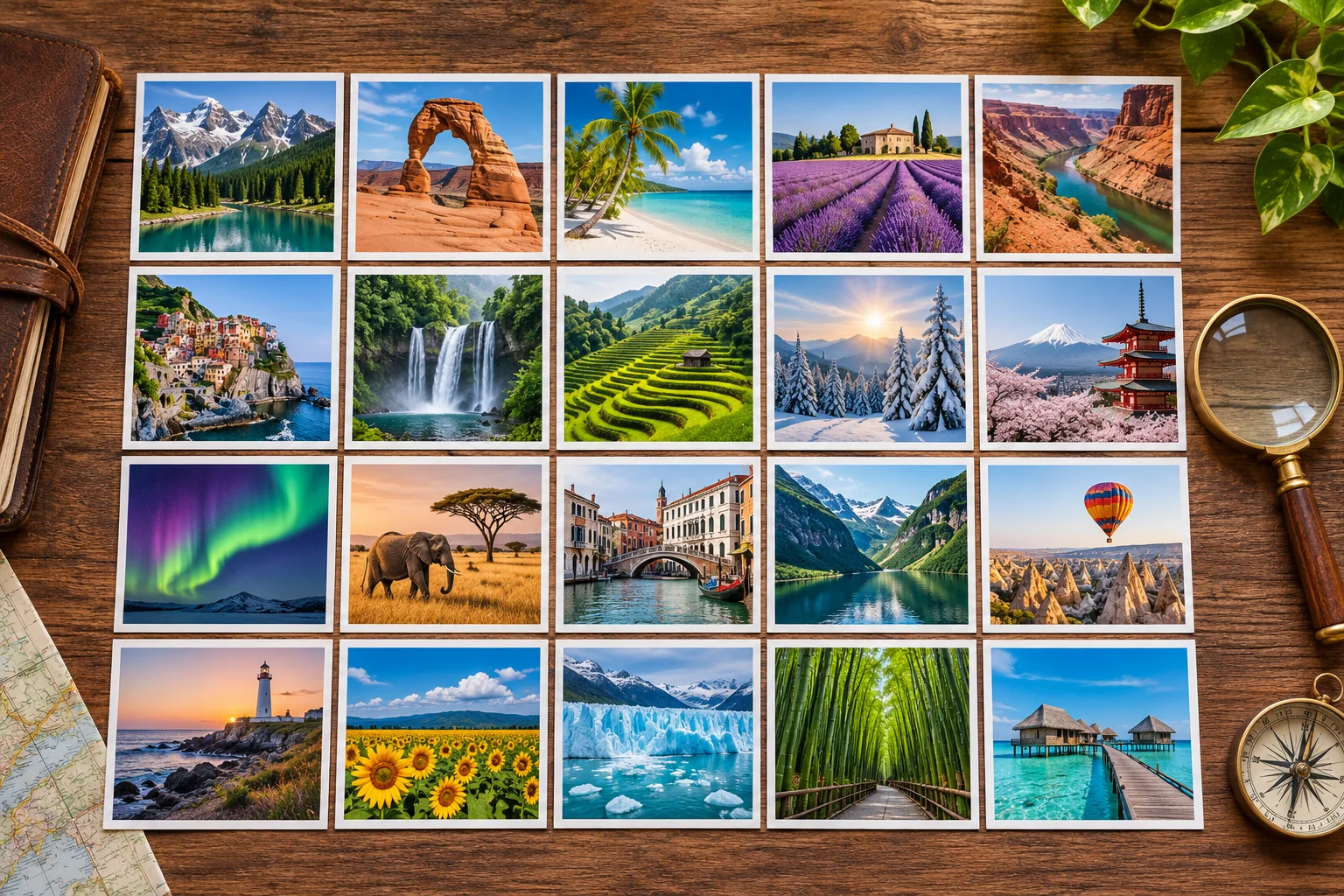
Choose images that read at small sizes
Plan the deliverable
A holiday overview and a printable collection have different needs. Decide whether the viewer needs to recognize each scene or read details within it. Twenty images in one phone-width picture give each image only a small part of the available width.
Build and test the contact sheet
- Select twenty photos in Combine Photos: Stitch & Grid, which supports 2–30 images. Choose an arrangement that suits the collection.
- Check the count and inspect every cell for accidental omissions and important cropped subjects. Move and zoom individual photos as needed.
- Export JPEG or PNG, open the saved image and view it at the size you will actually share. Split into smaller collages if the details are not useful.
Count is not a quality setting
The app exports up to 3000 pixels wide, shared across all columns and gaps. More pictures do not create more pixels for each face. Keep the originals available separately when recipients need full-resolution individual photos. There is no promise that every original edge fits every cell.
Know the purchase options
All eleven layouts are available, with one free export and Pro required for further exports. A lifetime purchase is offered alongside a monthly subscription; check current local prices in the app. Exports have no watermarks. The conceptual contact sheet illustrates planning, rather than a real export or proof of a specific twenty-image layout.
Common questions
What if people need to read a screenshot inside the collage?
Give that screenshot its own larger panel or share it separately. At 20 images, a small tile is better for recognition than reading.
Does the original photo lose resolution when I make a collage?
The combined export has a shared pixel budget. Keep the individual originals for anyone who needs full detail.
Sources and scope
Official help checked on 2026-11-25. Limits and interfaces may change. Read the relevant section for your platform and account.