Find the first file or viewer that shows bands
Separate the causes
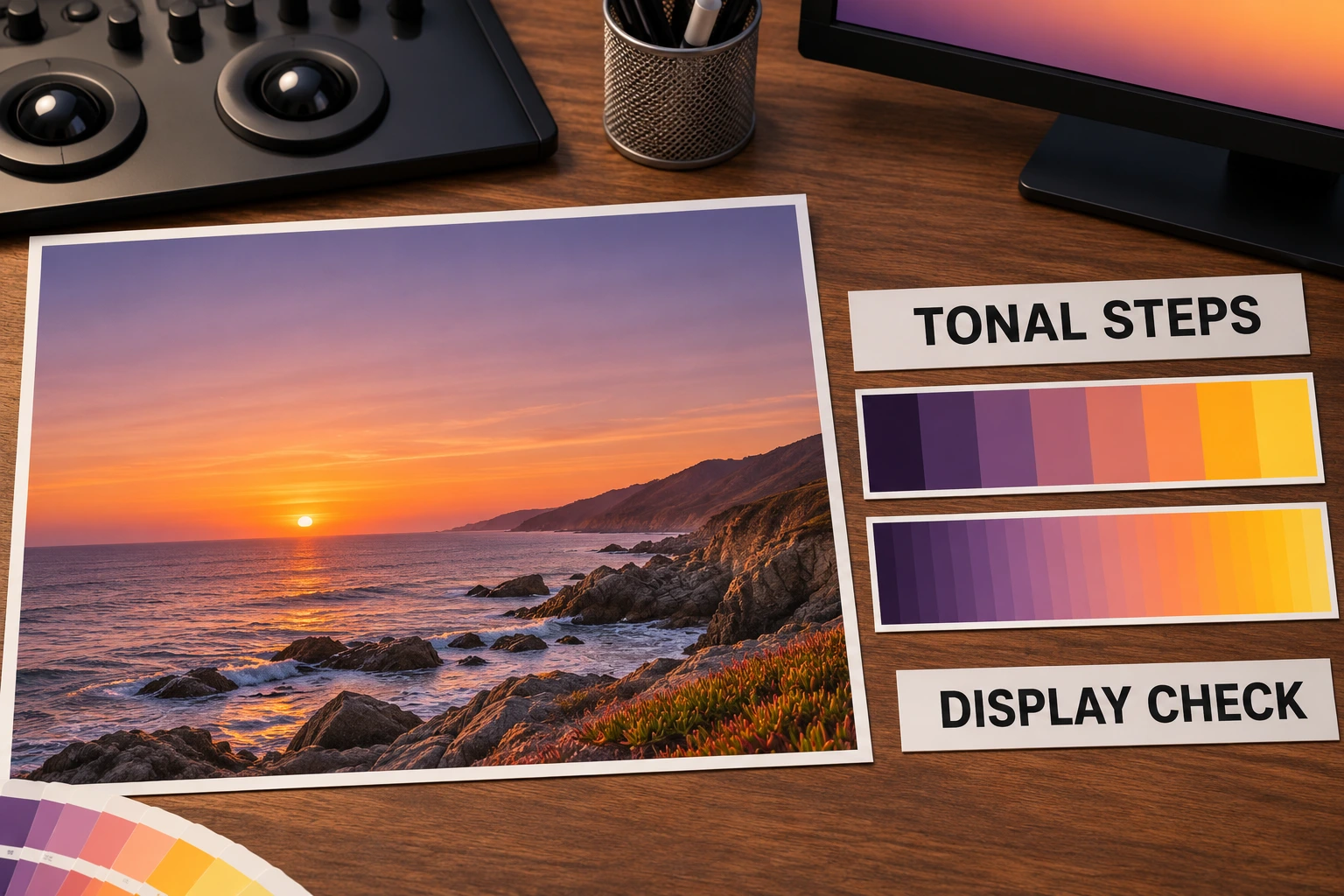
Bit depth describes how many code values can represent each channel. Eight bits provide 256 values; ten bits provide 1024. Those counts do not guarantee that a source contains smooth transitions, and a ten-bit display cannot recreate detail discarded earlier.
Compare the same gradient in both copies
- Play the original in a suitable player and inspect the same sky or shadow region. Keep the source untouched.
- If an SDR delivery is needed, make a separate copy with VideoFix: HDR Video Converter using Convert HDR to SDR.
- Compare the saved copy in the intended player. If bands appear only there, investigate that playback path; if they are already in the source, retain the best available original.
Tone mapping solves a different problem
Tone mapping fits brightness into the destination range. Quantization describes the spacing between representable values. They interact, but selecting Rec.709 or changing an extension does not itself ensure smooth gradients. Repeated lossy exports can also make a difficult gradient worse.
Set realistic expectations
It re-encodes HDR to Rec.709 SDR and exports H.264 MP4. The public listing does not promise a user-selectable ten-bit output, dithering control or a banding-removal tool. The first three conversions are free; more require purchase. The illustration explains tonal steps and is not an actual HDR display test or measured App result.
Common questions
Why are the bands visible in the export but not the source?
The export or playback path may represent the gradient differently. Compare the same frame in the same player and make one short test with a changed setting.
Will converting a banded file to 10-bit remove the existing stripes?
A higher bit depth can represent more levels. It cannot recover intermediate tones already lost in the source.
Sources and scope
Official help checked on 2026-11-25. Limits and interfaces may change. Read the relevant section for your platform and account.