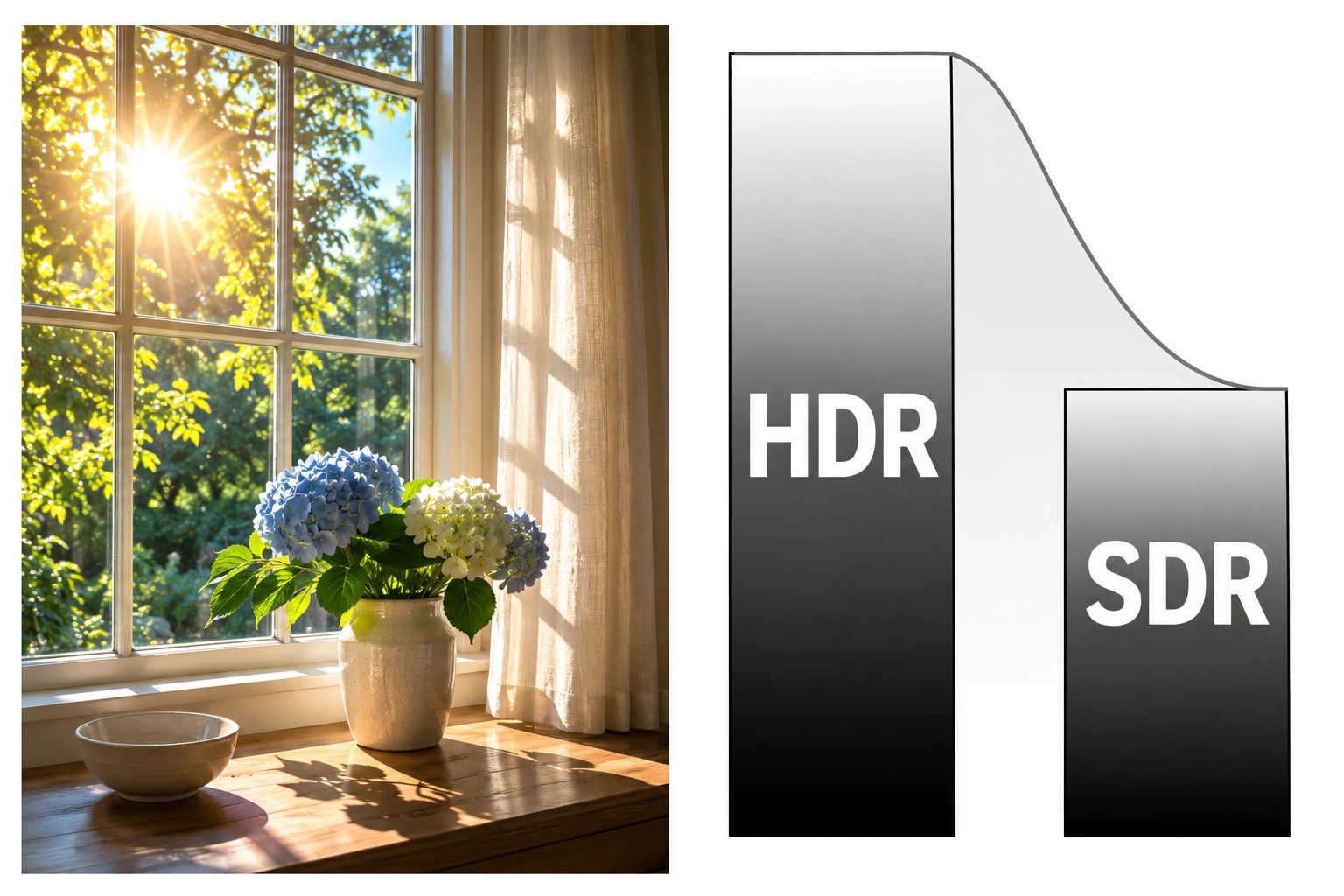
Look for detail that survives the conversion
Map, then check
Tone mapping redistributes brightness into the output range. Clipping simply cuts values beyond a boundary, potentially making distinct bright details look the same. Neither method can recover texture already missing from the source.
Make a short Rec.709 SDR copy
- Keep the tagged HDR original. Identify the intended destination: use an SDR copy when the recipient requests standard Rec.709 SDR.
- In VideoFix: HDR Video Converter on iPhone, choose Convert HDR to SDR and export a separate H.264 MP4.
- Review faces, bright windows and shadow transitions in the saved copy and in the intended player. Retain the HDR original for future work.
Why the result can look different
The conversion must decide how to represent highlights while keeping the main subject useful. Different tone-mapping pipelines can produce different contrast and highlight roll-off. A webpage illustration cannot demonstrate an HDR display’s real brightness or establish the quality of an App export.
Use a defined delivery target
The current public release converts HDR into Rec.709 SDR and re-encodes the video; it does not promise lossless recovery or expose a claimed manual tone-curve editor here. The first three conversions are free, with a purchase required for more. Check the output in the destination workflow rather than judging only the original HDR preview.
Common questions
Can tone mapping restore detail in a window that was clipped at capture?
No. It can redistribute highlight detail that exists in the original. Compare the original in a suitable viewer before blaming the conversion.
Why do two SDR copies differ even though both say Rec.709?
Different conversions can make different choices about highlights, contrast and color. Compare the same frames in the same player using the same display settings.
Sources and scope
Official help checked on 2026-11-25. Limits and interfaces may change. Read the relevant section for your platform and account.