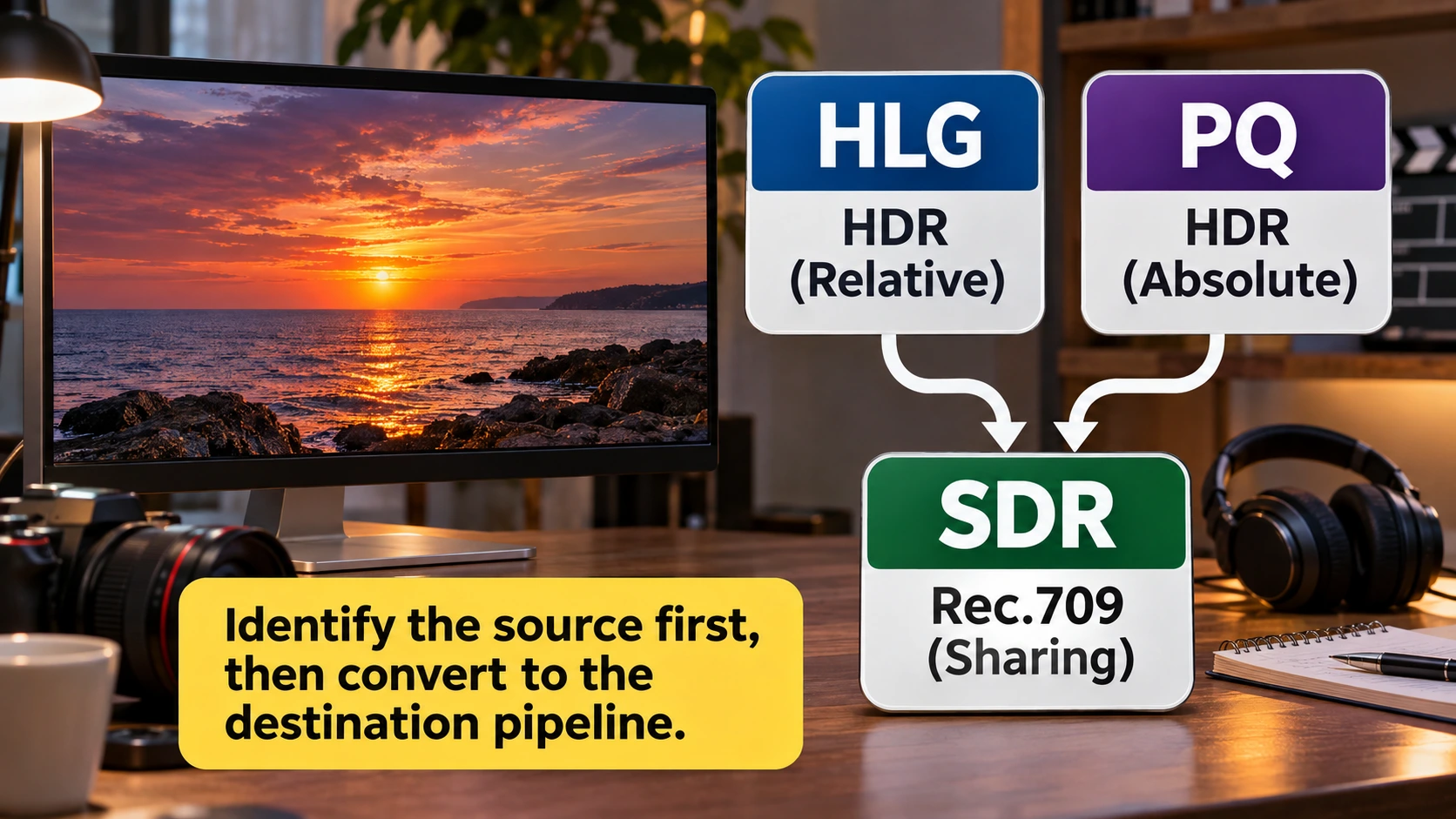
Find the transfer function
Same HDR family, different interpretation
The ICC BT.2100 registry identifies both PQ and HLG transfer functions. A .mov or .mp4 extension does not tell you which system the picture uses.
Check a copy in the intended player
- Check the source color information in a trusted editor or media inspector; keep the original tags and file.
- If the recipient needs SDR, use VideoFix: HDR Video Converter to create a Rec.709 SDR sharing copy.
- Play the result in the intended player and inspect faces, bright lights and shadows before sending it.
Why switching a label is not conversion
HLG is designed around a relative scene-based signal, while PQ describes an absolute display-light relationship. Reading one as the other can produce an incorrect image. Changing a filename, selecting H.264 or attaching a color label does not by itself perform the required transformation. Follow the source interpretation and destination color pipeline.
When an SDR copy is useful
For a destination that requests standard Rec.709 SDR, our iPhone app provides HDR-to-SDR conversion with an H.264 MP4 output. Conversion re-encodes the video and changes the highlight presentation; it is not lossless restoration. Its first three conversions are free; further conversions require a purchase. Keep HDR originals for future HDR workflows. No HLG-to-PQ conversion control is claimed.
Common questions
If my inspector only says BT.2020, have I identified HLG?
No. That may identify the color primaries. Look for a separate transfer field or the original recording settings before choosing HLG or PQ.
Do I need an SDR copy when the recipient already supports HDR?
If the original opens and displays correctly in the receiving workflow, keep it for HDR delivery. Make an SDR copy separately when another destination requires it.
Sources and scope
Official help checked on 2026-11-25. Limits and interfaces may change. Read the relevant section for your platform and account.